
Marketing agencies don’t fail from lack of tools. They fail from too many of them. Disconnected systems slow delivery, blur ownership, and turn reporting into busywork—while costs creep up through seats, add-ons, and overlapping features.
This guide focuses on building a lean, agency-ready stack that prioritizes speed, clarity, and margin control:
- Compare top agency tools by category (delivery, reporting, automation, comms, CRM, SEO, design)
- See how to assemble a clean workflow without duplicate tools
- Understand where costs scale (seats, clients, usage) before it hits your margins
Because consistent execution is non-negotiable for agencies, we also show where Campaign Monitor fits—especially for teams delivering email marketing at scale, with controls for multi-client access, permissions, and billing.
Ready to build a stack that’s actually manageable? Let’s go.
What actually makes a tool “agency-ready”?
Agency tools aren’t just about features—they’re about control at scale. As client volume grows, the risks shift from “can we do this?” to “can we do this consistently, profitably, and without errors?”
Agency-ready tools typically share a few traits: support for multiple clients or workspaces, clear permissioning, repeatable workflows, and reporting that doesn’t require manual cleanup every month.
The tools below are grouped by the operational role they play in an agency stack—from delivery and reporting to automation and governance—so you can evaluate them based on how they fit into real agency workflows, not just feature checklists.
TL;DR: Marketing agency tools at a glance
| Tool | Category | Standout for agencies | Pricing |
|---|---|---|---|
| Campaign Monitor | Email marketing | Multi-client dashboard, white-label, permissions, consolidated billing | Starts ~$12/mo; up to ~$159/mo (by plan/features/contacts) |
| Emma | Email marketing (enterprise) | Brand governance + approvals for multi-brand/multi-location | Starts $99/mo; scales; enterprise custom |
| Asana | Project management | Structured delivery workflows + dependencies | Paid from $10.99/user/mo annually; free tier available |
| monday.com | Workflow management | Customizable boards + dashboards | Free plan; $12–$24/seat/mo annually (seat minimums) |
| HubSpot Sales Hub | CRM / Sales | CRM pipeline tied to activity tracking | $800–$3,600/mo annually (core seats); onboarding fees; add’l seats extra |
| Pipedrive | CRM / Sales | Simple pipeline + activity tracking | Trial; ~$14–$24/user/mo annually (tiered) |
| Sprout Social | Social management | Approvals + analytics + reporting | ~ $199/user/mo annually (tiered) |
| Hootsuite | Social management | High-volume scheduling + reporting | $149/user/mo (Std) and $399/user/mo (Adv) monthly; enterprise custom |
| AgencyAnalytics | Agency reporting | White-label dashboards + automated reporting | $79–$479/mo; add’l clients separate; enterprise custom |
| Looker Studio | Reporting & dashboards | Flexible dashboards with templates | Free; Pro $9/user/project/mo annually |
| Zapier | Automation | Broad integrations + reusable workflows | Free (100 tasks/mo); $29.99–$103.50/mo; enterprise custom |
| Make | Automation | Logic-heavy workflows + data handling | Free; ~ $34/mo; enterprise custom |
| PandaDoc | Proposals + eSign | Branded proposals + tracking | Free eSign plan; paid ~$19–$49/user/mo annually; enterprise custom |
| AgencyHandy | Client portal / ops | Client-facing portal + billing + tasks | $19–$199/mo; annual discount; lifetime options |
| Semrush | SEO / PPC / competitive | SEO + PPC + competitive insights | Starts $199/mo; up to $549/mo; custom available |
| Slack | Communication | Channels + search + integrations + workflows | Free to ~$18/user/mo; Enterprise+ custom |
| Canva | Design production | Fast content + Brand Kit + collaboration | Free to $10/user/mo; enterprise custom |
Note: The features, pricing, and details mentioned for each product are as of December 2025, and may have changed since then.
How these tools fit together in a real agency stack
No agency uses all of these tools at once—and they shouldn’t. Most mature agency stacks follow a simple pattern: one system to manage work, one to manage communication, one to report results, and a small layer of automation to connect everything.
The tools below aren’t meant to replace each other. They’re meant to cover distinct operational roles, so agencies can avoid overlap while still supporting delivery, reporting, and growth.
As you read through the list, focus less on “best overall” and more on which tools earn their place by solving a specific operational problem in your agency.
1) Campaign Monitor – email marketing built for multi-client agency management
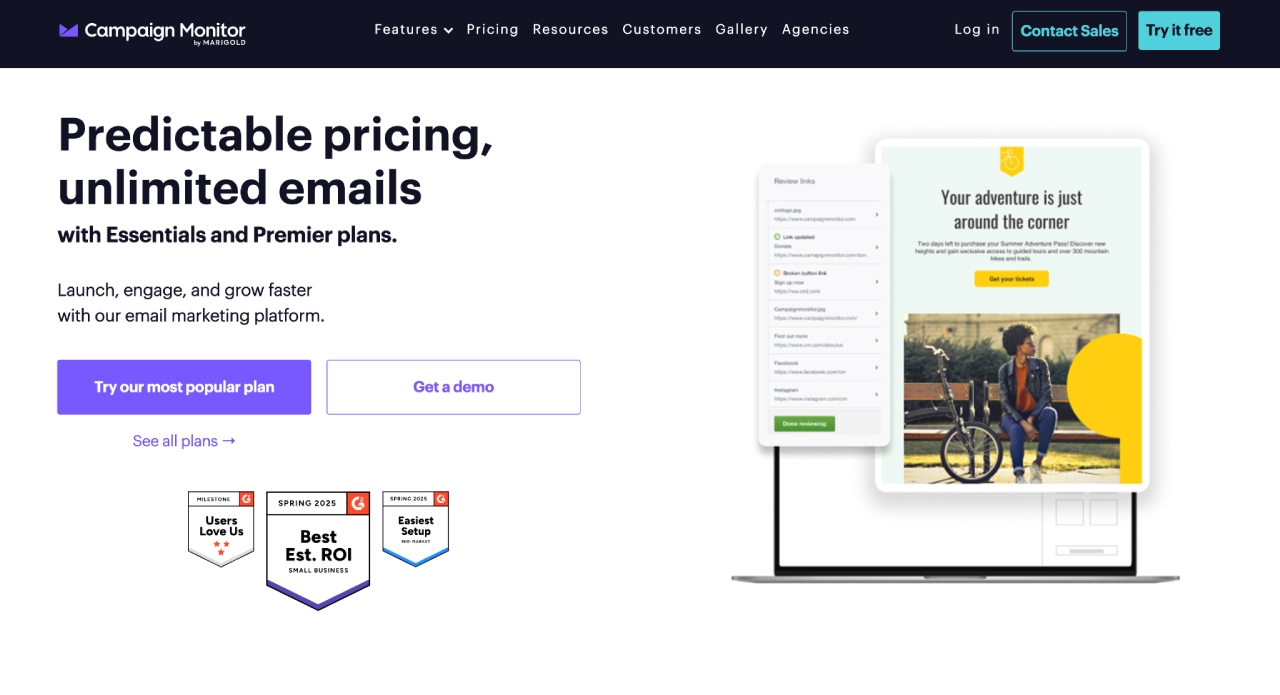

Campaign Monitor is an agency-focused email platform with a multi-client dashboard that lets you manage all client accounts from a single interface.
Unlike generic tools, it was built specifically with agencies in mind: you can rebrand the interface, manage granular user permissions, and handle billing and client management from within the platform.
Features that make it great for agencies:
- Agency Dashboard: Manage all client accounts from one unified interface without juggling multiple logins or passwords across platforms
- White-Label Capabilities: Full branding control lets you maintain your agency identity throughout the client experience while hiding Campaign Monitor branding
- Granular Permissions: Set precise user roles so clients can access their data without seeing other accounts, while team members get appropriate access levels
- Template Governance: Lock brand elements and require approval workflows to maintain consistency across campaigns and prevent unauthorized brand changes
- Consolidated Billing: One invoice covers all clients, simplifying accounting and improving cash flow management while reducing administrative overhead
Campaign Monitor is widely used in the email marketing and email deliverability categories and is frequently praised for ease of use and reliable performance.
Pricing: Offers a 30-day free trial, with plans starting at $12/month and scaling up to $159/month as features, automation, and contact limits increase.
2) Emma – enterprise-grade client management for growing agencies
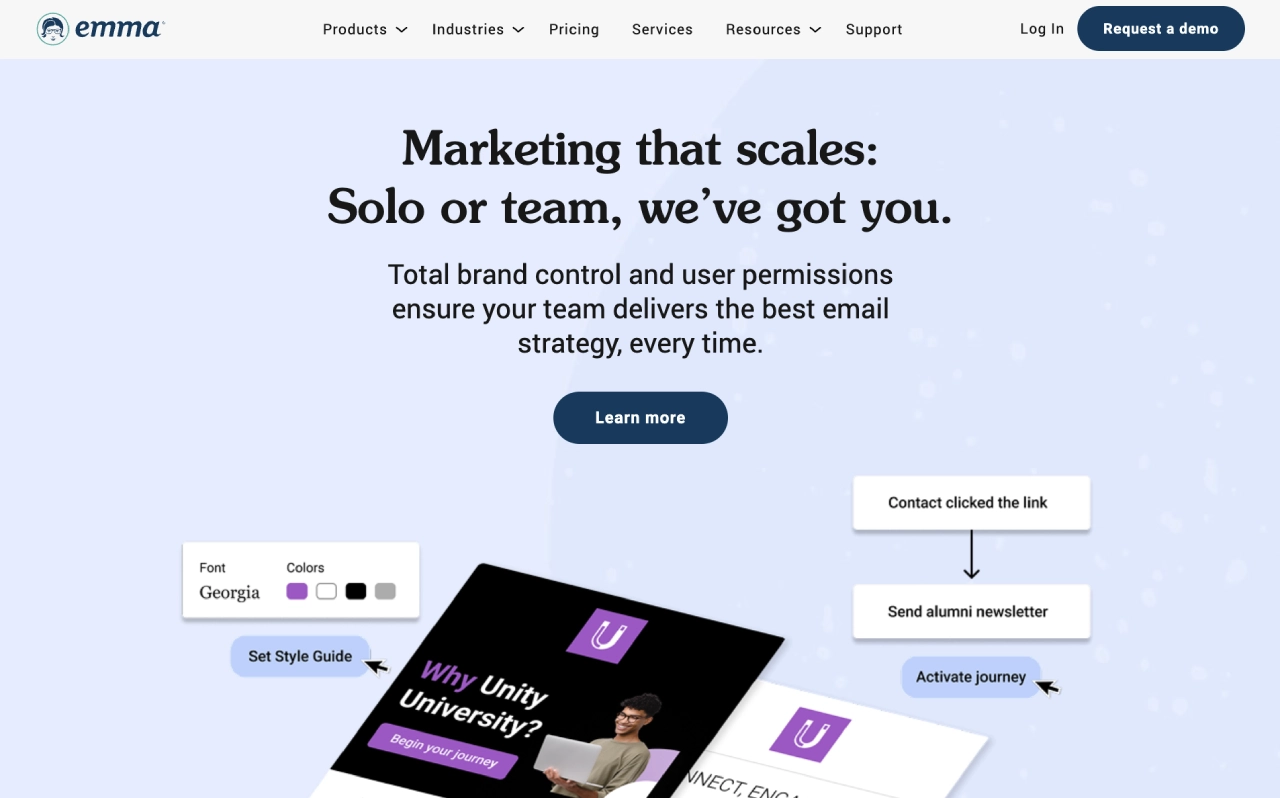

Emma is an email marketing platform positioned for teams managing brand consistency, with plans that include options like tiered account structure and brand controls for organizations with multiple groups/locations.
Best for: Agencies supporting multi-brand or multi-location organizations that need stronger brand governance.
Why it’s useful for agencies:
- Brand control: Centralized templates and assets keep client branding consistent across teams.
- Approvals & access: Role-based permissions and approval workflows prevent errors before sending.
- Multi-client structure: Manage multiple client accounts cleanly without separate logins per brand.
Pricing: Starts at $99/month, with plans scaling to $159/month and $249/month as automation, team controls, and SMS features are added, and custom pricing available for enterprise-level accounts.
3) Asana – work management platform for disciplined client delivery
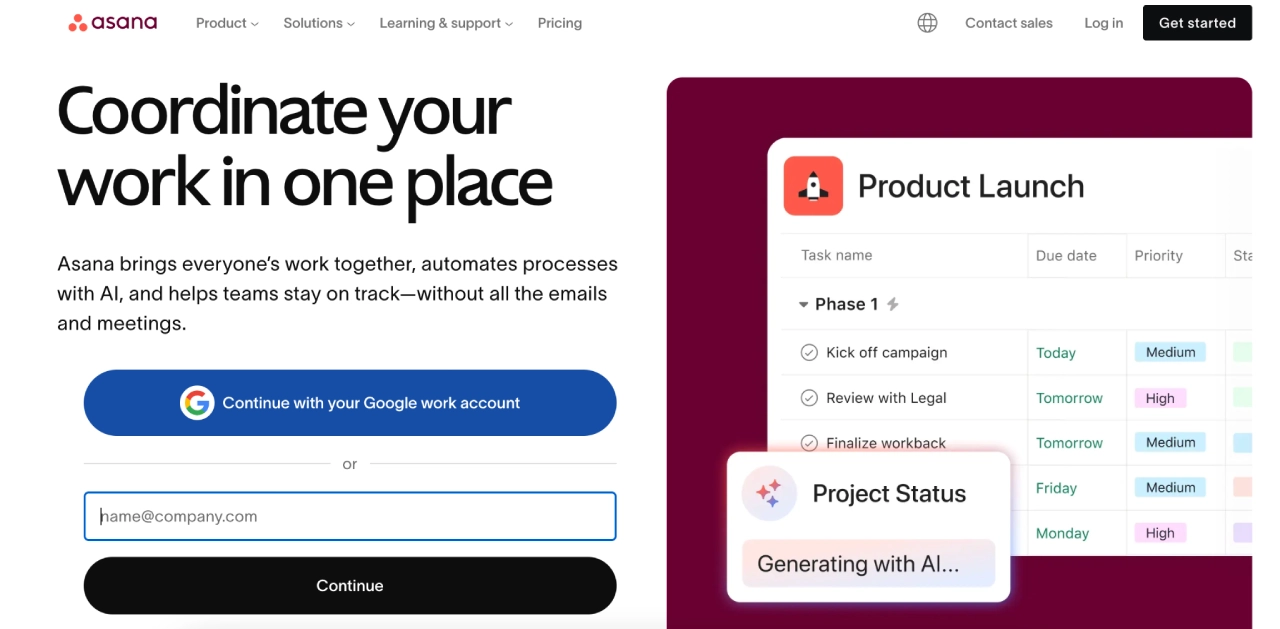

Asana is a work and project management platform that helps teams organize, track, and manage tasks and workflows in one place.
Best for: Agencies coordinating multi-step client work, deadlines, and cross-functional task collaboration.
Why it’s useful for agencies:
- Enforce process discipline: Project templates and task hierarchies help agencies run client work through clearly defined stages—from kickoff to delivery—without shortcuts or missed steps.
- Track timelines and dependencies: Timeline and project views let teams visualize deadlines, dependencies, and task status without fragmented messaging.
- Improve visibility and accountability: Centralized tracking gives teams and stakeholders a single source of truth for work progress, reducing reliance on scattered email or chat threads.
Pricing: Paid plans begin at US $10.99 per user/month (billed annually); a free tier is also available with basic task and project features and for enterprise plans, contact sales.
4) monday.com — customizable workflow management platform

monday.com is a work operating system with flexible boards, dashboards, and templates for planning and tracking projects and processes.
Best for: Agencies that need adaptable workflows and visual reporting tailored to different clients.
Why it’s useful for agencies:
- Customize workflows per client or service: Boards, columns, and custom fields allow agencies to tailor workflows and data tracking to each client’s requirements.
- Create internal & client dashboards: Visual dashboards provide at-a-glance views of progress for teams and clients alike.
- Support evolving agency models: Flexible automations and configurations make it easier to adjust workflows as services, deliverables, or reporting needs change.
Pricing: Tier-based; free plan available; paid plans start at US $12 to $24 per seat/month (billed annually; seat minimums apply). Contact sales for Enterprise plans.
5) HubSpot Sales Hub — CRM and sales pipeline platform
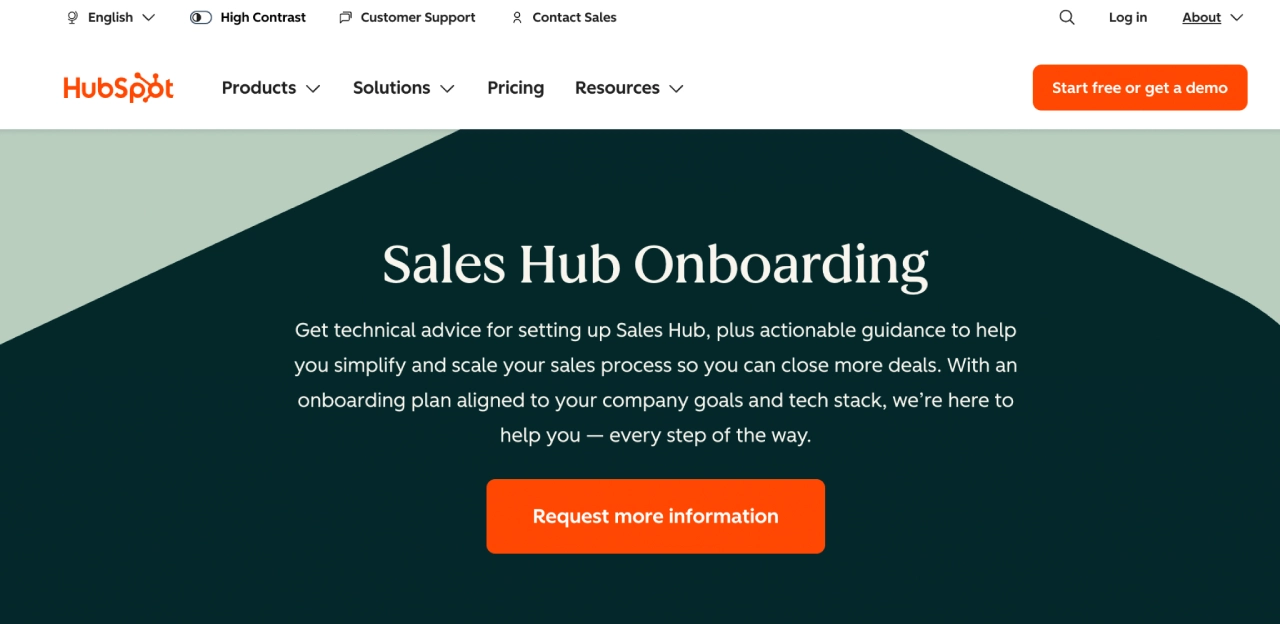

HubSpot Sales Hub is a CRM-based sales platform that helps teams track leads and deals, manage pipelines, and log sales activity in one system.
Best for: Agencies managing their own sales pipeline or supporting clients already using HubSpot.
Why it’s useful for agencies:
- Centralized deal tracking: Keep leads, deals, and activities tied to a single CRM record.
- Sales–CRM alignment: Emails, calls, and notes automatically sync to contacts and companies.
Scales with client needs: Can expand into HubSpot’s marketing, service, and ops tools when required.
Pricing: Tier-based; paid plans range from US $800 to US $3,600/month (billed annually; includes core seats). One-time onboarding fees apply; additional seats cost extra. Contact sales for details.
6) Pipedrive — lightweight sales-focused CRM
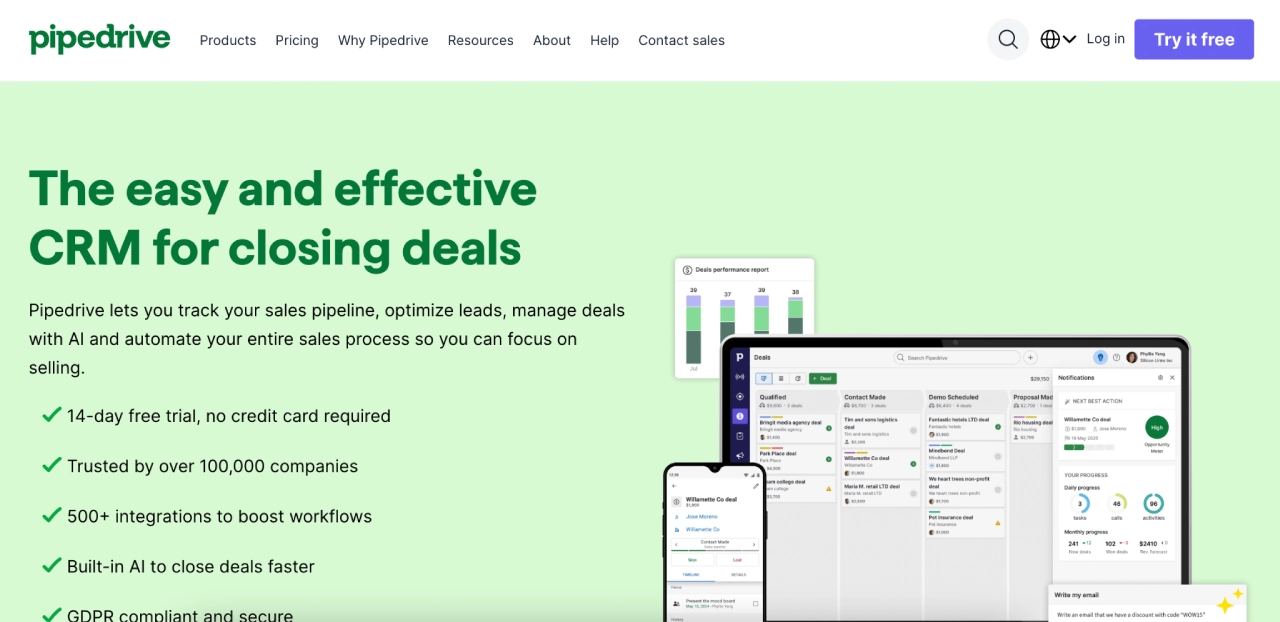

Pipedrive is a sales CRM built around a visual deal pipeline and activity tracking, designed to make managing leads, deals, and sales actions simple and clear.
Best for: Agencies that want an easy-to-use CRM to track sales stages and pipeline progress without enterprise complexity.
Why it’s useful for agencies:
- Visual deal pipelines: Drag-and-drop pipeline views make it easy to see where deals are and what actions are next.
- Activity & task tracking: Track calls, emails, and next steps tied to contacts and deals, improving sales accountability.
- Reporting & insights: Built-in dashboards help monitor deal flow, conversion rates, and key sales metrics.
- Automations & integrations: Workflow automations reduce manual work; connects with 500+ apps for data flow across tools.
Pricing: No free plan, but a 14-day free trial is available. Tiered, per-seat plans start around US $14–$24 per user/month (billed annually); higher tiers add advanced features and automation.
7) Sprout Social — social media management and analytics platform
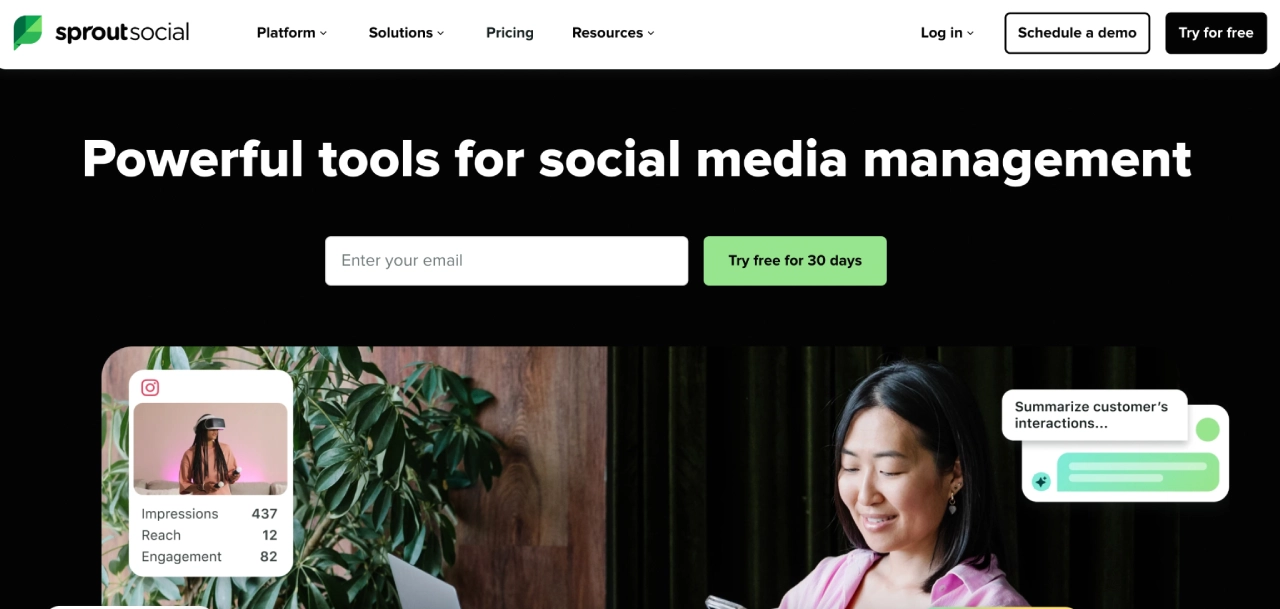

Sprout Social is a social media management platform that combines publishing, engagement, analytics, and reporting across major social networks in one interface.
Best for: Agencies that require structured publishing, approvals, and client-ready reporting.
Why it’s useful for agencies:
- Centralized publishing & scheduling: Plan, draft, queue, and publish content across networks from one dashboard with content calendars.
- Engagement & smart inbox: Manage comments, messages, and interactions from a single view to streamline community management.
- Analytics & reporting: Built-in analytics and customizable reports help agencies measure performance and demonstrate ROI to clients.
- Social listening & insights: Trend spotting and listening tools reveal audience sentiment and help refine strategy.
- Collaboration & approvals: Shared calendars and customizable content approval workflows support team coordination and client sign-off processes
Pricing: Tiered, per-seat plans starting around US $199 per user/month (billed annually); higher tiers add unlimited profiles, advanced reporting, and workflow features.
8) Hootsuite — social publishing & account management platform
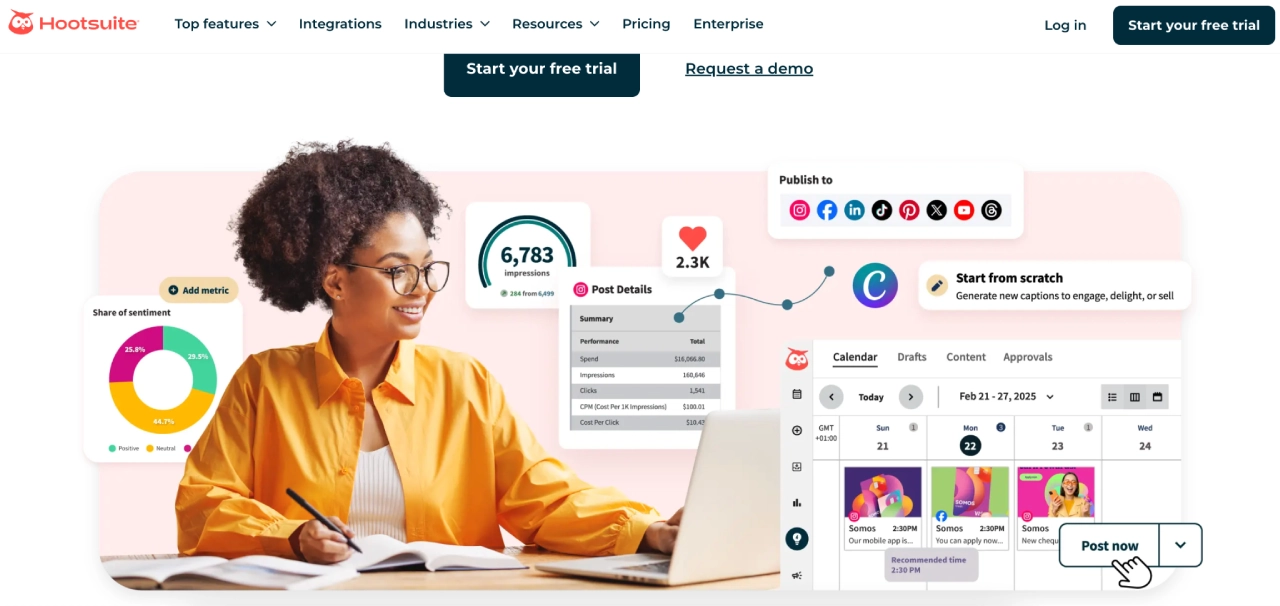

Hootsuite is a social media management platform that lets teams schedule, publish, monitor, and analyze social activity across multiple networks from one dashboard.
Best for: Agencies managing high-volume social posting and cross-client social operations.
Why it’s useful for agencies:
- Automated reporting: Create analytics reports and schedule recurring exports (e.g., email-delivered reports) to share social performance updates with clients.
- Cross-channel social analytics: View and compare performance across multiple social networks (such as Facebook, Instagram, LinkedIn, and X) from a single analytics dashboard.
- Client reporting workflows: Share insights with clients via exported reports and summaries; reporting is designed for agency use, though it does not include a dedicated live client portal by default.
- Agency-friendly management: Supports managing multiple social accounts and teams in one platform, with customizable reports suitable for client presentations (note: no native SEO rank tracking).
Pricing: Tiered, per-user plans; Standard at US $149/user/month, Advanced at US $399/user/month (billed monthly; discounts apply when billed annually). Enterprise pricing is custom.
9) AgencyAnalytics — client reporting platform for agencies
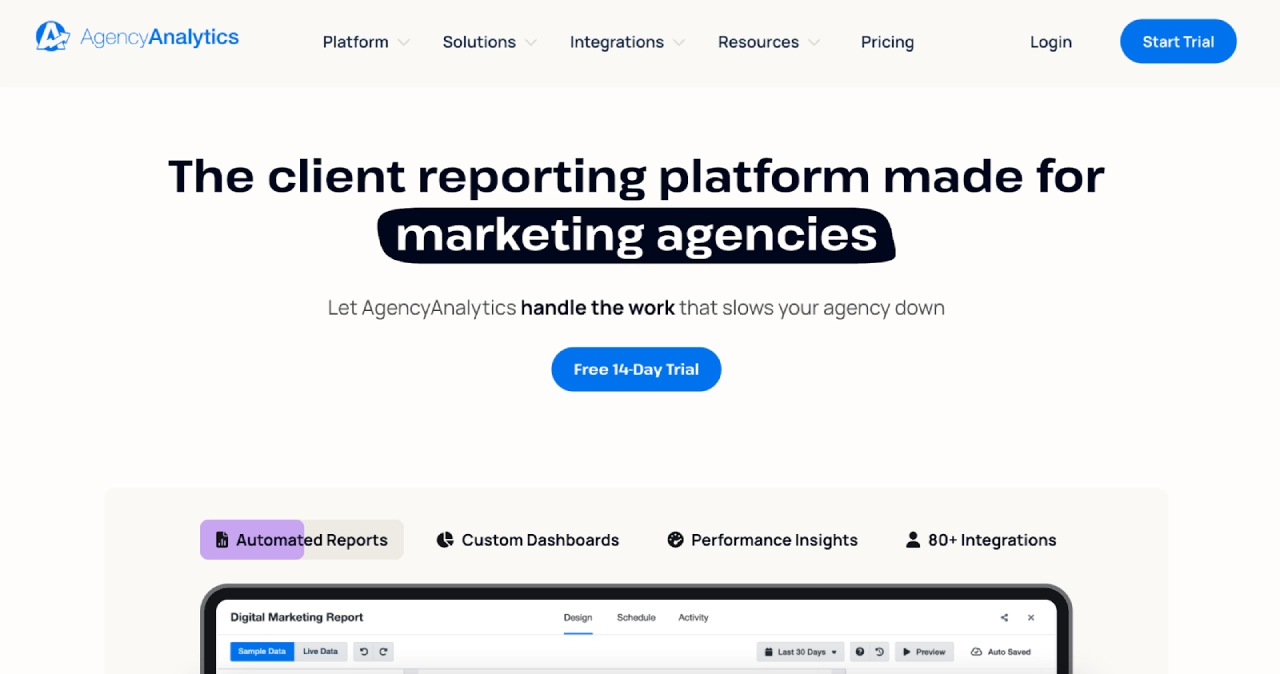

AgencyAnalytics is a reporting platform built specifically for marketing agencies to track, visualize, and report performance across multiple marketing channels in one place.
Best for: Agencies delivering recurring client reports for SEO, PPC, social media, and email marketing.
Why it’s useful for agencies:
- Automated client reporting: Create and schedule recurring reports that automatically pull data from connected marketing platforms.
- Cross-channel data aggregation: Integrates with 80+ marketing tools (SEO, PPC, social, email, analytics) to unify performance data in one dashboard.
- Client-facing access: Share live dashboards and report links with clients, or grant client user access for ongoing visibility.
- Agency-focused features: Offers white-label dashboards and reports, built-in SEO rank tracking and site audits, plus multi-client and team access management.
Pricing: Starts at $79/month and scales up to $479/month, with additional clients priced separately and custom enterprise plans available.
10) Looker Studio — customizable reporting & dashboard tool
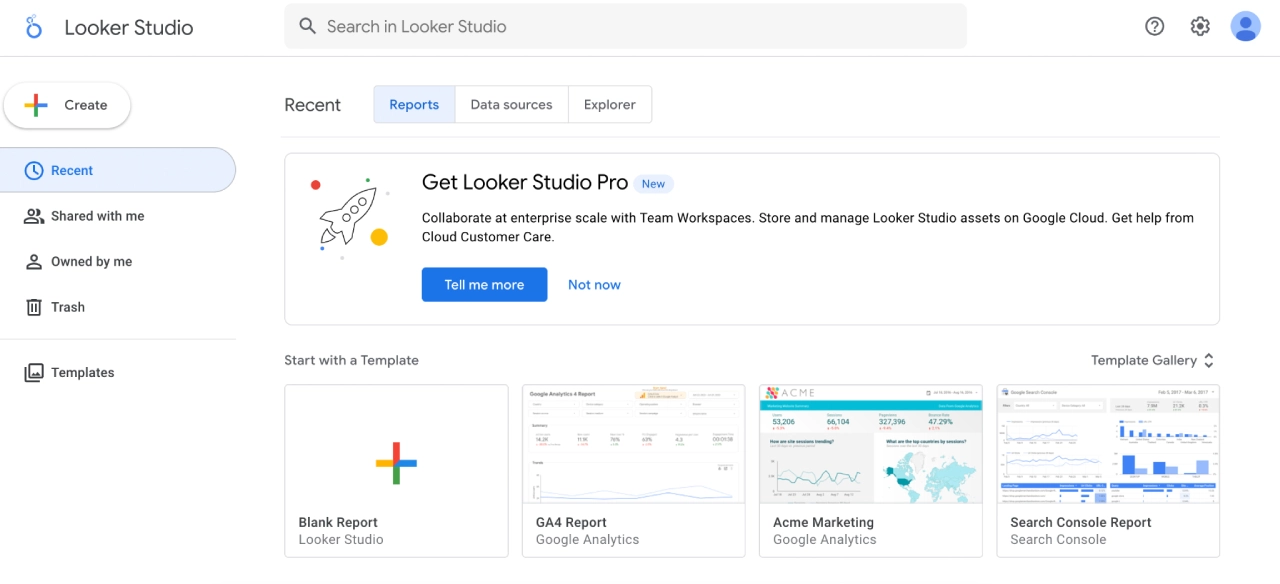

Looker Studio is Google’s free reporting and dashboard platform for creating interactive, shareable data visualizations and custom client dashboards. Looker Studio Pro adds team collaboration, governance, and automation features for a paid tier.
Best for: Agencies needing flexible, custom client dashboards with minimal per-client software fees.
Why it’s useful for agencies:
- Reusable reporting templates: Build and save dashboard templates for recurring client reporting.
- Live client dashboards: Share interactive, real-time dashboards that clients can view without exporting static files.
- Broad data source connectivity: Natively connects to Google platforms (e.g., GA4, Google Ads, Sheets) and supports third-party connectors to aggregate non-Google data.
- Custom visualizations: Drag-and-drop charts, scorecards, tables, maps, and filters let agencies tailor reports to client needs.
- Team collaboration (Pro): Pro adds shared workspaces, organization-level content ownership, scheduling, and alerts.
Pricing: Free for standard use; Looker Studio Pro starts at US $9 per user per project/month (billed annually; additional connector costs may apply)
11) Zapier — no-code automation platform

Zapier is a no-code automation platform that connects thousands of apps to trigger workflows (“Zaps”) without custom development.
Best for: Agencies automating repetitive handoffs between tools across sales, marketing, reporting, and operations.
Why it’s useful for agencies:
- Reduce manual admin work: Automate routine tasks like lead routing, data syncs, and notifications between tools.
- Keep client systems in sync: Reliably pass data across CRMs, email platforms, project tools, and reporting apps.
- Standardize processes at scale: Reusable workflows (“Zaps”) help enforce consistent operations as teams and clients grow.
- Flexible automation logic: Supports multi-step workflows with filters, delays, and conditional paths.
- Broad app ecosystem: Integrates with thousands of commonly used business and marketing tools, reducing the need for custom builds.
Pricing: Task-based, tiered pricing; Free plan includes 100 tasks/month. Pricing starts at US $29.99 – US $103.50/month, and Enterprise is custom-priced (annual discounts available).
12) Make (formerly Integromat) — visual automation & workflow builder
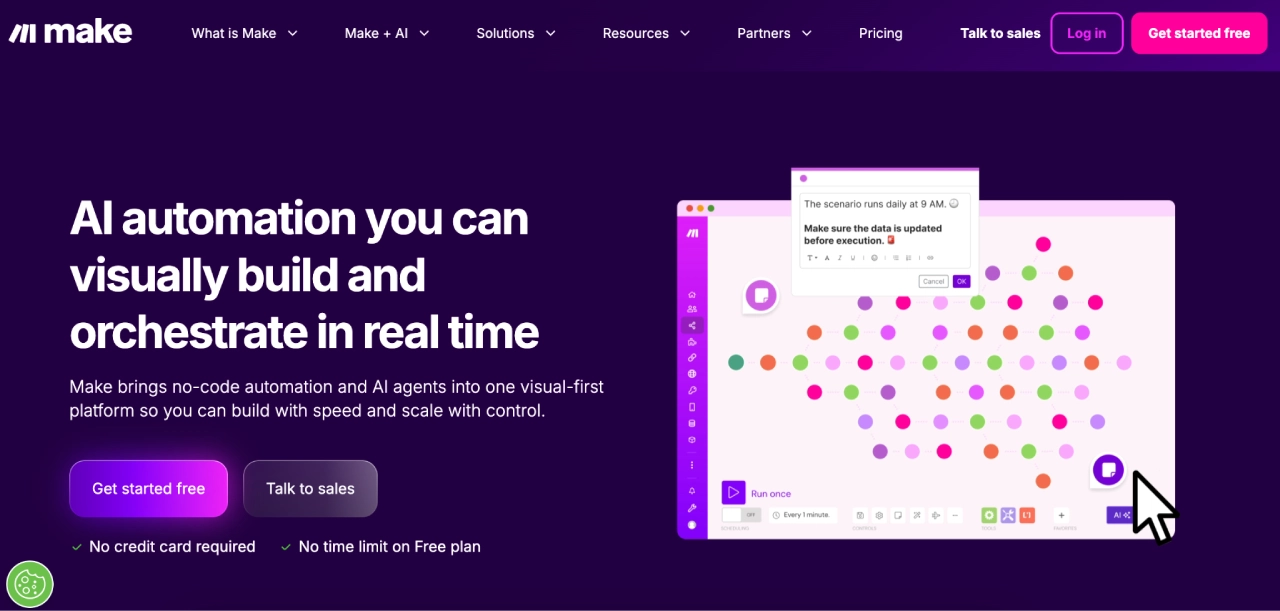

Make is a visual automation platform that lets teams design, test, and run multi-step workflows (“scenarios”) across apps using logic, conditions, and data mapping.
Best for: Agencies that need more advanced, logic-heavy automations than basic trigger-action tools.
Why it’s useful for agencies:
- Visual workflow design: Build and understand complex automations using a drag-and-drop scenario builder.
- Advanced logic & data handling: Supports branching, iterators, aggregators, error handling, and detailed data transformations.
- High-volume automation: Designed to handle workflows with larger data volumes or complex processing needs.
- Scales by usage: A usage-based (operations/credits) pricing model lets agencies scale automation intensity as needs grow.
Pricing: Pricing ranges from free to ~$34/month for standard plans, with custom enterprise pricing available for higher credit volumes.
13) PandaDoc — proposal, document automation, and eSignatures
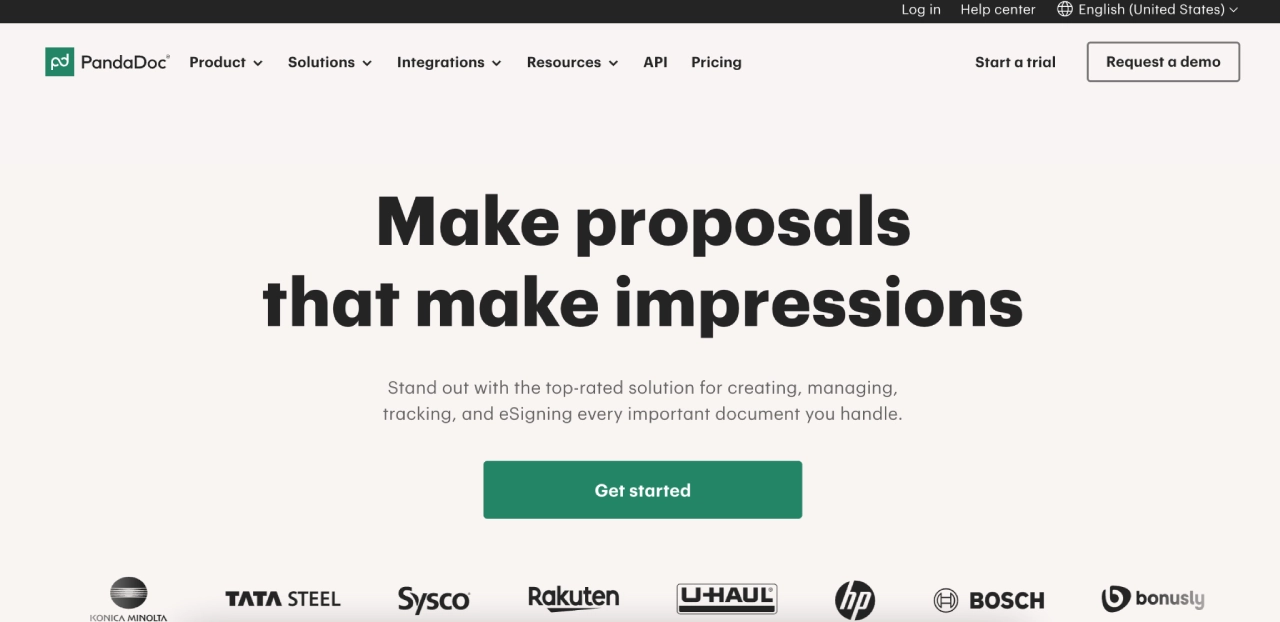
PandaDoc is a document workflow platform for creating, sending, tracking, and signing proposals, contracts, and quotes with built-in analytics and automation.
Best for: Agencies that need fast, branded proposals, streamlined approval workflows, and integrated e-signatures.
Why it’s useful for agencies:
- Professional, branded proposals: Create proposals, contracts, and quotes with pricing tables, templates, and custom branding.
- Engagement tracking: See when clients open, view, and interact with documents to prioritize follow-ups.
- Built-in eSignatures: Collect legally binding electronic signatures without separate tools.
- Workflow automation & CRM integrations: Automate approvals, reminders, and integrate with CRM systems to keep document data in sync.
Pricing: Tiered; Free eSign plan lets teams upload, send, and eSign a limited number of documents. Paid plans start at US $19– $49/user/mo, with Enterprise pricing custom (billed annually).
14) AgencyHandy — client portal & agency operations platform
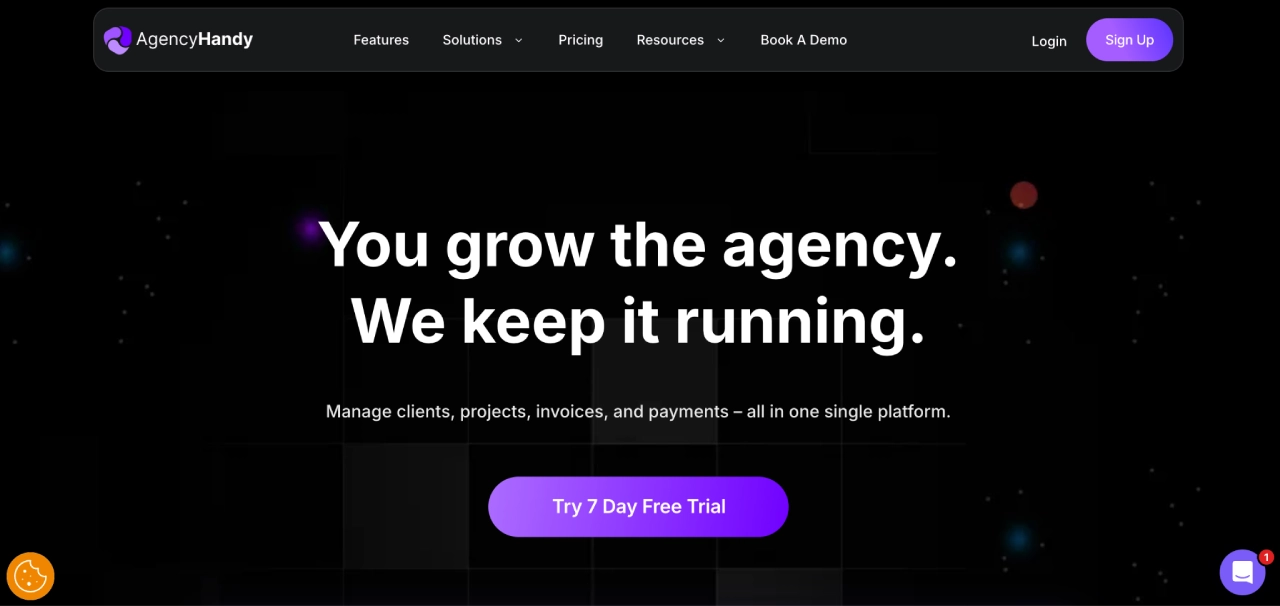
AgencyHandy is an all-in-one client portal and agency management platform that centralizes client services, project deliverables, communication, billing, and task workflows into a branded hub.
Best for: Agencies offering ongoing digital services that want a central, client-facing portal for collaboration and service delivery.
Why it’s useful for agencies:
- Clear service presentation: Display service catalogs with pricing, package options, and intake forms so clients understand offerings before engagement.
- Centralized client hub: Clients access deliverables, feedback, files, tickets, and updates in one secured portal rather than scattered email threads.
- Streamlined operations: Manage CRM, orders, task assignments, invoicing, subscription billing, and payments from a unified workspace.
- Branded experience: Customize workspace with your logo, colors, and domain so the portal reflects your agency’s brand.
Pricing: Ranges from $19/month to $199/month, with yearly billing offering 4 months free, plus a lifetime plan available from $99 to $899.
15) Semrush — all-in-one SEO, PPC, and competitive intelligence
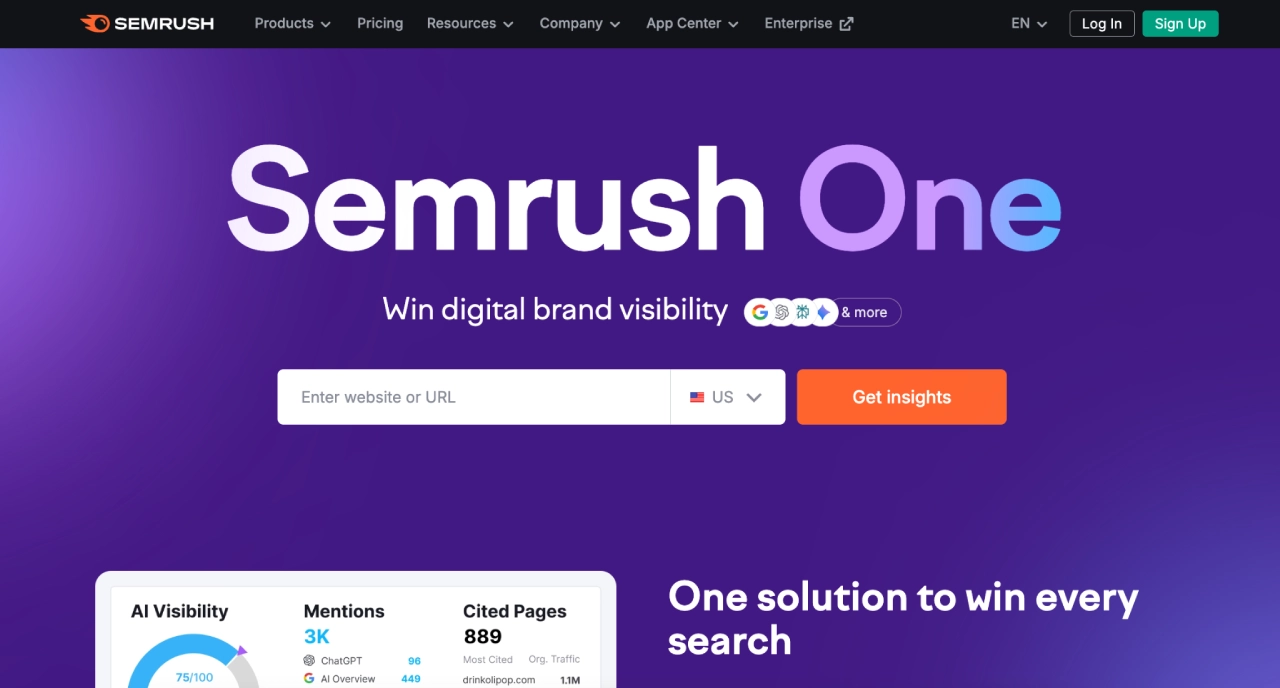

Semrush is a comprehensive digital marketing analytics platform for SEO, keyword research, competitor analysis, PPC insights, and content optimization.
Best for: Agencies offering SEO strategy, content planning, paid search management, and competitive benchmarking.
Why it’s useful for agencies:
- Competitive search insights: Analyze competitors’ traffic, keyword rankings, and SEO gaps to uncover growth opportunities.
- Keyword research & tracking: Find valuable keywords with metrics like volume, difficulty, and CPC, and monitor rankings over time.
- Technical SEO & audits: Audit site health, catch on-page and technical issues, and track progress with crawls and reports.
- Content & PPC tools: Optimize content with SEO tools and analyze paid advertising strategies and performance.
- Cross-tool reporting: Pull insights across SEO, competitive, and advertising data into unified reporting for clients.
Pricing: Pricing starts at $199/month and scales up to $549/month for advanced features and higher limits, with custom plans available for larger teams and API access.
16) Slack — team messaging & collaboration platform
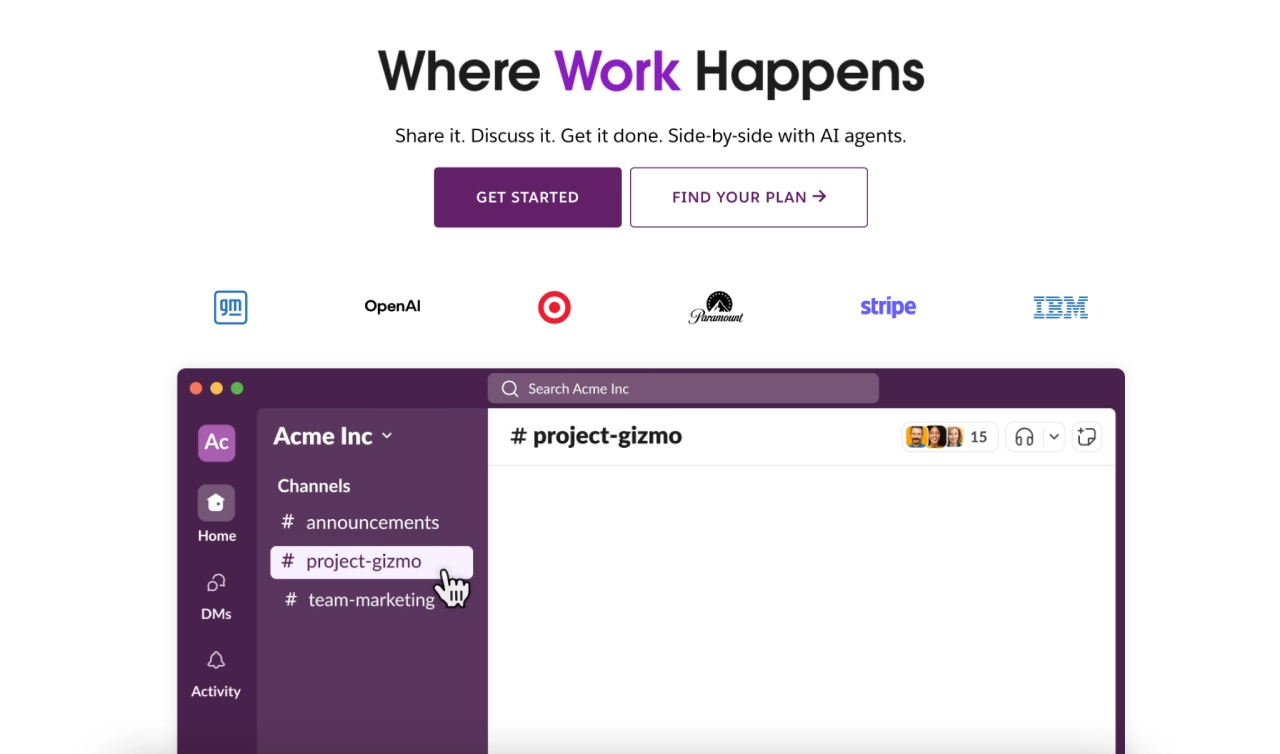

Slack is a real-time messaging and collaboration platform that centralizes channels, direct messages, file sharing, calls, and tool integrations to help teams communicate and coordinate work.
Best for: Agencies with remote or hybrid teams that need structured communication across clients, projects, and services.
Why it’s useful for agencies:
- Organize communication by client or project: Dedicated channels make it easy to group conversations by team, client, or initiative.
- Broad integrations: Connect Slack with thousands of apps (e.g., Google Drive, Salesforce, Asana) to bring tool updates and workflows into team conversations.
- Unified collaboration & search: Searchable message and file history across channels helps teams find context and reduce email dependency.
- Workflow automation: Built-in Workflow Builder automates routine tasks, reminders, and approvals without code.
Pricing: Pricing ranges from free to $18/user/month on standard plans, with custom pricing available for Enterprise+, scaling by AI capabilities, security, and admin controls.
17) Canva — visual content design platform
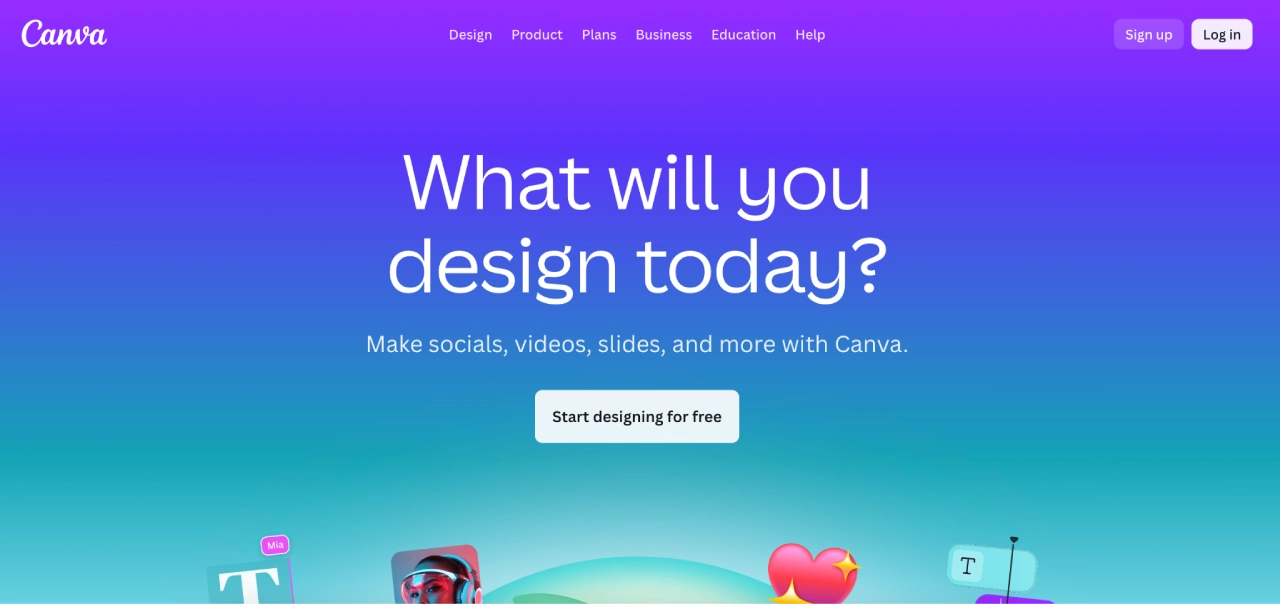

Canva is a web-based design platform for creating graphics, presentations, social content, videos, infographics, and other marketing assets with drag-and-drop tools, templates, and collaboration features.
Best for: Agencies needing rapid, on-brand content creation and team collaboration without traditional design software complexity.
Why it’s useful for agencies:
- Fast asset creation: Ready-made templates for social, ads, print, and presentations speed up client deliverables.
- Brand consistency: Brand Kit stores client logos, colors, and fonts for consistent output across teams.
- Collaboration & sharing: Shared folders, comments, and real-time editing support team workflows.
- Social planning: Built-in Content Planner allows scheduling posts directly from designs.
- Advanced design tools: Includes background remover, Magic Resize, premium stock, video, and PDF editing.
Pricing: Pricing ranges from free to $10/user/month, with custom enterprise pricing available and optional yearly billing discounts (promotional rates may apply).
How agency tool costs really scale
Agency software costs rarely grow in a straight line. They usually scale by user seats, number of clients/accounts, usage volume, or some mix of the three—and that distinction directly affects margins as agencies grow.
- Project management and team communication tools typically scale by user seats, increasing costs as headcount grows.
- Reporting, analytics, and email marketing platforms often scale by client count, audiences, or data volume, which can spike costs faster than headcount alone.
- Automation and integration tools usually scale by usage (runs, tasks, workflows, API calls), making costs harder to predict without clear limits.
A common mistake is evaluating tools only on features, not on how pricing compounds over time. A tool that looks affordable for five clients can become a margin drag at fifty.
The quick-fit guide below focuses on stack combinations that reduce cost surprises as client volume, usage, and complexity increase—without forcing early tool replacements.
How to choose marketing agency tools (quick-fit)
Use this quick-fit guide to shortlist stacks based on how you deliver and report.
| Agency type | Goal | Core stack | Optional |
|---|---|---|---|
| Small / early agency | Ship fast, avoid sprawl |
|
Campaign Monitor (if email is a service) |
| Reporting-heavy (SEO / PPC / social) | Cut reporting time |
|
Looker Studio (custom dashboards) |
| Multi-client, governance-first | Reduce errors, control access |
|
AgencyHandy (client portal) |
| Full-funnel / pipeline-focused | Connect leads → sales |
|
PandaDoc (proposals & eSign) |
Contrarian insight: Agencies rarely struggle because a tool is “bad.” Problems show up when software is adopted before workflows, staffing, and service boundaries are clearly defined.
Define how your agency delivers first, then choose tools that reinforce that model—so you don’t pay for complexity you don’t use.
Ready to put the right marketing tools to work for your agency?

The best agency stacks aren’t built to impress—they’re built to run smoothly. Each tool should have a clear purpose, fit naturally into your workflows, and scale without adding friction.
When that’s in place, teams spend less time managing tools and more time delivering good client work.
Not every agency offers email marketing—but for those that do, it remains one of the easiest channels to standardize, measure, and reuse across clients. That’s where Campaign Monitor fits in.
With multi-client management, reusable templates, permissions, and automation, it helps agencies turn email into a repeatable system rather than a one-off task.
If email is part of your services, try Campaign Monitor free and see how it works within your stack.