6 minute read time
Do Forms Work in HTML Emails?

Article first published November 2007, updated January 2020
Over the years, we’ve received loads of inquiries about the use of forms in emails, such as newsletter subscribe forms, event registration, and surveys.
So we decided to run some tests to get to the bottom of just how well forms are supported in all the major email environments.
Info from our original 2007 article
Is it okay to use forms in emails? It’s not the best idea. But what do you say when your client asks you to put one in an email? You can either tell them “no” for reasons which may not make sense to them, or you can back up your defiance with some hard evidence.
The short of it is that email clients consider email forms to be a security risk. While some email clients simply warn you of potential danger, others outright disable the forms.
So, if your client wants to send out a form, they should know that most of their recipients will never be able to use it. And, for those who can, they’ll think twice about submitting data when they see a warning from their email client.
Results summary
Common email clients share a propensity to distrust forms in email messages. But they differed greatly in how they handled the intruding forms. Following are some notable oddities.
External data submission
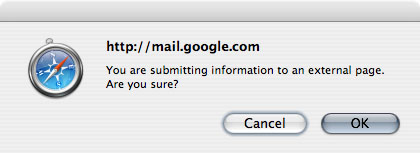
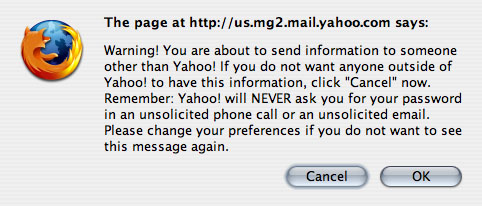
Upon submitting a form in many webmail clients, a JavaScript alert announces that the form is submitting data to an external page and asks if you want to continue:
Scam alerts
Thunderbird recognizes that the form may be malicious but doesn’t strip its functionality. Instead, it warns you of potential danger:

Odd behavior
Windows Live Hotmail shows the form. However, the form functions in an odd way, and certainly not correctly. If the form is submitted by keying the “return” key, the page is refreshed, but no data is sent and the process is not completed.
If the form is submitted by clicking the submit button, nothing happens. Outlook 2007 also exhibits some unique behavior in that it custom renders the form. Inputs are replaced with brackets and the submit button is replaced with the button’s value enveloped in brackets.
So it’s a plain-text version of what the form would look like, even though the HTML is being displayed.
Complete results
| Client | Form is displayed | Form is functional |
| .Mac | Yes | No |
| Yahoo! Mail | Yes | Yes |
| Yahoo! Mail Classic | Yes | No |
| AOL Webmail | Yes | No |
| Gmail | Yes | Yes |
| Windows Live Hotmail | Yes | No |
| Apple Mail | Yes | Yes |
| Thunderbird | Yes | Yes |
| Penelope (Eudora 8) | Yes | Yes |
| Outlook 2007 | No | No |
| Outlook 2003 | Yes | No |
| Outlook Express | Yes | Yes |
| Windows Live Mail | Yes | Yes |
| Lotus Notes 8 | Yes | Yes |
| Entourage | Yes | Yes |
The recommendation
Given the sporadic support for forms in emails, we recommend linking to a form on a website in an email rather than embedding it. This is the safest, most reliable solution to pairing an email message with a form. More people will see it and be able to use it and, as a result, participation will increase.
Why forms are still relevant today
Email marketing has come a long way since our initial study in 2007. In fact, while many email service providers still warn against the use of forms in an HTML email, there are ways to incorporate them into your marketing strategy without triggering the ESP’s spam filter.
There are several reasons as to why you may want to include a form in an email, including:
- Customer feedback
- Survey
- Boost engagement
Just like with anything else in email marketing, you have to follow a specific set of best practices, and that also goes for the inclusion of forms in your email content.
Source: Really Good Emails
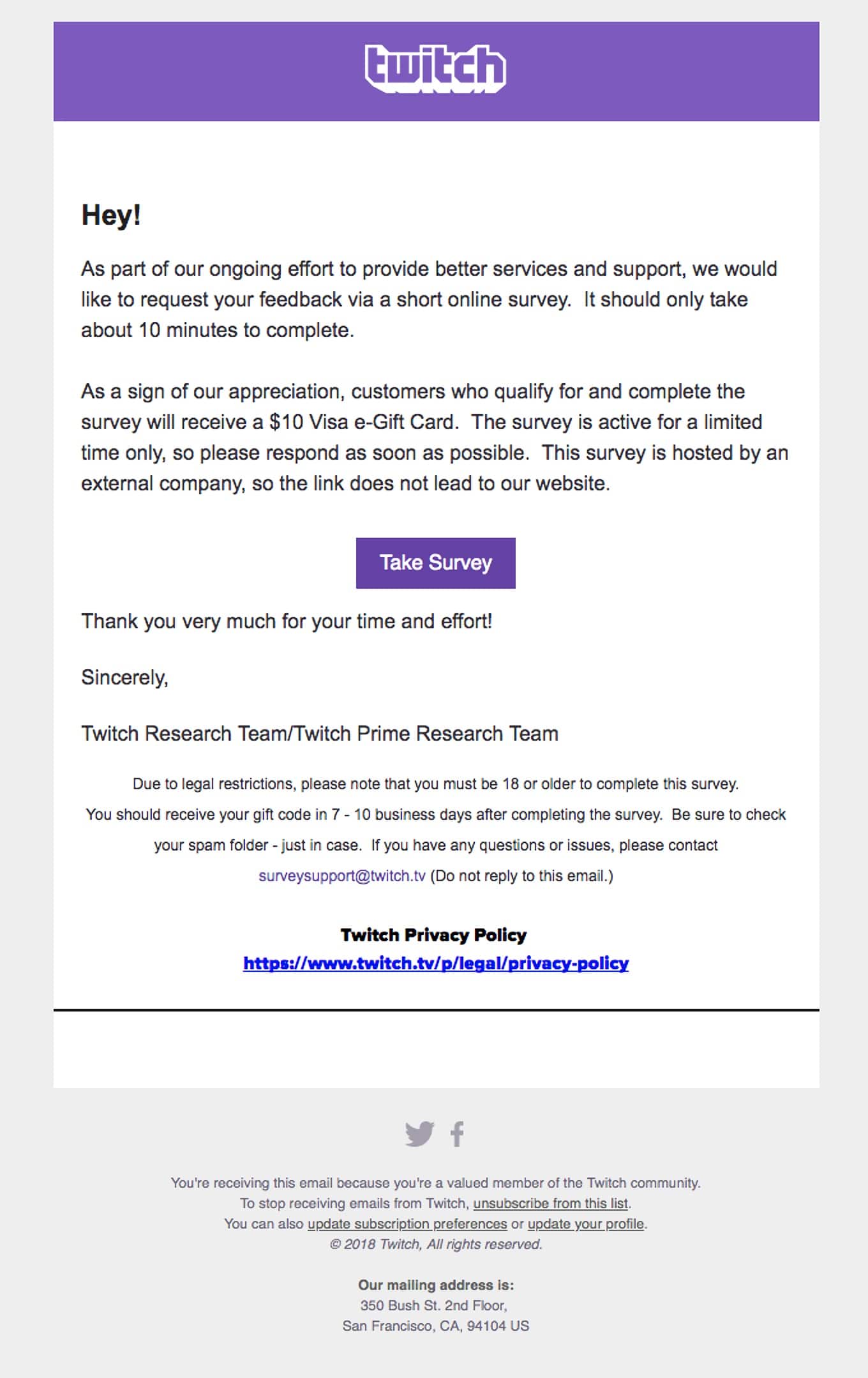
In this example from Twitch, instead of embedding the form directly into their email, they’ve decided to ask their subscribers to head over to a landing page to take their survey. This is an excellent idea because website landing pages are much more secure than an email.
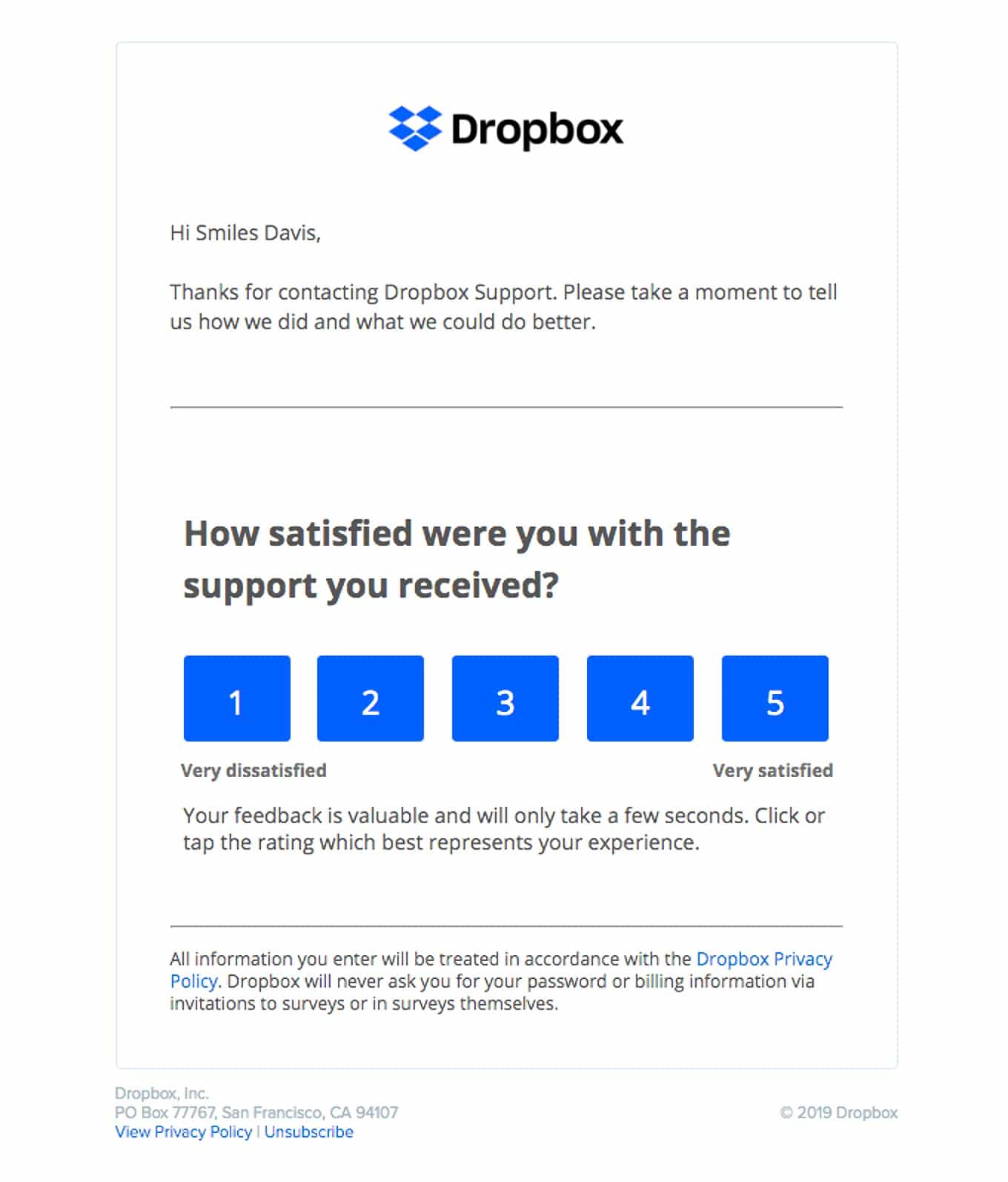
Another way to include a form in your email is to keep it very simple and not ask for any personal or identifying information. Asking for information such as your subscriber’s name, location, or contact information can seem rather suspicious, which is why most ESP’s have filters set up to prevent these types of messages from landing in their client’s inboxes.
So, instead of asking for personal information, keep the included form simple, such as this example from Dropbox.
Source: Really Good Emails
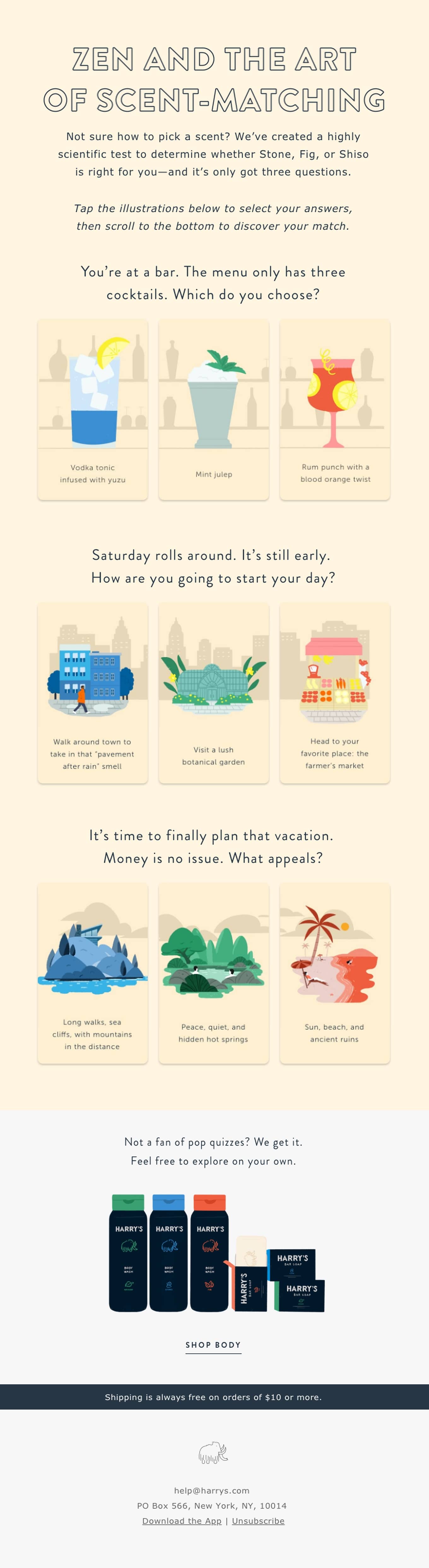
If you’re looking for creative ways to boost your user engagement rates, then including a form in your email is a great idea. However, just like in the example from Dropbox, you want to forgo any personal information. Instead, try embedding a fun survey to help your customers find a product that’s right for them like Harry’s did in their email to subscribers.
Source: Really Good Emails
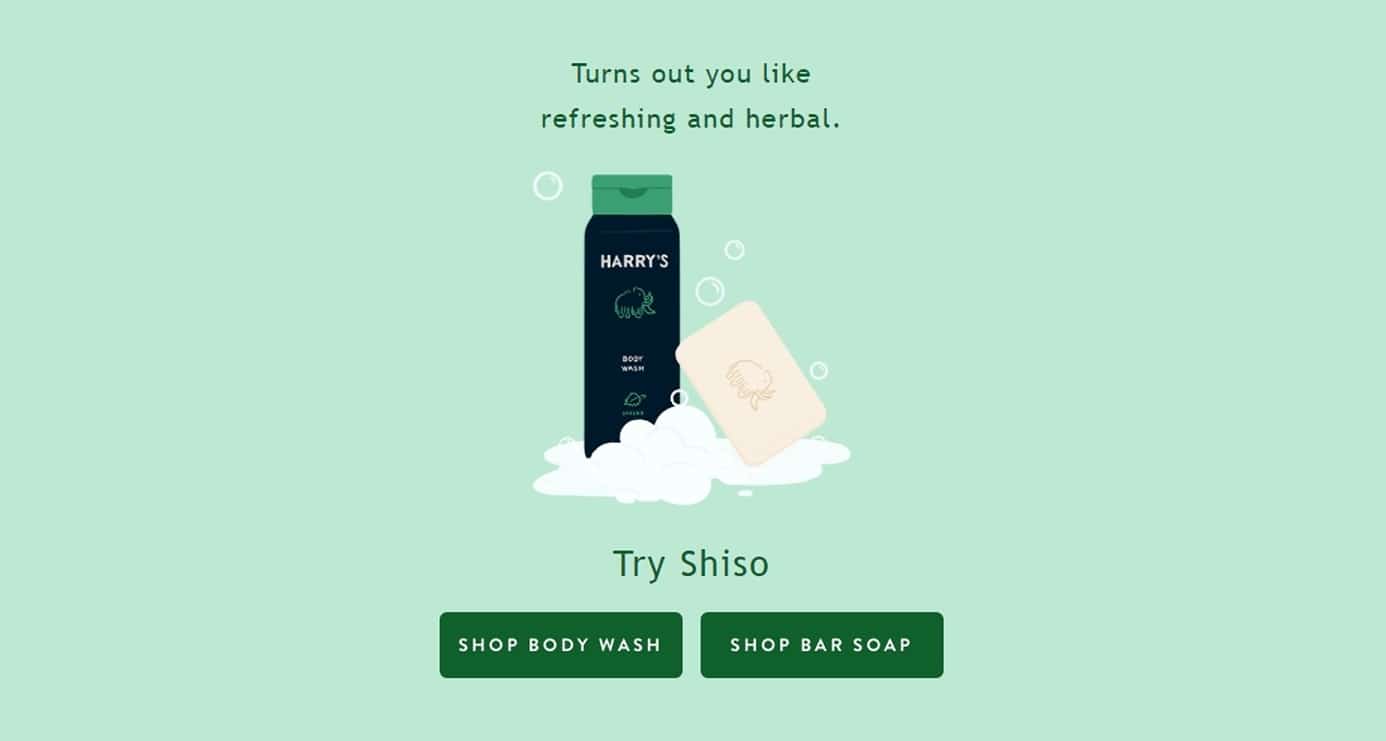
When the subscriber goes through and picks their answers, they’re then given a product suggestion.
Source: Really Good Emails
Forms like these are a fun way to keep your readers engaged without asking them for anything too personal. When designed right, these emails won’t trigger an ESP’s spam filter the way traditional forms do.
Wrap up
Forms and surveys, when done right, are valid pieces of content that help you better get to know your email subscribers and help increase overall user engagement. While many email service providers still have spam triggers set up to block forms in HTML emails, there are ways to get around the spam triggers and still include your forms in some capacity. Instead of a traditional form, consider one of these tips:
- Include a CTA that leads subscribers to a dedicated landing page that houses your survey.
- Make sure your survey doesn’t include any personal information, as most ESP’s will block it to protect their clients.
- Boost engagement with fun quizzes/surveys that don’t require any personal or identifying information.
Are you ready to start building outstanding emails that your subscribers will love? Request your live demo of Campaign Monitor today.