Email template builder FAQs
Curious about email templates? Learn more about Campaign Monitor's email template builder.
What is an email template builder?
An email template builder is a tool that helps you create professional-looking marketing emails without having to start from scratch. You can use prebuilt layouts and drag-and-drop content blocks to design emails that look good and don’t take much of your time.
Do I need coding experience to create marketing emails?
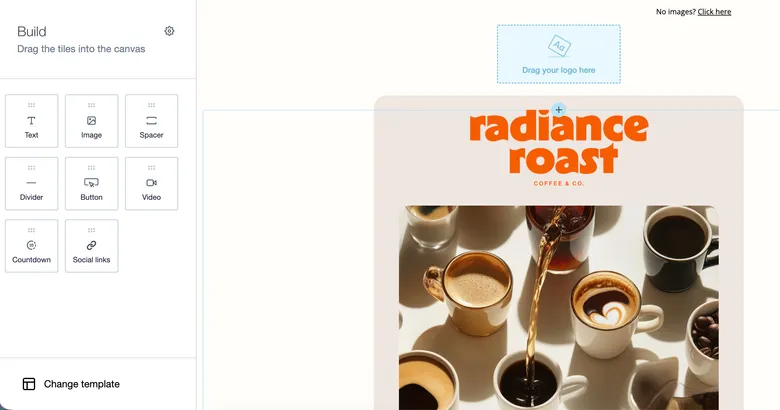
No, you don’t need coding experience to create professional-looking marketing emails. The right email builder makes it easy. Campaign Monitor’s drag-and-drop email builder lets you customize templates and build branded campaigns with no need for technical or design knowledge. That means your team can focus on the message and the offer instead of troubleshooting HTML.
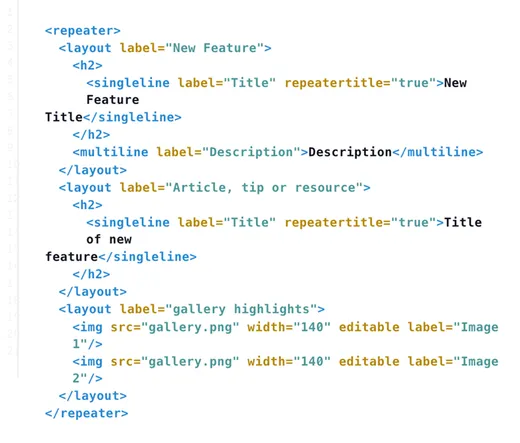
Just choose a template, add your content, make edits to your liking, and you’re ready to send an email that looks like it’s come from an agency. That said, if you do want to code your own emails, Campaign Monitor’s developer resources give you full control.
How do email templates help save time in campaign creation?
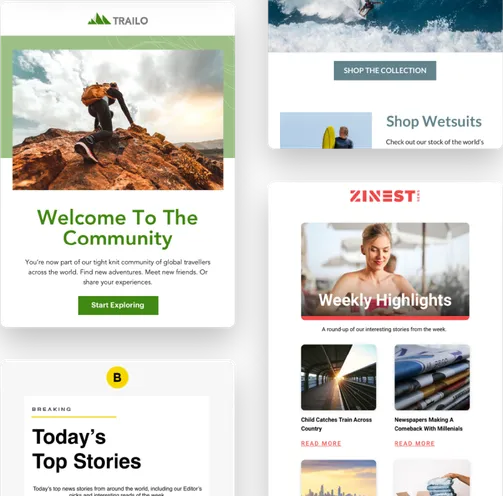
Email templates help save time by giving your team a ready-made structure to work from. Instead of starting with a blank screen every time, you can use prebuilt templates as a starting point for any kind of email. Campaign Monitor’s email template builder gives you options for newsletters, product launches, promotions, welcome messages, and other popular campaign themes.
Templates also reduce repetitive work. Once you have a layout that fits your goals, your team can just update copy, images, links, and calls to action without rebuilding the entire email. The extra speed helps you move from idea to inbox faster while maintaining the same quality.
Are email templates optimized for mobile devices?
Campaign Monitor’s email templates are responsive, which means they’re designed to adapt dynamically and look good across mobile, desktop, and tablet screens. Responsive templates make sure your images, buttons, and text look good no matter where your users read your email.
How can I keep my branding consistent across every email campaign?
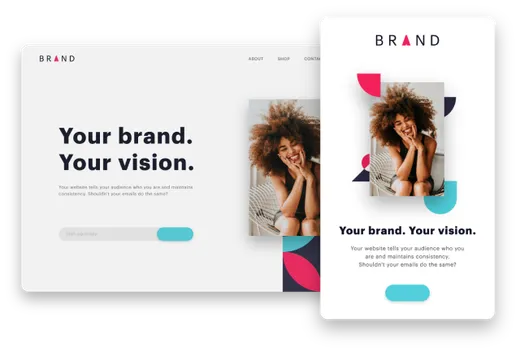
You can keep your branding consistent by setting up a “master template” that includes your preferred colors, fonts, image style, logo placement, and button design. Once those elements are set, using the same template as a foundation for every new email maintains the same look and feel, even if a different team member creates it. Design consistency keeps your brand instantly recognizable in the inbox and makes your brand seem more professional.
Can teams collaborate on email templates?
Yes. Email templates can make collaboration easier by providing a shared starting point for everyone. Designers can build the structure, writers can create and add copy, marketers can adjust offers and codes, and reviewers can check every detail before the campaign goes live.
Templates also help teams work faster with fewer back-and-forth edits. With the layout, branding, and main content areas defined, each person can focus on their part of the campaign and receive quick feedback. Collaboration keeps production organized and helps your team send more consistent emails at scale.