20 minute read time
Best AI Tools for Marketing Agencies
AI tools promise scale. Most create chaos. The real win comes from choosing a stack that speeds up delivery, protects margins, and actually improves the work your team ships—not just automates for automation’s sake.
This guide breaks down how to do exactly that, with real examples and practical takeaways:
- Compare top AI tools by category
- See how to plug AI into an agency workflow without breaking processes
- Understand the true cost, limits, and risks before you invest
And because AI only works when paired with reliable comms, you’ll also see where Campaign Monitor fits in—with on-brand templates, advanced segmentation, and automations that keep client campaigns consistent even as your AI stack scales.
Ready to build a smarter, faster, margin-friendly workflow? Read on.
TL;DR: Best AI tools for marketing agencies at a glance
| Tool | Category | Standout feature | Price range |
|---|---|---|---|
| Campaign Monitor | Email + automation | Prebuilt journeys, dynamic content, send-time optimization; agency multi-client tools (parent/child) | Varies by list size and plan (Lite, Essentials, Premier). |
| Jasper | Content creation | Brand Voice + Instant Campaigns | Pro ~US $59/month per seat billed annually (US $69 monthly); Business plan with custom pricing. |
| Copy.ai | Content ops | Workflows + trainable Content Agents | Plans from US $29/month to US $249/month, with custom Enterprise pricing. |
| Madgicx | Ads management | AI Performance Chat + creative fatigue detection | Plans start at US $99/month; add-ons like Tracking & Attribution Suite at US $49/month. |
| Synthesia | AI video | Text-to-video avatars + 120+ languages | Free plan (~3 minutes/month); paid plans from US $29/month, Creator plan around US $89/month. |
| AdCreative.ai | Ad creative | Predictive Creative Score + unlimited generations | Plans start at US $39/month (Starter) up to US $599/month for agency-level plans. |
| Heatmap AI | CRO + UX | AI heatmaps + scroll maps + instant conversion insights | Free trial; full plans via demo/quote, varying by traffic and features. |
| WhatConverts | Attribution | Call/form/chat tracking + revenue attribution | Plans start at US $30/month (basic) up to US $160/month for full lead source tracking. |
| Supermetrics | Data pipelines | Cross-channel connectors to Sheets/Looker/DWH | Starts at US $37/month for basic use; up to US $499/month for more sources, refreshes, and seats. |
| AgencyAnalytics | Reporting | Multi-client dashboards + white-label reporting | Starts at US $79/month for a small number of clients; higher tiers unlock more clients and features. |
| Zapier | Automation | Multi-step Zaps + AI Copilot | Free plan available; paid plans start at US $19.99/month (billed annually). |
| HubSpot AI | CRM + content | AI agents inside CRM + content assistants | Free CRM tier; advanced marketing/CRM features on paid plans depending on users and tools. |
| Hootsuite | Social content | AI captions, hashtag generation | Tiered subscription plans; pricing varies by number of social accounts and features, with a free trial. |
| FeedHive | Social scheduler | AI post gen + smart scheduling | Plans start at US $19/month; Agency plan up to US $299/month (supports up to 500 accounts, white-label). |
| Textedly | SMS & MMS marketing | SMS/MMS mass texting + automated campaigns with AI-assisted message generation | Free starter; plans from ~$29/mo for ~500 texts up to scalable high-volume tiers |
| DALL·E 3 | Image gen (API) | Text-to-image with style consistency | Usage-based; cost depends on image credits or subscription tier. |
| Midjourney | Image gen | High-quality creative generation | Subscription model with tiers that vary by image generation volume and access level. |
17 Best overall AI tools for marketing agencies (Quick Picks)
1. Campaign Monitor — Best for multi-client email marketing & automated journeys
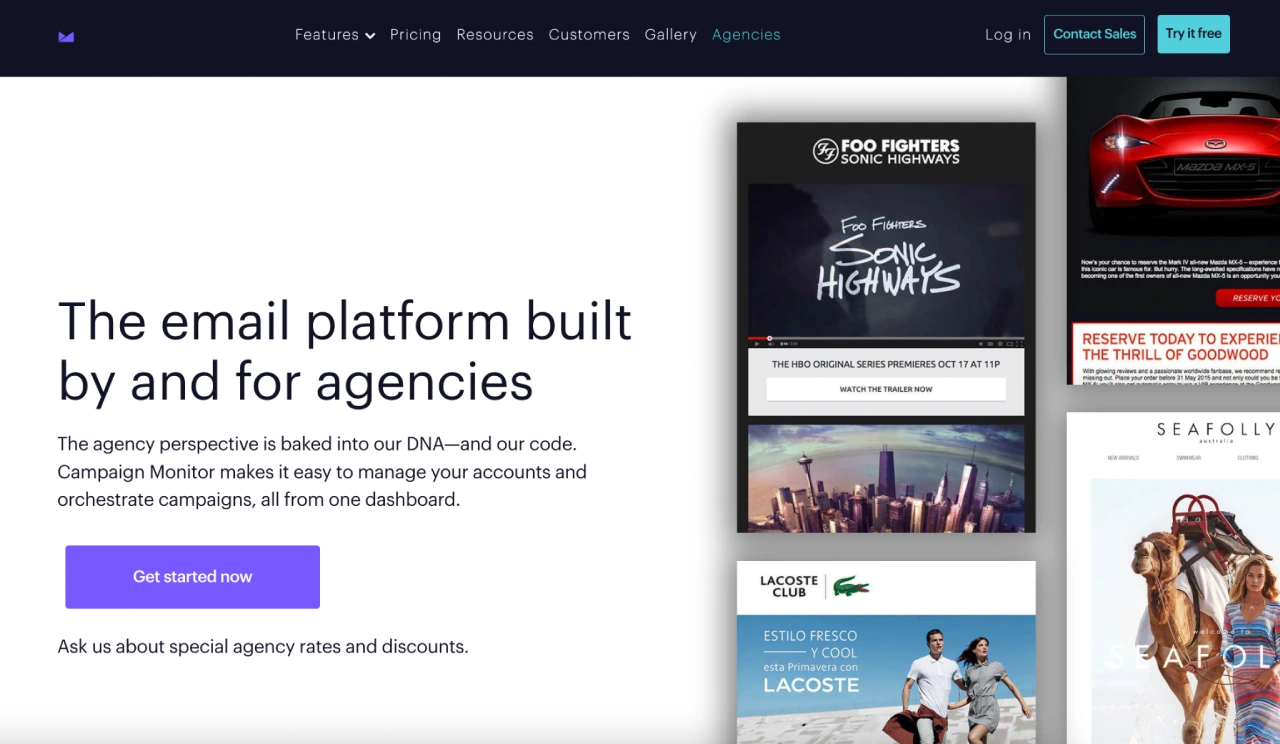
Campaign Monitor is an email marketing platform with a drag-and-drop builder, 100+ professionally designed templates, dynamic content, advanced segmentation, and a full library of automated journeys (welcome, post-purchase, re-engagement, anniversaries, and more).
How Campaign Monitor powers agency workflows
Campaigns only work when they’re timely, personalized, and consistent across every client. Campaign Monitor gives agencies the structure and automation to deliver that at scale.
- Multi‑client control
- Manage brands, templates, and permissions from a single agency view with safe separation per client.
- AI + automation that compounds
- Prebuilt journeys for welcomes, post‑purchase, re‑engagement, and more, plus behavioral triggers and dynamic content blocks that swap offers by segment automatically.
- Send Time Optimization and time‑zone sending push opens without manual guesswork
- Real‑time analytics your clients understand
- Clean engagement dashboards and link‑level tracking to show which content and segments convert, fast.
Why it works well for agencies
- The visual journey builder and reusable templates remove dependency on dev/design teams.
- Segmentation, dynamic content, and automation scale effortlessly across many clients.
- Templates and content blocks help maintain brand consistency while speeding up production.
- Analytics make ROI clear and simplify client reporting.
Pricing: Campaign Monitor pricing varies by list size and plan (Lite, Essentials, Premier). Agencies can view exact pricing tiers at
2. Jasper — Best for AI content automation for marketing teams
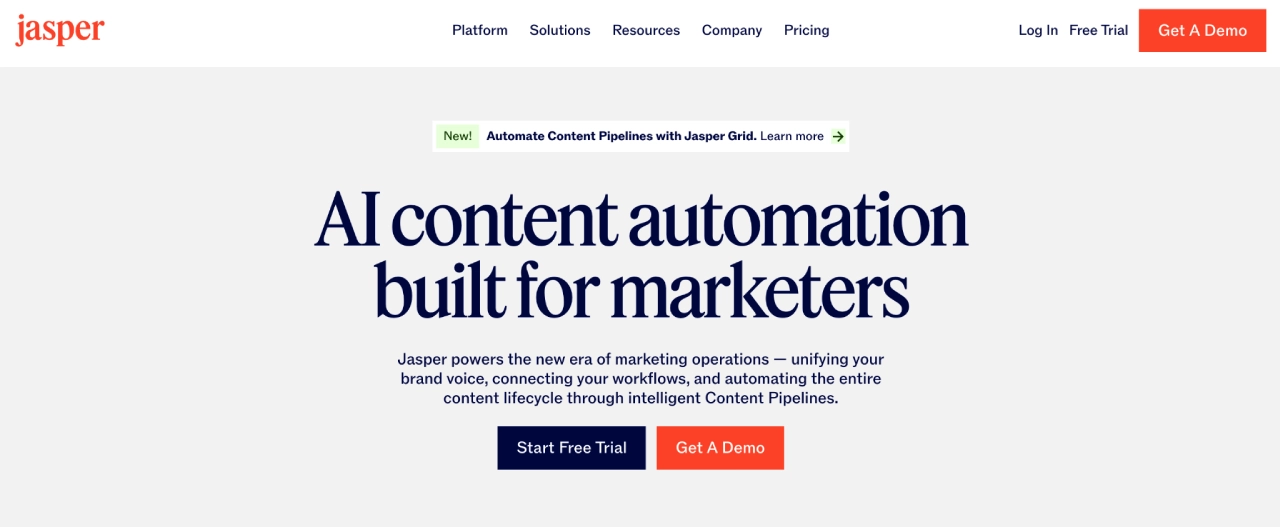
Jasper is an AI marketing platform built specifically for marketers, unifying planning, creation, and optimization of content across channels. Core capabilities include Brand Voice, Jasper IQ (a central context hub), and agentic workflows that help teams generate on-brand copy and visuals at scale.
Why it’s useful for agencies
- Purpose-built for marketing teams, not general AI use, with 100k+ businesses using it for content at scale.
- Brand Voice + Knowledge let you train Jasper on each client’s tone, products, and guidelines so every asset stays consistent.
- Campaigns and apps like the Ad Campaign App turn a single brief into coordinated ad and content sets across channels, speeding up launches.
- Priced per seat with Pro and Business tiers, so agencies can start small and scale to larger, multi-brand teams.
Pricing: Pro plan at about US $59/month per seat billed annually (US $69 monthly) and a Business plan with custom pricing for larger teams that need more seats, security, and advanced features.
3. Copy.ai — Best for AI-powered content ops & GTM workflows
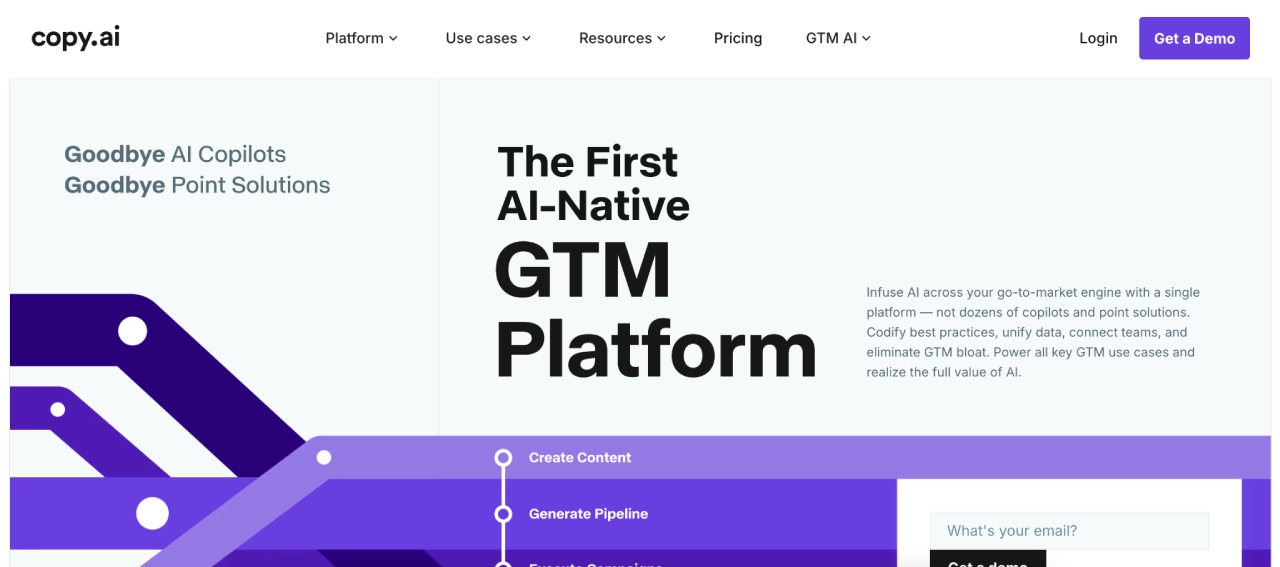
Copy.ai is a GTM AI platform that uses workflows, AI agents, and an intelligence layer (Tables, Actions, Brand Voice) to automate content creation, ABM, lead handling, and other marketing/sales tasks across your stack.
Why it’s useful for agencies
Agencies can codify each client’s playbook into reusable workflows and Content Agents, generating on-brand campaigns, emails, and collateral at scale while connecting to core tools like Salesforce, HubSpot, and other GTM systems.
Pricing: Plans range from US $29/month to US $249/month, with custom Enterprise pricing for advanced workflow automation, higher usage, and multi-team deployments.
4. Madgicx — Best for AI-powered Meta ads optimization & creative automation
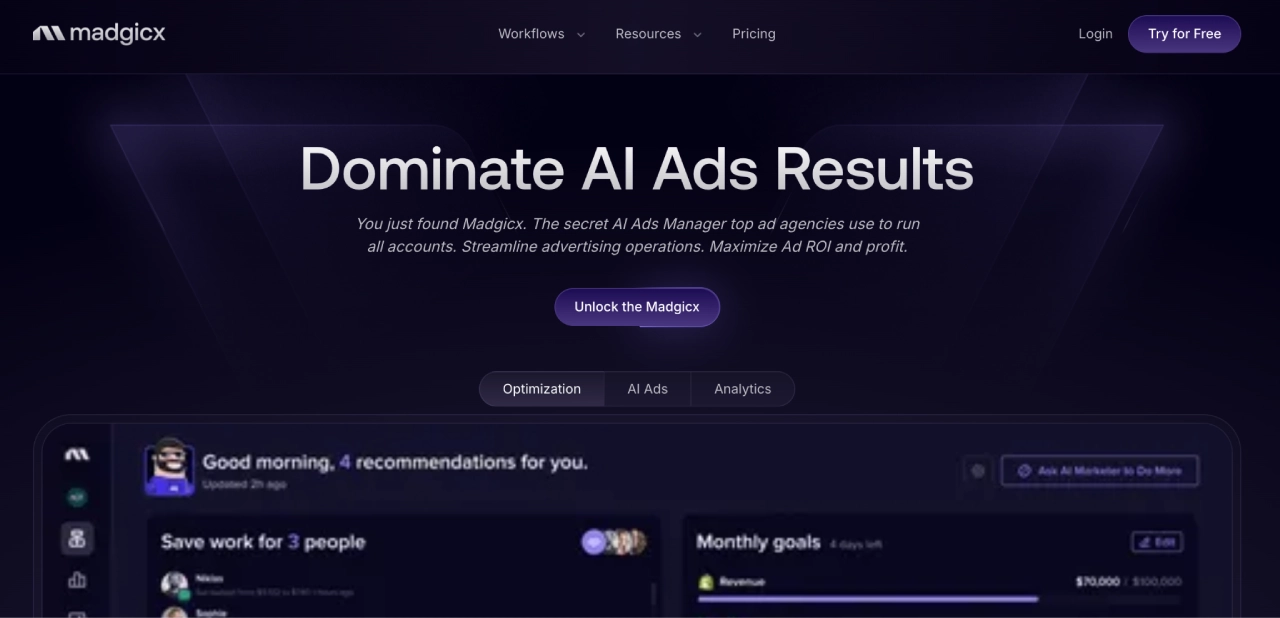
Madgicx is an AI platform for Meta ads that automates optimization, generates creatives, audits accounts, and provides unified performance analytics.
Why it’s useful for agencies
- AI Marketer gives daily optimization recommendations and highlights wasted spend.
- AI Creative tools generate ad variations quickly from briefs or references.
- Unified dashboard + one-click reports simplify managing multiple ad accounts.
Pricing: Plans start at US $99/month, with optional add-ons like the Tracking & Attribution Suite at US $49/month. Higher-tier plans scale based on features and automations needed.
5. Synthesia — Best for scalable video production & multilingual video content
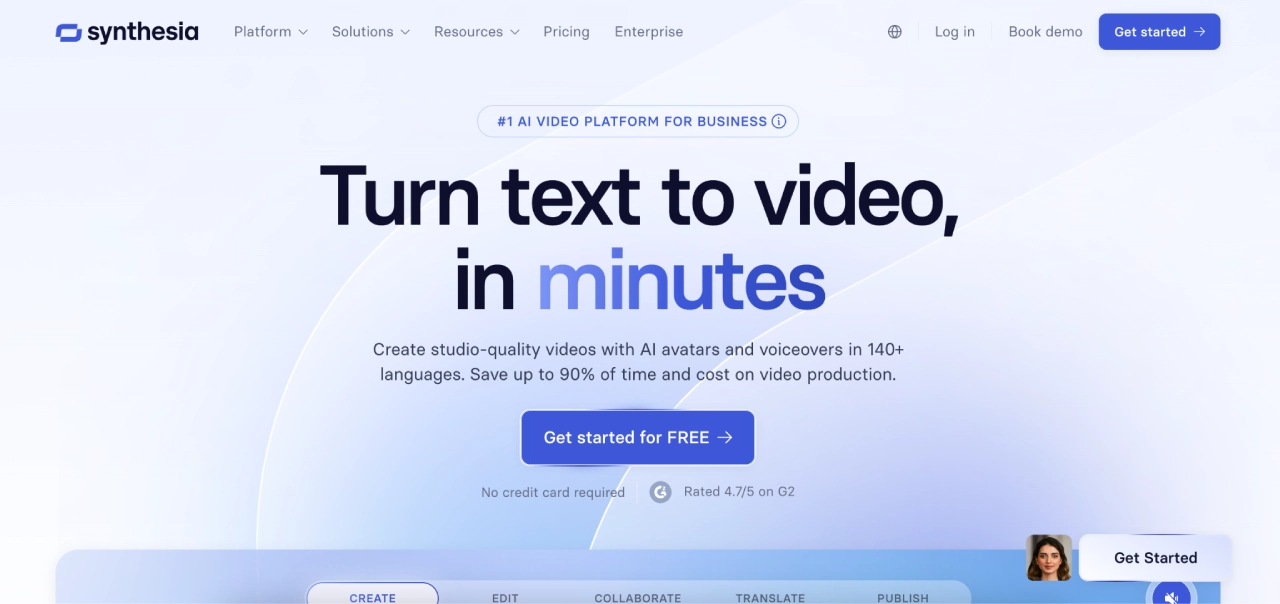
Synthesia turns written scripts into polished videos using AI avatars, voiceovers, and brand elements—no cameras or editing needed. It supports 140+ languages and customizable templates.
Why it’s useful for agencies
- Produce explainer, training, demo, or social videos quickly and affordably.
- Localize videos at scale with multilingual support.
- Maintain consistent branding across all client videos.
Pricing: Free plan available (limited to ~3 minutes video/month). Paid plans start at US $29/month for Starter use; the “Creator” plan runs around US $89/month for higher monthly video minutes and expanded features.
6. AdCreative.ai — Best for fast, conversion-focused ad creatives (static & video)
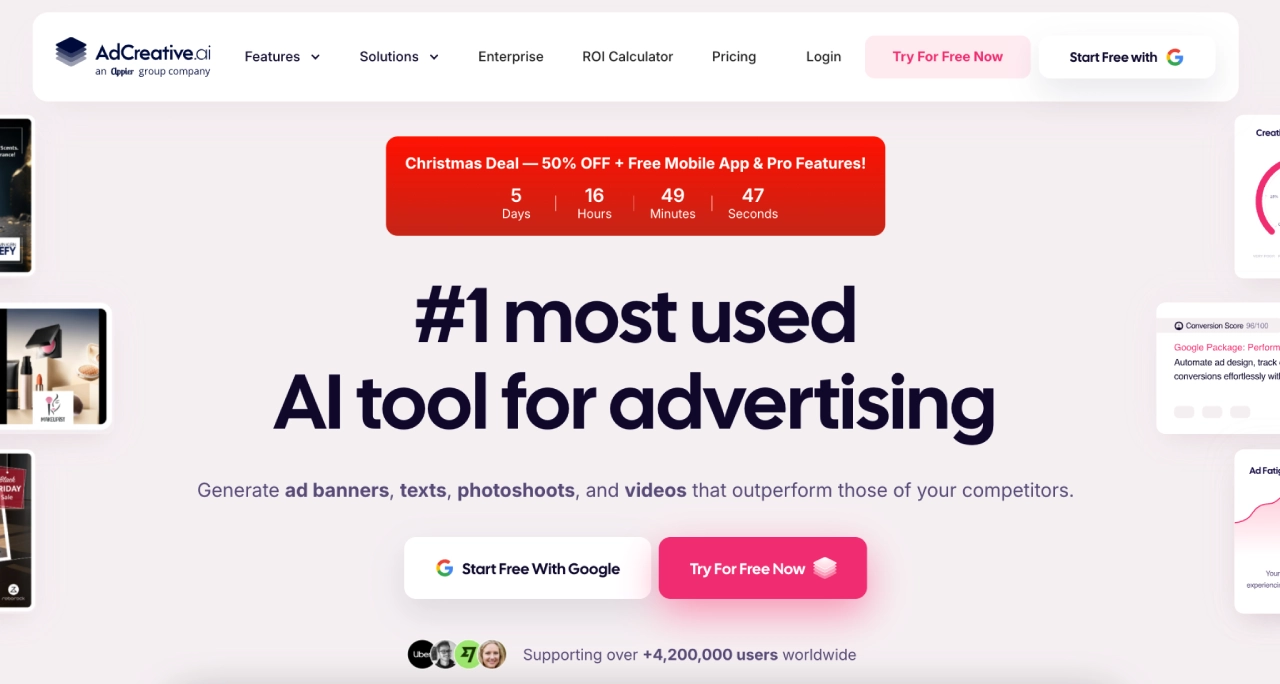
AdCreative.ai generates ad visuals and copy optimized for Meta, Google, LinkedIn, and other platforms, producing static and video creatives in minutes.
Why it’s useful for agencies
- Generate large batches of ad variations fast.
- Creative Score predicts which creatives are most likely to perform well.
- Supports multiple formats and auto-sizes for each ad platform.
Price: Plans start at US $39/month for the Starter tier; agency-level plans go up to US $999/month depending on user seats and download allowances.
7. Heatmap — CRO & conversion-tracking for websites
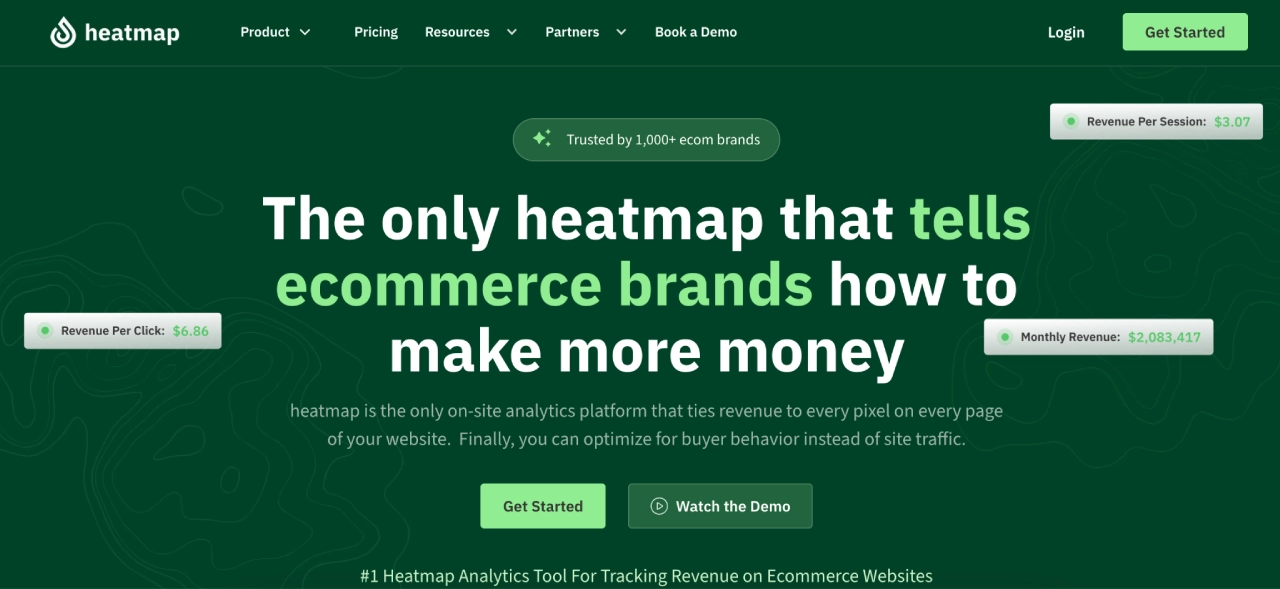
Heatmap.com shows how users interact with websites — clicks, scrolls, session recordings, and overlays that tie behavior to revenue/conversions.
Why it’s useful for agencies
- Revenue-tracked heatmaps and scroll-maps pinpoint which page elements drive conversions.
- Session recordings, JS-error tracking and speed analytics help diagnose UX or conversion blockers across clients.
Pricing: Plans require a demo/quote — pricing varies depending on site traffic and features needed.
8. WhatConverts — Best for lead tracking, channel attribution & agency reporting
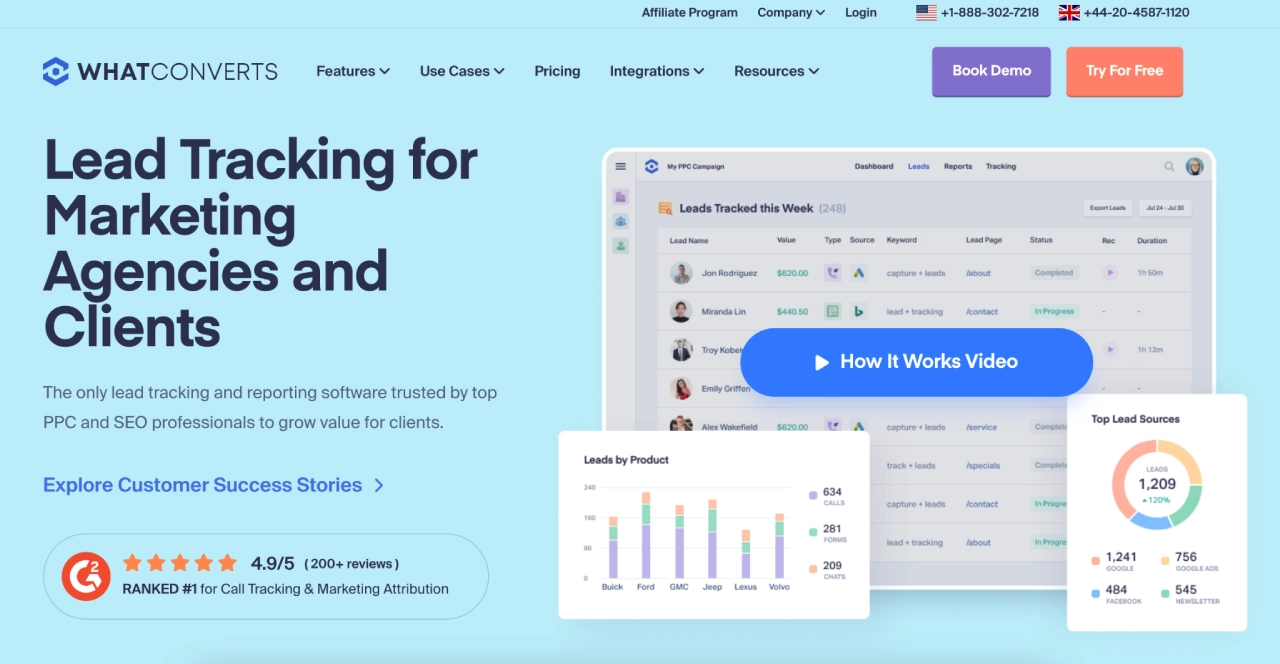
WhatConverts is a lead tracking and reporting tool capturing phone calls, form submissions, chats, and e-commerce leads — then attributing each lead back to the original marketing source (ads, landing page, campaign, etc.).
Why it’s useful for agencies
- Consolidates lead sources (call, form, chat) into one dashboard for easier reporting.
- Enables campaign-level and keyword attribution — useful to measure ROI across multiple clients.
Pricing: Agency plans start at US $500/month, up to US $1,250/month.
9. Supermetrics — Cross-channel data integration & reporting automation
Supermetrics is a data integration tool that pulls data from dozens (150+) of marketing, ads, analytics, CRM, and e-commerce platforms into spreadsheets, BI tools, warehouses, or dashboards — automating data collection and unifying reporting.
Why it’s useful for agencies
- Eliminates manual exporting/importing from multiple tools — saving time and reducing error risk.
- Supports many data sources (ads, web analytics, CRM, e-commerce, social) and destinations (Sheets, Looker Studio, BI, warehouses) — great for multi-client, multi-channel reporting.
- Scheduled automated data refreshes and pre-built templates make recurring reports quick and consistent.
Pricing: Starts at US $37/month for basic use (limited sources/destinations). Full-featured plans go up to US $499/month depending on number of data sources, refresh frequency and user seats.
10. AgencyAnalytics — Unified client reporting & dashboards
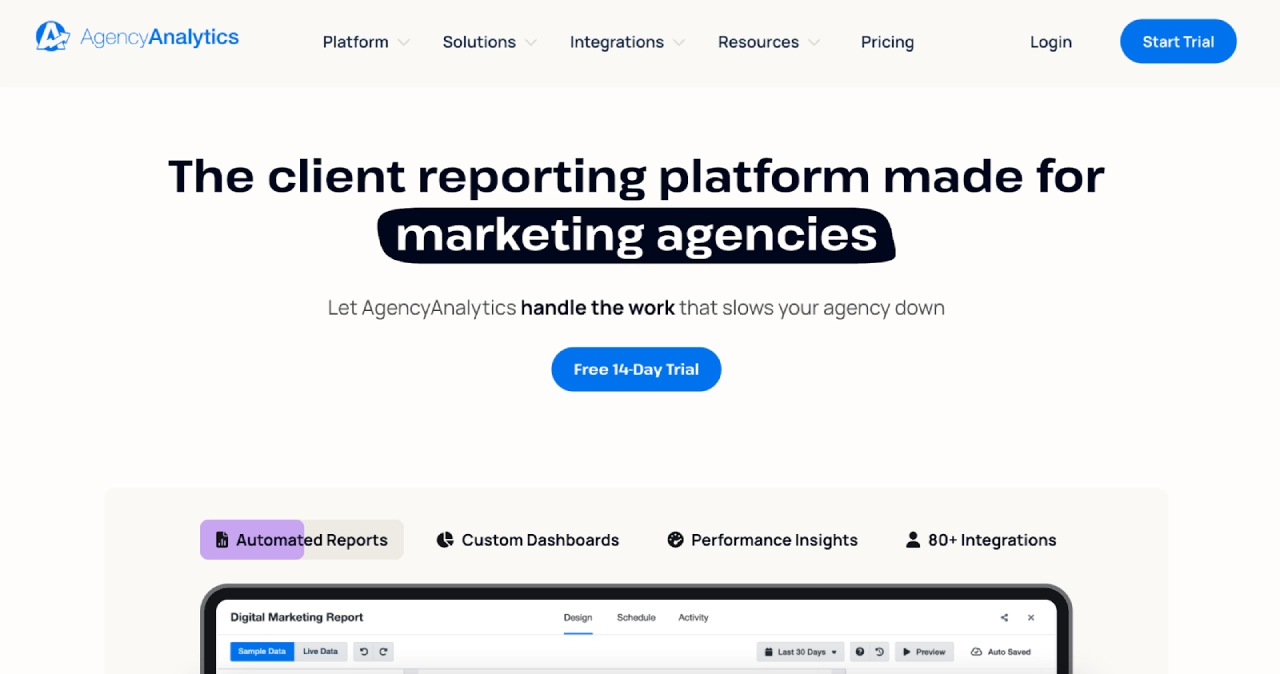
AgencyAnalytics pulls data from 80+ platforms (SEO, PPC, social, email, call tracking, etc.) and aggregates those into customizable dashboards and white-label reports for agencies.
Why it’s useful for agencies
- Automatically gathers metrics from multiple channels so agencies don’t have to manually compile reports across tools.
- Lets you build and schedule shareable or PDF reports with live data — ideal for recurring monthly or campaign-based client reporting.
- White-label dashboards let agencies present data under their own branding, which looks professional to clients.
Pricing: Agency plans start at $239/month for 10 clients, $479/month for 15 clients, and custom pricing for enterprise plans.
11. Zapier — No-code automation & multi-tool workflow orchestration

Zapier connects thousands of apps to automate workflows: when an event happens in one tool (e.g. new form submission), Zapier can trigger actions in another (e.g. add to CRM, send Slack alert, update spreadsheet).
Why it’s useful for agencies
- Reduces manual, repetitive tasks (lead routing, data syncing, notifications) — saving time and minimizing errors across tools.
- Supports multi-step workflows and integrations between marketing, CRM, project management, and ops systems — helpful when managing many clients and complex workflows.
Pricing: Has a free plan (limited tasks). Paid plans start at US $29.99/month (or $19.99 billed annually) for more tasks and advanced workflow capabilities.
12. HubSpot — CRM + marketing automation + unified client workflows
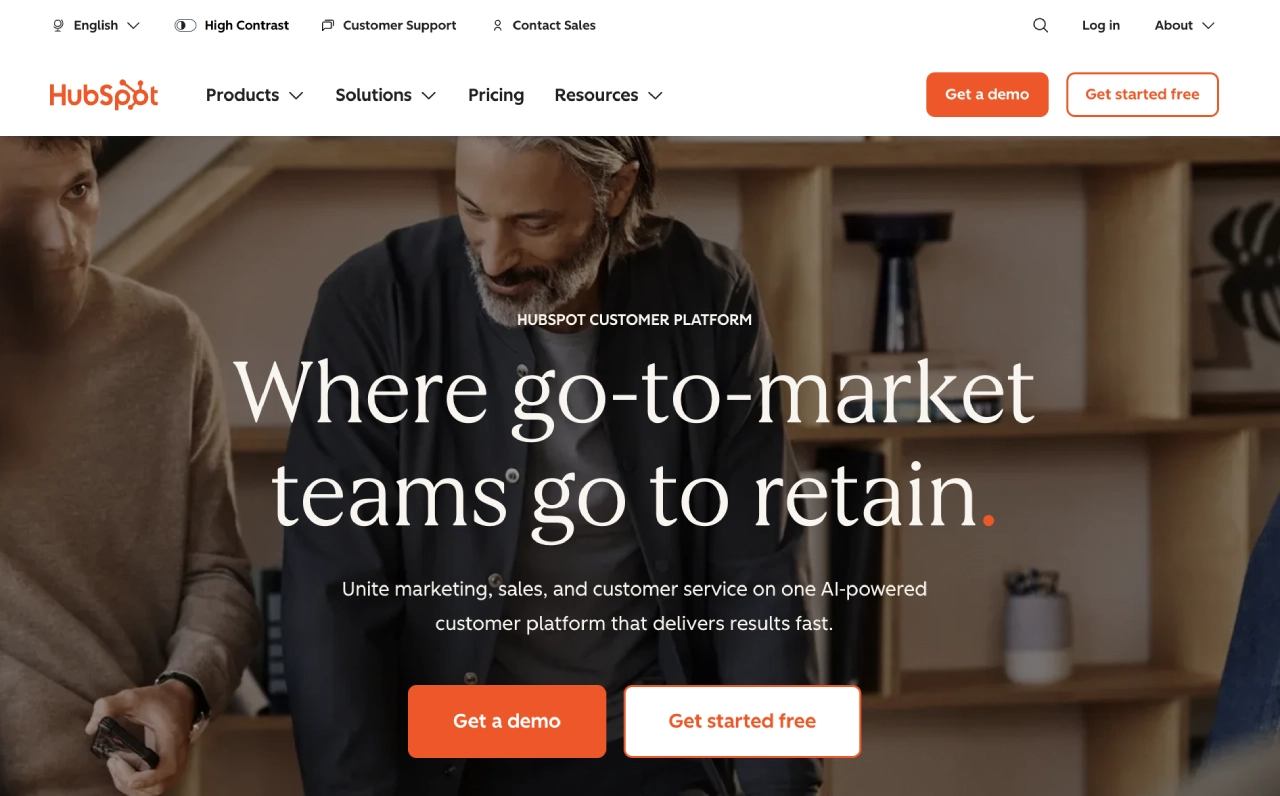
HubSpot is an all-in-one customer platform combining CRM, marketing, sales, service and content management tools. It offers core CRM functions like contact management, email tracking, deal/lead tracking — and integrates them with marketing automation and content/workflow tools.
Why it’s useful for agencies
- Lets agencies manage inbound marketing, CRM, email sequences, and customer journeys in one place — good for full-service or retainer-based campaigns.
- AI-powered CRM tools: email tracking, meeting scheduling, live chat, automation of tasks/communications — saving time and improving client servicing.
- Centralizes client data (leads, contacts, interactions) so you can run integrated campaigns and attribute conversions across channels.
Pricing: HubSpot offers a free CRM tier (with core features: contacts, email tracking, tasks). Premium marketing/CRM features come via paid plans, depending on number of users and tools.
13. Hootsuite — Best for social media scheduling & content management
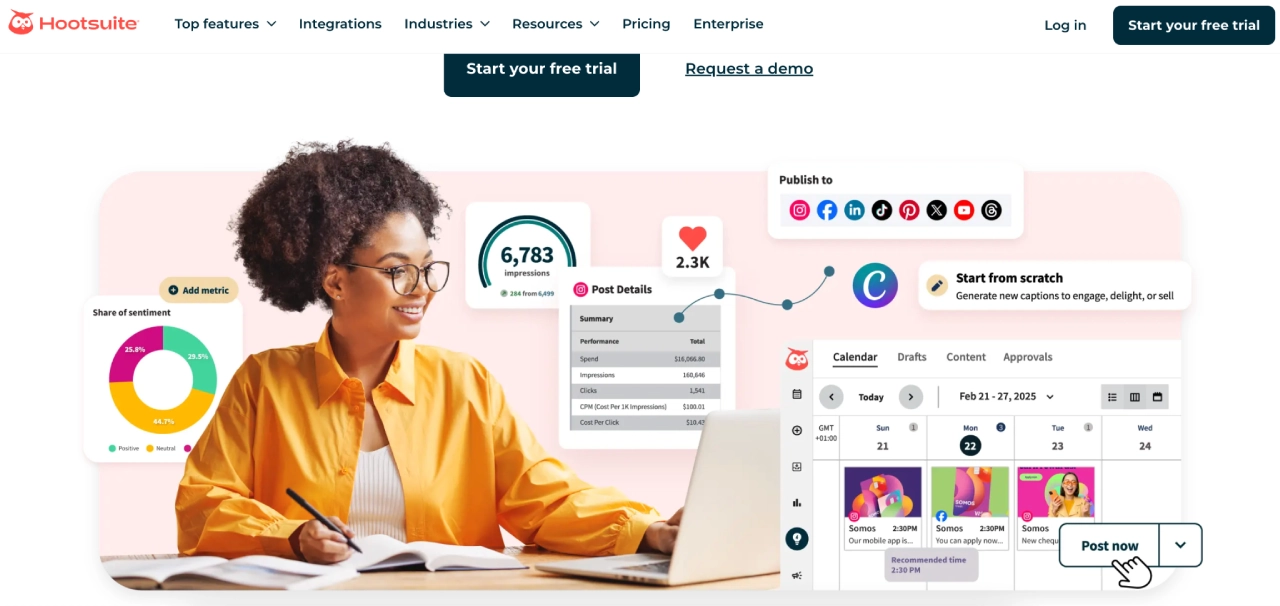
Hootsuite is a social media management platform that consolidates scheduling, publishing, engagement, analytics, and social listening across multiple social networks from one dashboard.
Why it’s useful for agencies
- Lets agencies manage multiple clients’ social accounts in one place — schedule posts, track engagement, reply to comments and DMs, and monitor brand mentions.
- Built-in analytics and reporting help agencies track performance across networks and provide insights to clients.
- Social listening tools and an AI assistant (for content ideation, captions, etc.) help with trend monitoring, content planning, and responsive community management.
Pricing: Hootsuite uses tiered subscription plans. Starts at $149 for Standard (10 accounts), $399 for Advanced (Unlimited accounts), and custom pricing for Enterprise plans.
14. FeedHive — Social media management & AI-powered content scheduling
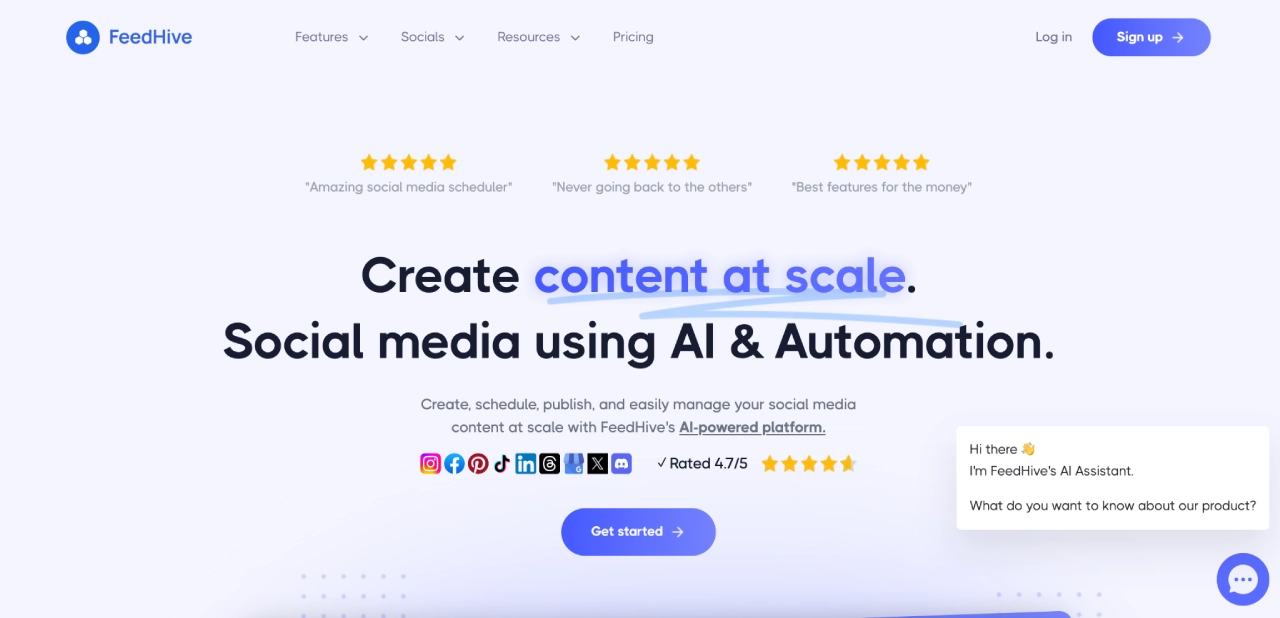
FeedHive is a social-media management platform that helps agencies and creators plan, generate, schedule, publish, and manage posts across social channels — with built-in AI for content ideas, captions, and workflow automation.
Why it’s useful for agencies
- Lets agencies manage multiple clients’ social accounts from one dashboard — schedule posts to many socials with a single click.
- Includes AI-assisted content creation: caption writing, hashtag suggestions, post-idea generation; helps maintain volume and variety under tight timelines.
- Offers social inbox & collaboration tools — helps agencies coordinate content, engagement, and approvals across teams or clients.
Pricing: Agency plan starts at US $299/month (supporting up to 500 social accounts and white-labeling) — suited for multi-client agencies.
15. Textedly — SMS Marketing with AI-Assisted Copy
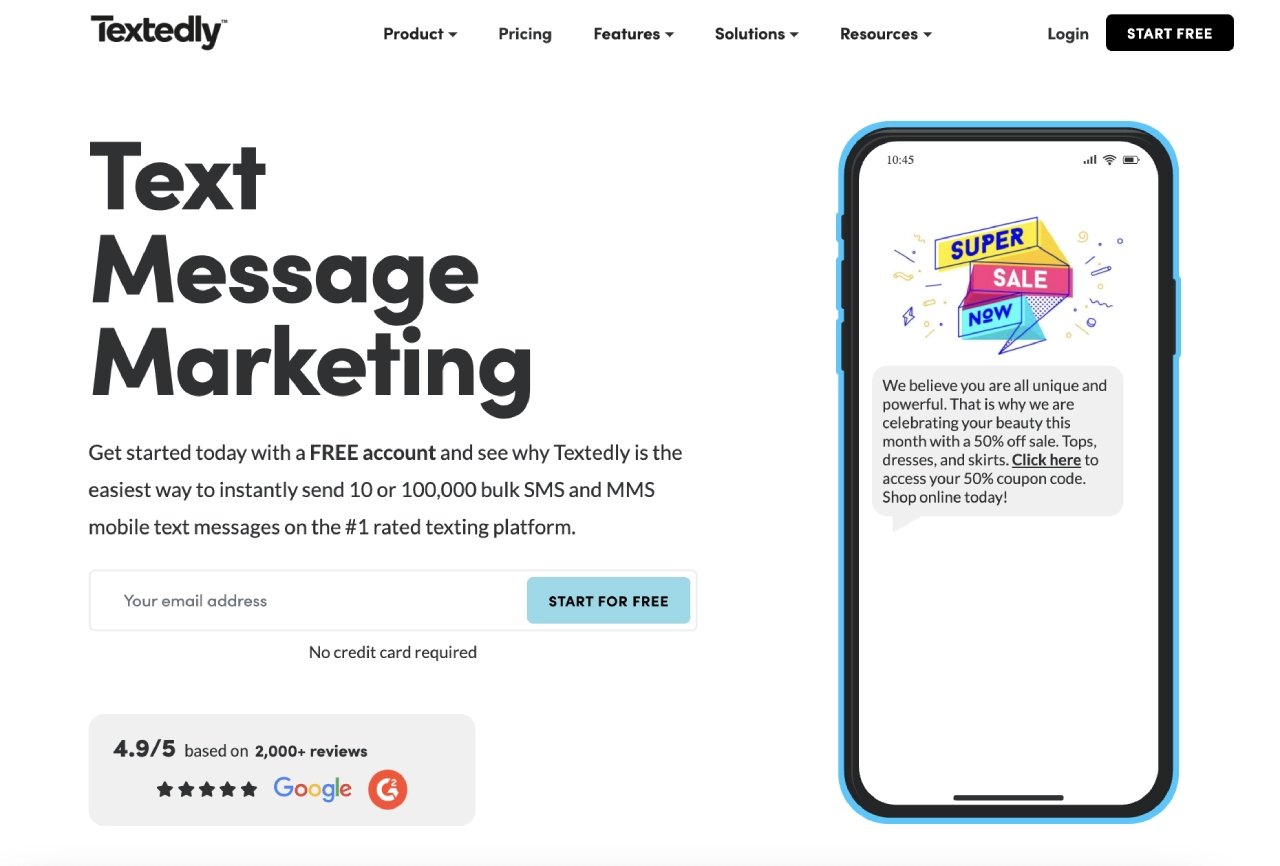
Textedly is an SMS and MMS marketing platform built to help businesses send bulk and automated text messages, manage two-way conversations, and drive engagement with customers using mobile messaging.
It supports promotional campaigns, scheduled texts, drip flows, and integrates with popular tools to fit into existing agency tech stacks.
Why it’s useful for agencies
- Helps agencies centralize client SMS marketing in one platform, including automation and two-way engagement.
- AI text generation reduces manual content drafting, speeding campaign creation.
- Drip and automation features let agencies nurture leads and keep customers engaged without constant oversight.
- Scales from small business needs up to larger campaigns with flexible contact lists.
Pricing: Offers a free option, with paid plans starting in the high-$20/month range on annual billing, scaling by message volume and features.
16. DALL·E 3 — Best for on-demand, high-quality image generation from text
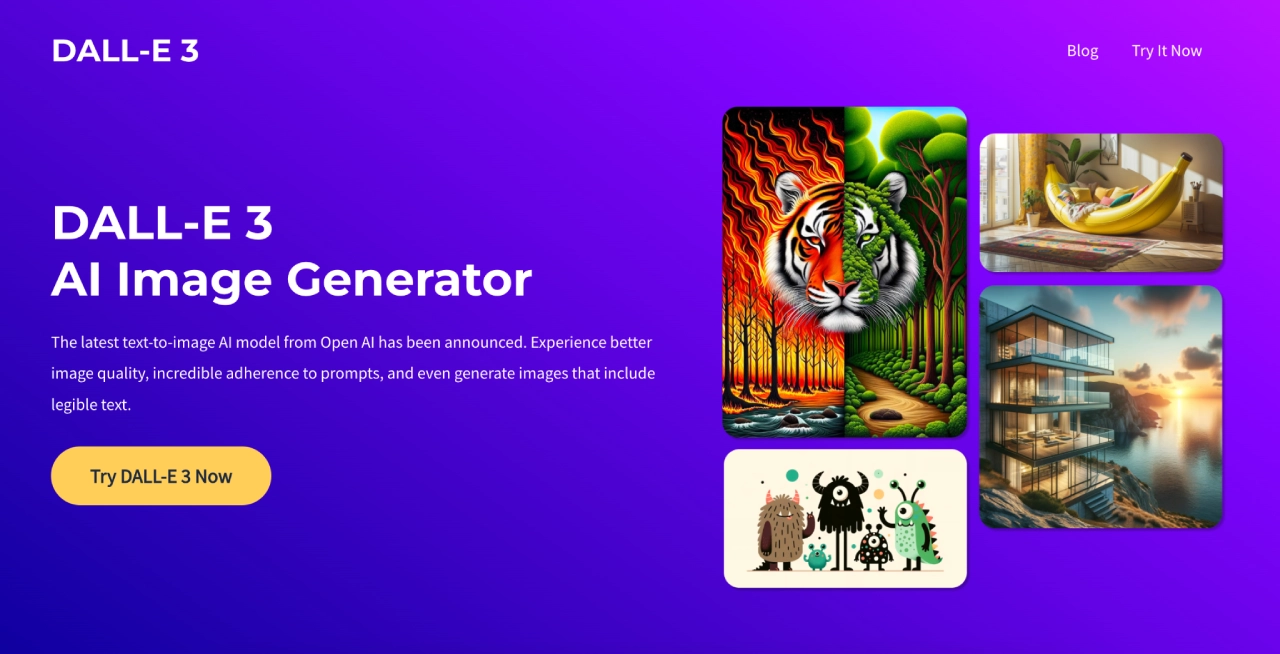
DALL·E 3 is an advanced text-to-image AI by OpenAI that transforms detailed written prompts into high-quality, photorealistic or stylized images — ideal for ad creatives, visual concepts, social graphics, or mockups.
Why it’s useful for agencies
- Great for quickly generating on-brand visuals, mockups, ad concepts, social media images — without needing a full design team or photo shoot.
- Understands nuance and detail — produces more accurate, polished images from complex prompts compared to earlier models.
- Offers flexibility for creative testing — generate multiple versions quickly, ideal for A/B testing visuals or pitching concepts to clients.
Pricing: Access via OpenAI (or platforms that integrate DALL·E 3) — usage typically depends on image credits or subscription tier; pricing varies with usage needs.
17. Midjourney — AI image generator optimized for creative, stylized, and conceptual visuals
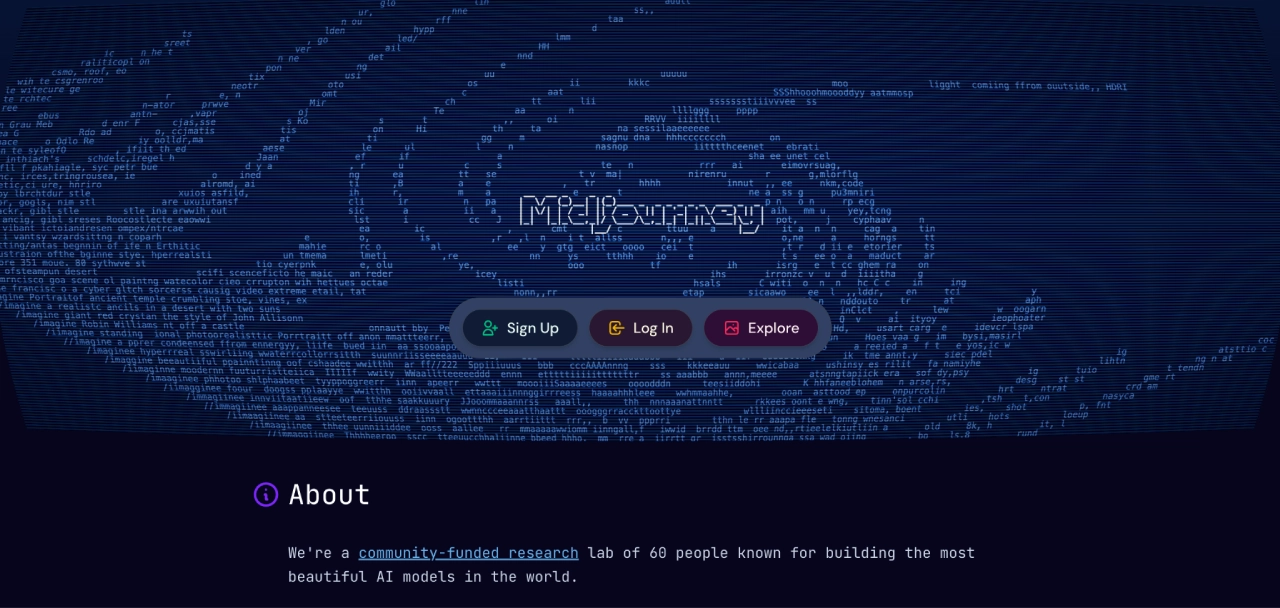
Midjourney is a generative AI image creation tool that transforms natural-language prompts into detailed, often stylized or artistic images. It’s widely used for conceptual visuals, mood boards, creative assets, and imaginative designs.
Why it’s useful for agencies
- Produces high-quality, creative, often artistic images — useful for branding, mood boards, concept art, ad visuals, or social content when you want standout visuals rather than strictly realistic images.
- Great for ideation and rapid concepting — agencies can spin up multiple creative directions quickly before refining or handing off to designers.
- Works well when clients want unique or stylized visuals that differentiate from stock photography — good for brand identity, campaigns, or creative storytelling.
Pricing: Midjourney offers four subscription tiers: Basic ($10/month), Standard ($30/month), Pro ($60/month), and Mega ($120/month), with pricing based on image generation and GPU access. Annual plans offer a 20% discount, ranging from $96 to $1,152 per year.
How to choose AI tools based on agency type
Not every agency needs every tool. Start with the stack that matches your model, then scale up only when a channel or workflow justifies it.
If you’re a small or starter agency
Goal: Ship work fast without tool sprawl.
- Email engine: Campaign Monitor
- Content AI: Jasper
- Reporting: AgencyAnalytics
- Automation router: Zapier
Keep the stack lean. One tool per job, no duplicates.
If you’re a performance / paid media agency
Goal: Protect ROAS, diagnose performance issues early, and scale creative testing.
- Ads AI: Madgicx
- Ad creative:ai
- Attribution: WhatConverts
- Data connector: Supermetrics
This setup gives you visibility, speed, and tight attribution loops.
If you’re a content or SEO-driven agency
Goal: Produce high-intent content at scale and rank consistently.
- Content AI: Jasper
- SEO optimizer: Surfer
- Brief builder / research: Frase
- Creative: Midjourney
This stack covers ideation → research → writing → optimization → visuals.
If you manage many brands or multi-location clients
Goal: Maintain brand governance and clean reporting across dozens of accounts.
- Email + automation: Campaign Monitor
- Brand-safe ESP: Emma
- Data consolidation: Supermetrics
This combination standardizes brand control, insights, and segmentation at scale.
Limitations, risks, and AI safety considerations
AI tools unlock leverage, but they also introduce risks that agencies need to manage deliberately. Treat this as your operational checklist before scaling AI across clients.
1. Hallucinations and incorrect claims
Models can confidently invent facts, data points, or best practices—dangerous when producing client-facing content.
Mitigation: Use AI for drafting, not final facts. Validate numbers, guarantees, product details, and compliance language manually.
2. Brand voice drift
AI tends to regress toward generic marketing language over time.
Mitigation:
- Train each client’s brand voice using curated samples.
- Lock structural elements (CTA format, proof patterns) and only let AI vary details.
- Audit outputs quarterly to ensure clients don’t start sounding identical.
3. Unseen cost scaling
Costs climb sharply as tools scale by seats, contacts, tasks, credits, GPU hours, or destinations.
Mitigation:
- Set per-client ceilings for emails, credits, and automations.
- Prefer batch/“slow mode” operations for jobs like image generation and data refreshes.
- Use shared “editorial ops” seats instead of giving everyone full access.
4. Client data compliance
Tools touching CRM data, purchase history, or customer messages must be treated as part of your data-handling ecosystem.
Mitigation:
- Choose vendors with clear data processing terms and role-based access.
- Avoid sending PII into tools that don’t require it.
- Map which tools handle which data for audit or client review.
5. IP rights and usage permissions for generated assets
Not all image/video generators offer the same commercial rights.
Mitigation:
- Review each vendor’s commercial usage policy.
- Maintain documentation of which assets were AI-generated and in which tool.
- For high-stakes creative, include human review.
6. Review and approval workflows
The biggest operational risk is AI-generated content being published without human oversight.
Mitigation:
- Establish a firm process: AI draft → Strategist review → Client-ready version.
- Use platform-level permissions (Campaign Monitor, Emma, AgencyAnalytics) to restrict who can publish.
- Require explicit approvals for regulated industries or sensitive messaging.
Handled correctly, AI becomes a force multiplier—not a liability. The goal is controlled scale: faster execution with strong guardrails.
How to keep TCO predictable (Total cost of ownership)
- Set clear usage caps: Define per-client ceilings (emails, tasks, credits, seats) and review them monthly to avoid runaway costs.
- Centralize production seats: Prefer tools that charge per user. Give “editorial ops” teams full access and keep clients on read-only roles.
- Batch high-cost workloads: Run image generation, data refreshes, and bulk automations during off-peak or overnight windows to reduce variable usage fees.
- Reuse everything: Build one master journey or template per vertical. Clone it and localize with segmentation or dynamic content instead of rebuilding from scratch.
Why it matters for agencies: Predictable costs protect margins, especially when managing many clients with different needs and usage patterns.
The 3C Model: Context → Content → Control
A simple framework for building AI workflows that stay accurate, compliant, and profitable.
1. Context — Centralize data before generating anything.
Pull audience, channel, and performance data into one place.
- Example: Use Supermetrics to populate your “offers by segment” sheet, then feed high-intent segments into Campaign Monitor or your CRM.
2. Content — Generate fast, then refine.
Let AI produce the first version, then shape it with constraints and brand rules.
- Example: Jasper drafts a 3-email welcome sequence. You lock the structure (Hook → Value → Proof → CTA) and refine messaging with Surfer/Frase to match search intent and clarity.
3. Control — Automate with guardrails.
Keep personalization and timing flexible, but lock quality and risk controls.
- Example: In Campaign Monitor, use dynamic blocks so one template adapts by segment. Use send-time optimization for broadcasts, but keep triggered emails immediate to avoid delays.
Why it works: Agencies maintain speed from AI without losing brand accuracy, compliance, or workflow reliability.
The truth about “all-in-one” suites
“All-in-one” stacks sound clean on paper, but most agencies end up paying for features they don’t use—and bolting on extra tools anyway. A lean “best-of” AI stack, anchored by a reliable email engine like Campaign Monitor, is usually cheaper, easier to maintain, and simpler to explain when performance moves.
When you evaluate tools, favor ones that:
- Do one job extremely well (email, reporting, attribution, content, etc.).
- Integrate cleanly with your CRM, data layer, and core channels.
- Expose clear data and reporting, so you can prove impact to clients.
This approach keeps your stack flexible and focused: every tool earns its place by driving observable results, not just adding another logo to your stack slide.
FAQs
What is the best AI tool for agencies?
The best AI tool for agencies is the one that aligns with core work: email ROI, content throughput, or reporting. For email, Campaign Monitor’s AI‑powered automation and agency controls stand out. For scalable content, Jasper + Surfer is a strong pair. Explore how they integrate to avoid bloat.
How do I keep AI tool costs under control?
Cap the variables that scale cost: seats, tasks, and credits. Centralize production in a few power users, batch “slow mode” jobs overnight, and reserve “fast”/real‑time for revenue‑critical flows. Most teams overspend on speed they don’t need.
What’s the quickest win with AI for email?
Launch three evergreen journeys—Welcome, Abandoned Cart/Browse, Re‑engagement—with dynamic content per segment. Use send‑time optimization on newsletters only. This playbook compounds fast and is easy to clone across clients.
Do I need both DALL·E and Midjourney?
No. Pick by constraint: DALL·E via API is simple and cheap for programmatic images; Midjourney wins for polish when creative quality is the brief. Many agencies keep one of each for flexibility.
Ready to make your AI stack pay off? Try Campaign Monitor
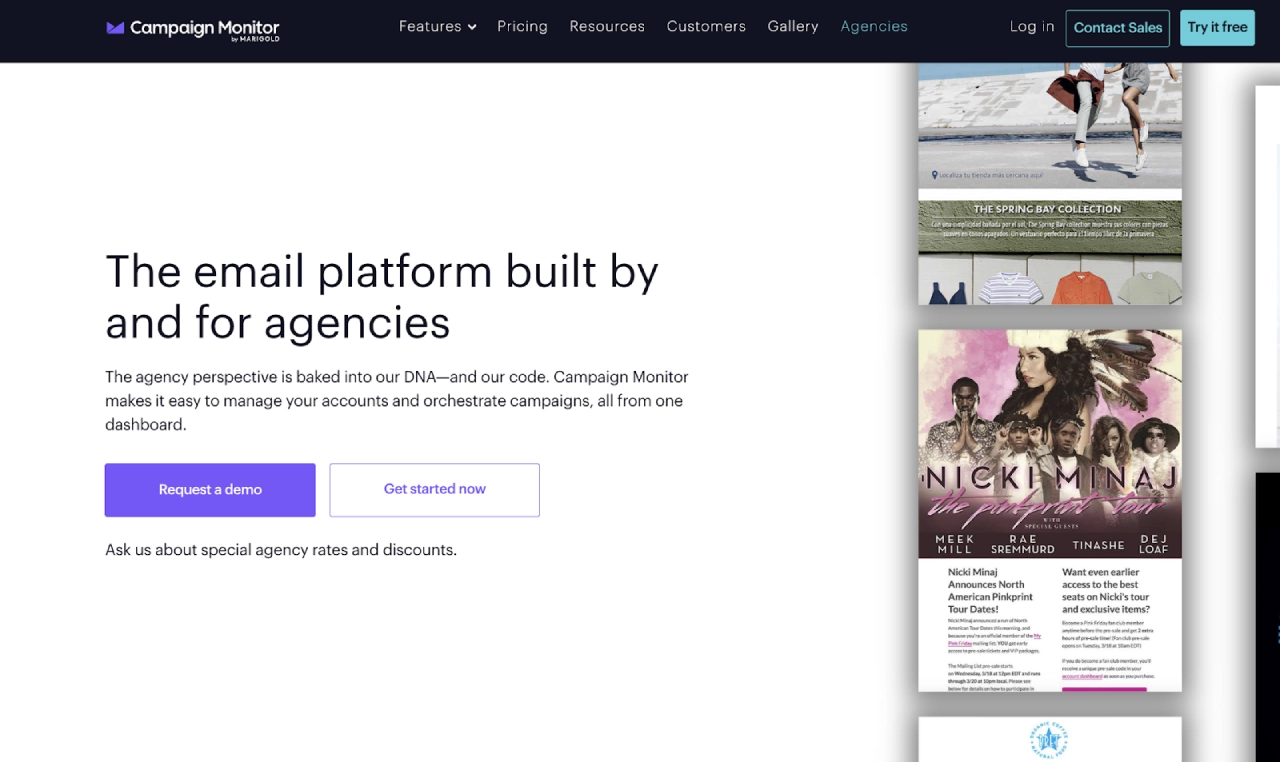
You’ve now got a shortlist of AI tools for content, ads, analytics, and automation. The next step is turning all that activity into reliable, client-ready revenue—and that’s where Campaign Monitor earns its spot in your stack.
- Cloneable, client-safe journeys. Build one master journey per use case (welcome, re-engagement, promos), then reuse it across clients with guardrails and dynamic content.
- AI where it matters. Use prebuilt journeys, send-time optimization, and smart segmentation to let your AI-generated content land in the right inbox at the right moment—and prove it worked with clear analytics.
- Built to scale with agencies. Manage multiple brands from a single view with role-based access, shared templates, and reporting clients actually understand.
If you’re serious about turning AI outputs into predictable email revenue—not just “more tools”—Campaign Monitor is a strong foundation to build on.
Try Campaign Monitor free and see how much smoother your client delivery can run.