7 minute read time
How to Up Your Marketing Game by Using Animated GIFs in Your Emails

Adding GIFs to your emails is a great way to add some engaging, dynamic content that helps your campaigns stand out. It’s not always straightforward though. In the post, we’ll tell you exactly how it’s done.
For a format created in 1987, GIFs can do a lot to make your email marketing efforts seem modern. They’re not just for fun and memes, either; sometimes, GIFs can communicate ideas or concepts much quicker than words or still images.
However, GIFs only work if they, well, work. If a GIF shows up as a still image or take seconds to load, you’ve lost any advantage the format might bring.
Whether you have a GIF ready to go or you’re trying to familiarize yourself with the format, knowing how to put a GIF in an email is only part of the picture. Make sure you not only add your GIF correctly but also choose the right GIF by following these steps.
In this post we’ll cover:
- Optimizing your GIFs for email
- Adding a GIF to an email
- Choosing an appropriate GIF
- Examples of great email GIF usage
Optimize your GIFs for email
Every modern email platform allows you to embed animated GIFs, but they can’t guarantee an identical user experience. User variance — from screen size and internet speed to the option to turn off GIFs in Microsoft Outlook — means you have to be careful to make sure your readers don’t miss out on anything. Optimizing your GIFs is a quick way to make sure everyone sees the message you meant to send.
Everything you need your audience to see should be visible in the first frame of the GIF. Switching off GIF animations, as some email clients allow you to do, doesn’t lead to a blank box — it just shows a static image. That picture might not be able to communicate quite as well as your GIF, but it should cover the basics.
You’ll also want to make sure your GIF is a maximum of 600 pixels wide (typical newsletter width), so it’s not cut off on smaller phone screens. Keep your audience’s data in mind, as well; the target file size for your GIF should be 0.5 MB. You can go up to 1 MB if necessary, but smaller files mean quicker downloads and less chance to lose a viewer. GIF file too big? Try reducing the number of frames using a tool like GIF Cutter. For GIFs you made, you can also try limiting the number of colors used.
Finally, add some alt text for those who are using screen readers or have switched off image loading entirely. This is a good accessibility practice for every image you post on your website, on social media, and in emails.
Insert your GIF using one of these methods
No matter what email client you’re using, inserting an animated GIF is a cinch.
Drag and drop
Best for: Gmail
When you see a GIF you like, simply click and hold on the image and then drag it over to your email client. (You’ll need to have the window with your email message visible at the same time as the page with your GIF for this to work.) This method doesn’t work in every email client, just those that support drag-and-drop uploading.
Copy the URL
Best for: Everything else
Sites like GIPHY and Tenor make it easy to copy a GIF link from the share options; sites like Google Image Search don’t. You can always find the URL of a GIF by right-clicking the image and selecting “Copy Image Link.”
Once you have the URL in your clipboard, go back to your email client and find the Insert Photo button. If you’re using an email template, find an image block (or GIF block, if your client offers one). Click it, select the “paste URL” option (if necessary), and then paste away.
Check to make sure the link you copied ends with the .gif extension, as some sites share the page URL rather than the image URL. If the link you have doesn’t end in .gif, try adding it yourself and see if the image pops up.
Download and then re-upload
Best for: When the other options aren’t working
This method is the most involved and doesn’t come with any special benefits (unless you habitually download GIFs and have one ready to go). However, if your email client is refusing to copy an image that’s hosted on another site, you may have to upload a fresh version.
To download a GIF, right-click the image and select “Save Image As.” Make sure the file keeps the .gif extension or you’ll lose the animation! It’s smart to double-check a GIF after downloading to make sure your device saved the correct image format.
In your email client, compose a new email, click the Add Image button, and select the option to upload a new file. Navigate to the GIF you saved, select it, then hit “Done.”
Make sure you’re using a GIF for the right purposes
GIFs are best used for replacing video rather than for frivolous laughs. They change the tone of an email and risk irritating audiences because they take longer to load. When used correctly, they can enlighten and inspire your audience. When used excessively, they can annoy your readers or obscure important information.
Demonstrating product or feature functionality is a great use of GIFs. Why take 500 words explaining how something works when you can just show it in action? GIFs that educate your audience will make the right kind of impression and drive interest.
GIFs are also great for teasing multimedia content. Embedding videos in email is a bad idea because, unlike GIFs, they’re not universally supported. They also come with much larger file sizes — and load times. Rather than sending a clip, turn your video into a GIF and cut to the most tantalizing bits to build suspense.
Images can sometimes explain things much better — or more quickly — than words. Use GIFs to set the mood for your message or share multiple bits of information in a quick, easy-to-understand format. If a visual can convey a complex idea in a few seconds, why would you bother to write out a full description?
Learn from these great GIF examples

How do you personalize content when the end product isn’t for your audience? This GIF shares multiple buzzy brands and products right at the top of the email, so gifters know they have options when they shop using Zip.

Instead of trying to guess whether their shoppers are looking for men’s clothes or women’s clothes, Uniqlo made a GIF that has something for both audiences. We love how the GIF includes multiple sections: the product image, a description, and size and price information.
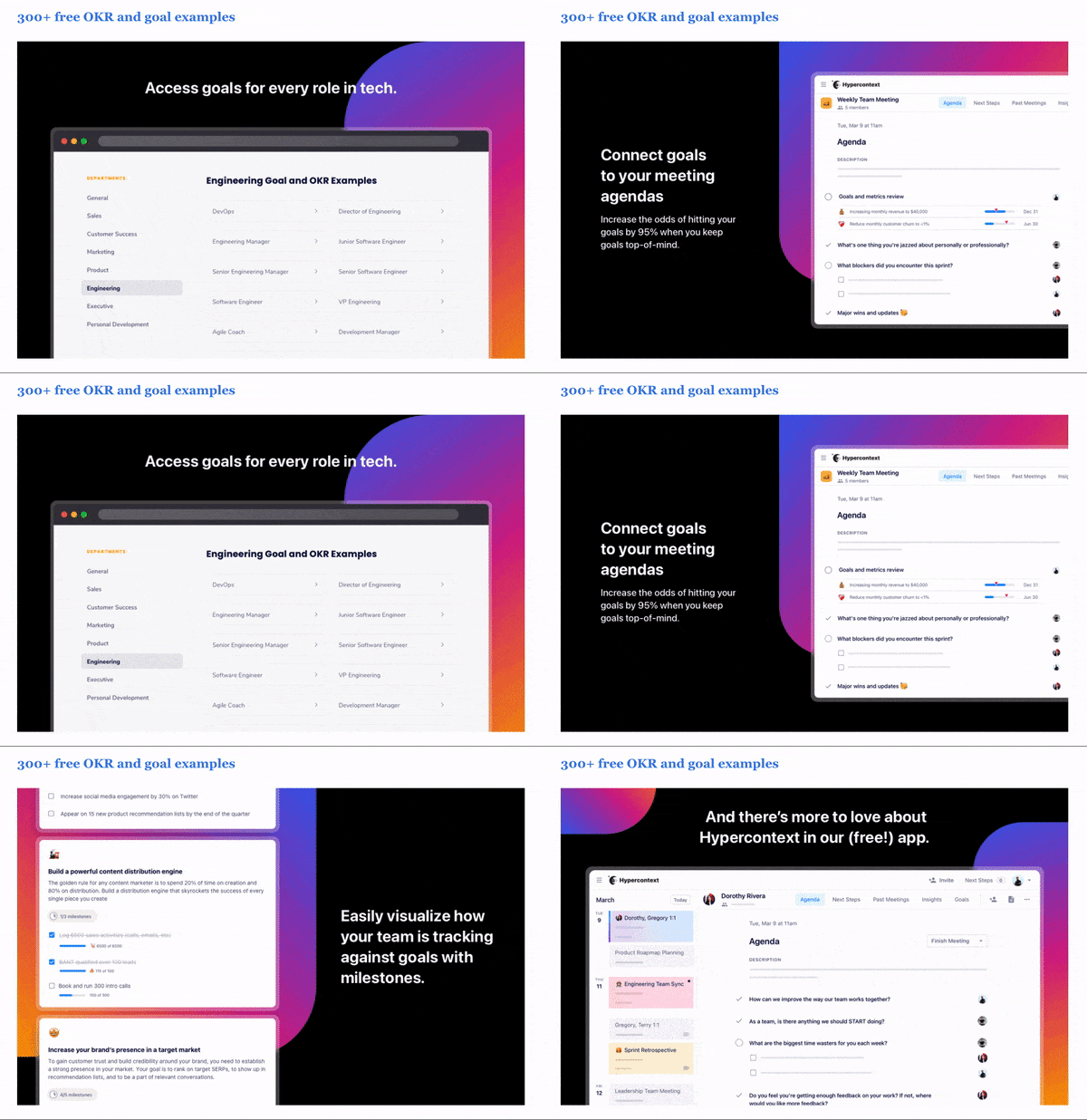
In the back quarter of a lengthy roundup email, 360Learning chose to respect their readers’ time with this GIF that’s essentially an animated slide deck. It provides a bullet-point overview of the product to help readers decide whether to dig into the details beneath the GIF or keep scrolling to the next item.

This before and after from Madison Reed is a great product demonstration. Unlike photos — which we expect to be digitally enhanced — GIFs seem more raw and real. (This is also a great example of how to get the most out of user-generated content.)

When introducing the Brutalista typeface, MyFonts went above and beyond to educate the consumer about it and demonstrate how it could be used. Having one product photo is good for sales — but having multiple product photos covering multiple contexts is great.
GIF to it!
GIFs aren’t right for every marketing campaign, but when used strategically, they can increase an email’s effectiveness. Many audiences struggle to keep up with their inboxes, which means they only give each email a few seconds to impress them. If your GIF can present the most important information in a concise and visually appealing way, you may earn a few more minutes of your readers’ time.