Introduction
Email marketing sees one of the highest returns on investment (ROI) of all marketing channels, but if you or your teams are forced to manually send emails instead of automating, it can limit your potential. It’s easier for contacts to be missed, follow-ups to arrive late, and messaging to shift based on whoever remembered to act.
Automation runs consistent, personalized sequences for every subscriber without requiring manual input beyond the initial setup, which helps turn scattered effort into more predictable results. The framework below walks you through a great example of a business-to-business (B2B) email automation workflow, covering triggers, timing, and a complete three-part welcome series you can build today.
What is an email marketing automation workflow?
An email marketing automation workflow is a series of emails sent based on a subscriber’s actions, data, or a fixed schedule. Like a “choose your own adventure” story, the path each subscriber takes changes based on their actions. For example, a new contact who clicks a pricing link in a welcome sequence gets a different follow-up than someone who ignores that email entirely.
The automation workflow selects the next email and timing based on workflow rules decided previously, with no manual input required beyond the initial setup. Around 56% of B2B companies now use a dedicated marketing automation platform, making structured workflows and email automation standard practice that most teams should be engaging in, rather than a competitive edge used only by some.
Why automation matters for B2B teams
Nurturing your list creates more lead opportunities than not, but B2B sales cycles stretch across weeks or months, and manual follow-up breaks down under that pressure. When manual work is the norm, multiple people might end up working on the same follow-ups and the overall workflow can get disrupted by mistimed or mistargeted email sends. For example, if one rep sends three follow-ups, another rep sends an additional follow-up not referencing the communications from the first rep, and a third forgets the task entirely while handling other priorities.
Every gap in outreach creates a point where your prospect can lose interest or move to a competitor with better, more targeted communication. Creating a custom automation means your team runs the same quality sequence for every lead regardless of workload, helping teams hit pipeline targets without inconsistent manual processes.
The building blocks of an email workflow
Every email workflow runs on four components, with each handling a specific job: triggers, actions, delays, and conditions. Together they determine who gets an email, what content appears, when the message arrives, and what happens next based on how the subscriber responds.
1. Triggers that start the workflow
Email automation triggers are the events that automatically enroll a subscriber into a workflow, starting when the user performs a specific action. Common triggers include joining an email list, submitting a contact form, clicking a link in a previous email, or reaching a milestone like a contract anniversary.
In B2B contexts, behavioral triggers carry the most weight because they signal intent. A prospect who downloads a resource or visits a pricing page indicates active buying interest, triggering a linked action that launches a targeted sequence while the prospect is still in “high buying intent” mode.
2. Actions that determine what happens next
An action defines what the workflow executes once a trigger fires. Sending an email is the most common action, but workflows can also update a subscriber’s custom fields, tagging contacts as “engaged” or “pricing-page visitor” based on behavior patterns over time, or even move them to a nurture workflow if they’re less engaged.
In a connected CRM setup, those field updates feed into your lead qualifying systems. The data gives your sales team a prioritized queue built from actual subscriber behavior rather than demographic guesswork or slow manual research.
3. Delays that set the timing between emails
A delay sets the wait time between one action and the next, preventing inbox overload or spamming, and maintaining natural pacing. For an e-commerce site with an abandoned cart sequence, the first reminder often goes out one hour after abandonment, while intent remains high. A second email follows 24 hours later with an added incentive for contacts who didn’t convert on the first reminder, but are still likely interested.
For a welcome series, the pattern can vary depending on your product and audience. Some businesses stick to three emails over five days, others stretch it to seven emails over two weeks, and it takes time to dial in the pacing that works best for your team and your industry.
4. Conditions that use if/then logic
Conditions are the logic layer that makes a workflow respond to real behavior instead of treating every subscriber the same. Sequences use conditions to separate contacts who engaged from those who didn’t, and use that data to send more personalized, targeted follow-ups.
For example, if a subscriber clicks a link, the workflow sends email A with more detailed product information. If the subscriber didn’t click, the workflow sends email B instead, offering softer educational content rather than repeating the same sales-focused message.
Segmenting subscribers by behavior at this level helps create more targeted communication, focused on the specific intent and behavior of each person receiving your emails, making them more receptive in turn.
Most common B2B email marketing automation workflow examples
These five workflow types cover the most common stages of the B2B subscriber lifecycle, from first contact to long-term retention. Each workflow targets a specific moment in the buyer journey and automates the follow-up that would otherwise go unaddressed when manual processes fail under pressure.
The welcome flow
Welcome emails generate open rates of 91.43%, among the highest of any email type, because subscribers join with intent and check their inboxes for confirmation right away. The goal is onboarding new subscribers, setting clear expectations and delivering immediate value before their initial attention fades.
A behavior-adapted sequence that adjusts its path based on each subscriber’s actions outperforms a single generic email send. Prospects enter your funnel from multiple sources with varying levels of intent, so a one-size-fits-all plan for email communication rarely works.
A welcome series also serves as the foundation for every subsequent workflow, establishing your brand’s voice and setting expectations for how you’ll engage with subscribers.
The lead nurture workflow
A lead nurture workflow keeps prospects moving through a long sales cycle by delivering educational content at each decision stage. Consider this structure:
- Start by naming the challenge the prospect faces
- Move to showing how your solution addresses the problem with proof or data
- Close with a direct invitation to take the next step toward purchase
Building a drip email campaign workflow based on this structure keeps your brand relevant across a multi-touch buying journey without needing manual intervention at each stage.
The re-engagement series
Inactive subscribers hurt your delivery rates and drag down engagement metrics. Creating a re-engagement series targets subscribers who haven’t opened or clicked in 30 to 90 days, removing them from your lists if they don’t re-engage to maintain cleanliness.
Behavior-based messages that reference what a subscriber browsed or purchased get higher click-through rates than generic “We miss you” campaigns, and personalization emails with specific interaction information shows that you remember the contact and their actions, rather than blasting everyone with the same, generic follow-up email.
The post-purchase follow-up
A post-purchase workflow begins when a customer completes a transaction and continues beyond delivery. The order confirmation email acknowledges the purchase, includes instructional information, and provides a tracking link so customers know when to expect their delivery. A pre-shipment email provides the opportunity to introduce a complementary product that can ship in the same box, giving your brand a chance to increase average order value without launching a separate campaign. After delivery, send a “check-in” email with a link to a feedback form to collect zero-party feedback.
The abandoned cart sequence
An abandoned cart sequence recovers revenue from contacts who showed clear purchase intent but didn’t complete the transaction, and the same logic applies to form abandonment. A prospect who starts filling out a demo request and then leaves is potentially a high-intent lead worth a targeted follow-up.
The first reminder references the exact item or form they left behind and goes out within an hour, while the session remains fresh in memory. A second email at 24 hours adds a small incentive, reserved for contacts who didn’t convert on the first send.
How to choose your first email marketing workflow
The right first workflow depends on your most immediate revenue gap. Answer these questions to identify the gap before you build anything so you know where you’re likely to get the best ROI of your time.
A simple framework for prioritizing
Where does your biggest drop-off occur right now?
- If new subscribers join your list but engagement falls after the first email, build a welcome series to establish value early.
- If prospects go quiet after an initial inquiry and your sales cycle is long, a lead-nurture workflow keeps contacts moving.
- When a large segment hasn’t engaged in 60 days or more, a re-engagement campaign recovers convertible contacts and removes inactive subscribers from your list.
For teams new to email automation, matching the workflow to your actual drop-off point delivers faster results, as you’re directly addressing a problem that’s costing you money.
Why most B2B teams start with a welcome series
The welcome series offers the lowest-risk starting point with the clearest email success metrics, the ideal email automation for beginners. The audience comes clearly defined and the sequence has a natural arc that helps you understand trigger setup, email sequencing, delay timing, and condition-based branching.
Completing one welcome series build gives you the working knowledge to tackle any other workflow type with confidence. More than that, it’s consistently one of the highest-revenue flows for any business.
Building your first workflow step by step
Learning how to build a three-part welcome series gives you all the same skills you’ll need to build other automated flows, from abandoned cart recovery to multistage nurture campaigns. Here’s how to build an email automation workflow template from start to finish.
Step 1: Define your primary goal
Define the single outcome your workflow must deliver before opening the automation tool or writing a single subject line. As an example, a welcome flow’s goal is to engage new subscribers and clearly introduce your brand’s value so they open their next email rather than ignore future sends.
A measurable goal might be to move a first-time subscriber to their first content click within seven days of joining. Every subject line, call to action (CTA), and delay you set must connect to that outcome, or the workflow drifts into generic relationship-building with no real goal.
Step 2: Create your automated workflow
In an email platform like Campaign Monitor, the drag-and-drop workflow builder lets you add triggers, emails, delays, and conditions without writing code or involving engineering resources. Name the workflow clearly before adding steps so your team can identify the sequence at a glance when reviewing performance later or duplicating the structure.
Step 3: Set your trigger
Set the trigger to “When a subscriber joins a list” and select the specific list tied to your opt-in form or landing page. Every new contact added to that list enters the workflow without additional action required.
Confirm the correct list before moving forward. Selecting the wrong list is the most common setup error at this stage and results in the wrong audience entering your email marketing automation setup.
Step 4: Build your email sequence
Structure your welcome series across three emails, each with a specific role in the subscriber journey.
- Email 1 (immediate send): Welcome the subscriber, set clear expectations for what they’ll receive, and include one CTA tied to your primary goal rather than multiple competing actions.
- Email 2 (2-3 days delay): Deliver your brand story or a single high-value piece of educational content that reinforces why the subscriber joined.
- Email 3 (3-5 day delay after email 2): Offer a concrete resource or product feature that moves the subscriber toward a buying decision, closing the welcome arc while the relationship remains warm.
Step 5: Test before activating
Send the full sequence to yourself and at least one team member before activating the workflow for real subscribers. Check every link, confirm that the personalization text works, and verify that delays fire in the right order without skipping steps.
Test the workflow across mobile and desktop, since responsive templates that render cleanly on desktop can break on mobile devices, where most subscribers read emails. We recommend walking every path through the workflow, including the path a subscriber takes if they don’t open the first email. Confirm that no contact reaches a dead end where the automation stops without delivering value or providing a next action for the subscriber.
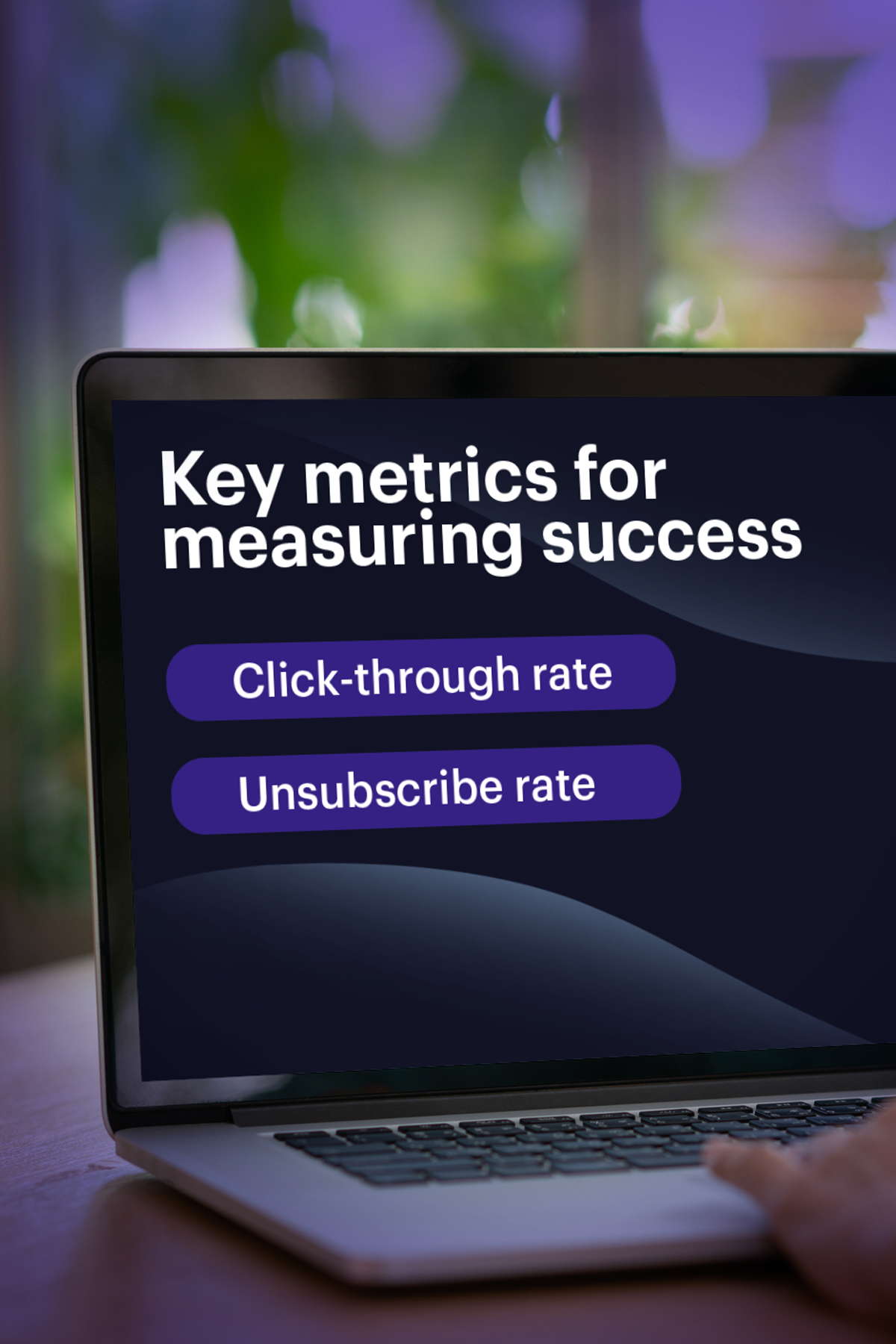
Key metrics for measuring success
Two metrics tell you whether your automated email sequences are performing or wasting list equity without producing returns.
- Click-through rate: Serves as your clearest indicator of message relevance and whether the body copy drove action rather than just being dismissed.
- Unsubscribe rate: Tells you that there’s something pushing contacts away, signaling a mismatch between what was promised and what was delivered.
Review both at the individual email level to identify exactly where drop-off occurs. Then improve open and click rates by tightening your audience segmentation based on the incoming baseline data.
What to build after your first workflow
Once your welcome series goes live and starts generating data, identify your next highest-priority gap. Often, abandoned cart or post-purchase flows follow welcome flows. Using the same five building blocks you used in the welcome flow to create a relevant, timely sequence to address that gap.
Make automation work for you with Campaign Monitor
Manually sending emails cuts into both your team’s time and your overall profits, and automation fixes both problems by removing manual work and sending personalized emails based on your subscribers’ actions.
Campaign Monitor’s drag-and-drop workflow builder makes it easier to handle trigger setup, email sequencing, delay timing, and if/then conditions in a single interface.
Template locking maintains brand standards and CRM integrations connect subscriber behavior directly to customer relationship management data and the pipeline, turning engagement into actionable sales intelligence. Start your free trial or request a demo of Campaign Monitor today to put your first B2B workflow into production.


The #1 Salesforce Tool
Combine your account with Salesforce using the #1 integration, and experience better email.
Learn More
Case Study
This nonprofit uses advanced tools and automation to create more emails—and more time.
Learn how
The email platform for agencies
We started out helping agencies with email, so let us help you.