17 minute read time
Best AI Marketing Tools for 2026

AI tools don’t just “save time.” They reshape what’s possible. The real expense isn’t the software you buy, but the hours lost to manual tasks, generic messaging, and decisions made without data.
Agencies that leverage AI are pulling ahead because they execute faster, personalize deeper, and optimize continuously.
In this article, we’ll cover:
- What AI marketing tools actually do—and which categories matter
- The must-have features to evaluate before choosing a platform
- Real use cases, common traps to avoid, and what’s coming next
If you want a glimpse of this in action, Campaign Monitor provides a helpful example of AI-driven execution. Read on to discover more AI tools shaping the future of marketing.
TL;DR: Best AI marketing tools for 2026 at a glance
| Tool | Category / Use case | Key features | Ideal for | Price range |
|---|---|---|---|---|
| Campaign Monitor | Email marketing + AI personalization | AI Writer; dynamic content; automated journeys; bot-click filtering | Multi-location brands, lifecycle marketers | $12–$159/mo |
| Emma | Higher-ed, franchise & multi-brand governance | AI copy; brand governance; locked templates; segmentation | Franchises, universities, distributed teams | Org-based |
| Jasper | Long-form AI copywriting for teams | Brand-voice copy; long-form; briefs | Content teams, agencies | $49–$69/seat/mo |
| Copy.ai | AI workflows + multi-step marketing automation | Campaign workflows; multi-step automation | Fast-paced teams, agencies | $29–$249/mo |
| Canva AI | AI design & creative production | AI design; image/video generation | Social teams, SMBs | Free–$15/mo |
| Alia Popups | Ecommerce conversion & zero-party data capture | AI popups; zero-party data; segmentation | Ecommerce, DTC | ~$100–$400/mo |
| TxtCart | AI SMS cart recovery & DTC retention | AI SMS cart recovery; conversational agent | Shopify/DTC brands | $29–$499/mo + SMS fees |
| Textline | Customer support SMS + workflow automation | Business SMS; support workflows; automation | Customer service teams | ~$90+/mo |
| Zapier | Integrations + no-code AI orchestration | Integrations; triggers; no-code AI orchestration | Ops & lifecycle teams | Free–$249+/mo |
| Atlas AI | Attribution modeling & growth insights | Attribution modeling; creative insights | Growth & CRO teams | $39–$99/mo |
| Heatmap | Behavior analytics & funnel optimization | Heatmaps; scroll/click tracking; funnel insights | CRO, product, UX teams | Free–$149+/mo |
| ChatGPT | AI ideation, planning & drafting | Ideation; drafting; planning | Small teams, creators | Free–$20–$200/mo |
| HubSpot AI | CRM + AI marketing & sales automation | CRM + automation; AI email; insights | Mid-market & enterprise | Free–$890+/mo |
| Salesforce Einstein | Enterprise AI for CRM & predictive scoring | Predictive analytics; lead scoring; AI across Salesforce | Enterprise organizations | ~$50–$125/user/mo (add-on) |
| Clearscope | SEO optimization & content scoring | Enterprise SEO scoring; briefs | Large SEO/content teams | $189+/mo |
| Runway | AI video creation & creative production | AI video; motion tracking; image-to-video | Creative & performance teams | Free–$76/mo |
Why AI marketing tools matter today
AI marketing tools remove the repetitive parts of marketing—drafting copy, tagging data, setting up journeys—so teams can move faster and focus on strategy.
Using machine learning and generative AI, these tools help you create content, personalize at scale, automate workflows, and surface insights you’d likely miss manually.
They typically fall into a few buckets: content creation, automation, analytics, personalization, email/SMS, and SEO. The core benefits are simple:
- Save hours by automating repeatable work
- Improve ROI with smarter targeting and timing
- Deliver consistent, personalized experiences without extra team load
Here are the shifts that actually matter:
- Automation: Behavior-based journeys replace one-off sends. When someone browses, buys, or abandons a cart, AI-powered triggers keep the message timely without extra manual work.
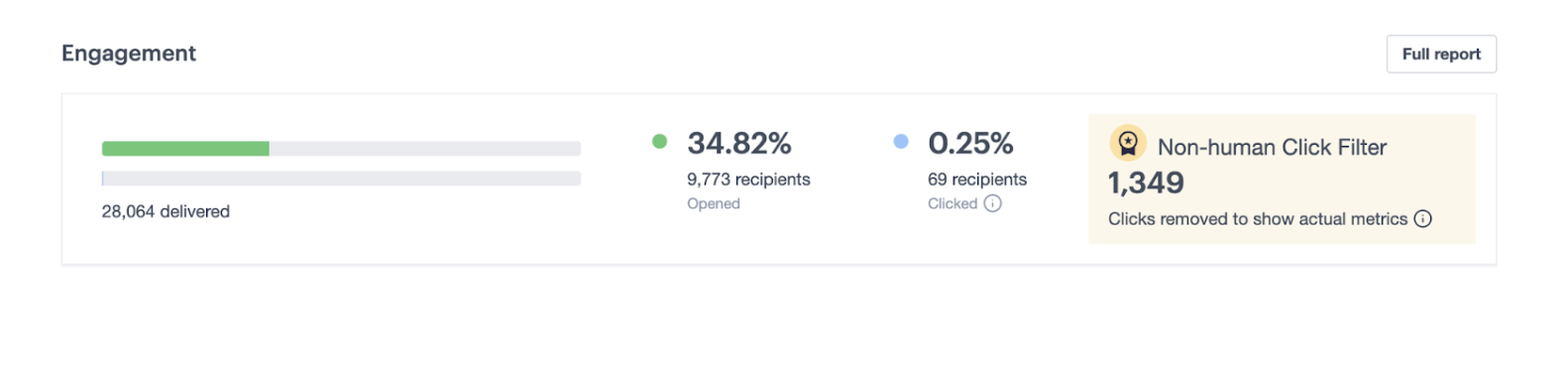
- Real-time analytics: Platforms now filter out suspicious activity (like bot clicks), surface performance trends faster, and make it easier to see which content or audiences are driving results.
- Personalization at scale: Dynamic content blocks and AI-generated variants help you tailor messages by profile, interest, or past behavior—without creating dozens of separate campaigns.
- Smarter testing: AI can assist with subject line suggestions, content variations, and send-time optimization, helping teams iterate faster with data-backed recommendations.
Overall, the shift is simple: less busywork, more precision, and a lot more room to focus on strategy.
Best AI marketing tools by category & use case (2026)
1. Email marketing & customer journeys
Campaign Monitor – Predictive email marketing & personalization
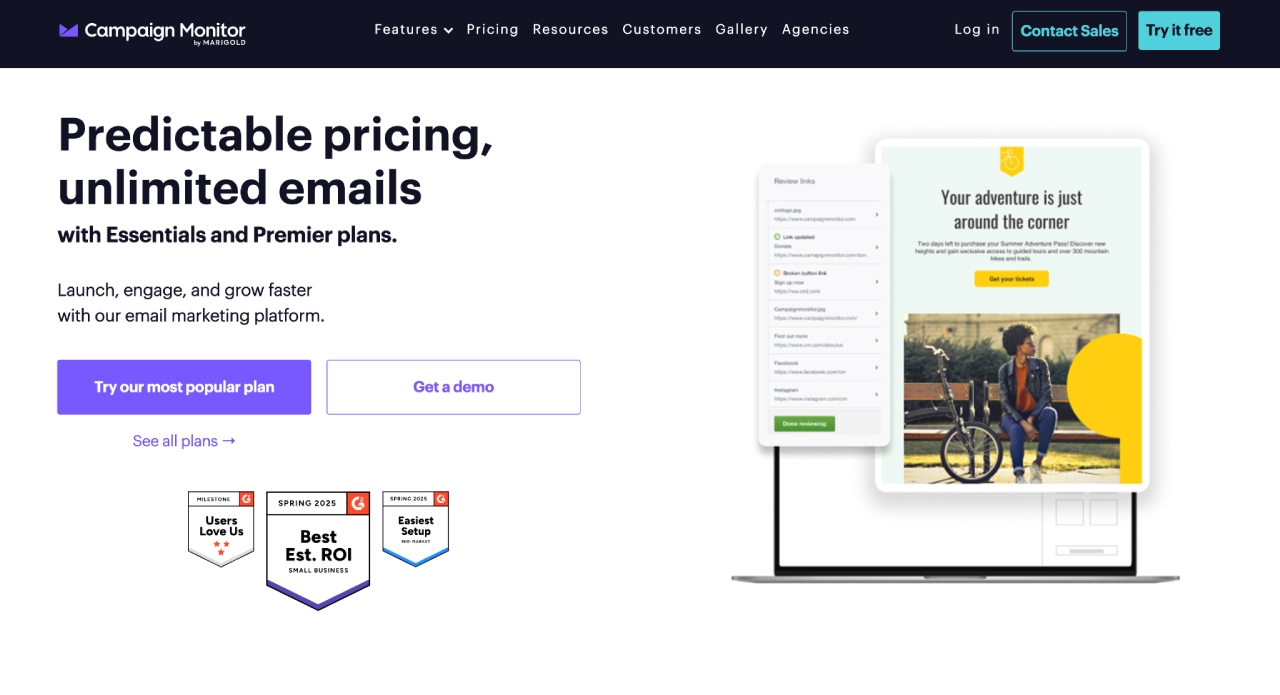
Campaign Monitor is a modern email platform built for marketers who want polished, on-brand campaigns without the complexity.
Its AI Writer, dynamic content, and journey automation help teams create personalized emails quickly—and scale them across segments, locations, or lifecycle stages.
Instead of juggling messy templates or manual edits, AI-powered copy drops seamlessly into reusable brand templates so every send looks consistent.
Best for: Multi-location brands, retail chains, franchises, and teams that rely on owned channels to drive recurring revenue.
Pricing: Offers a 30-day free trial, then starts at Lite $12/mo → Essentials $29/mo → Premier $159/mo.
Why Campaign Monitor works well for AI content marketing
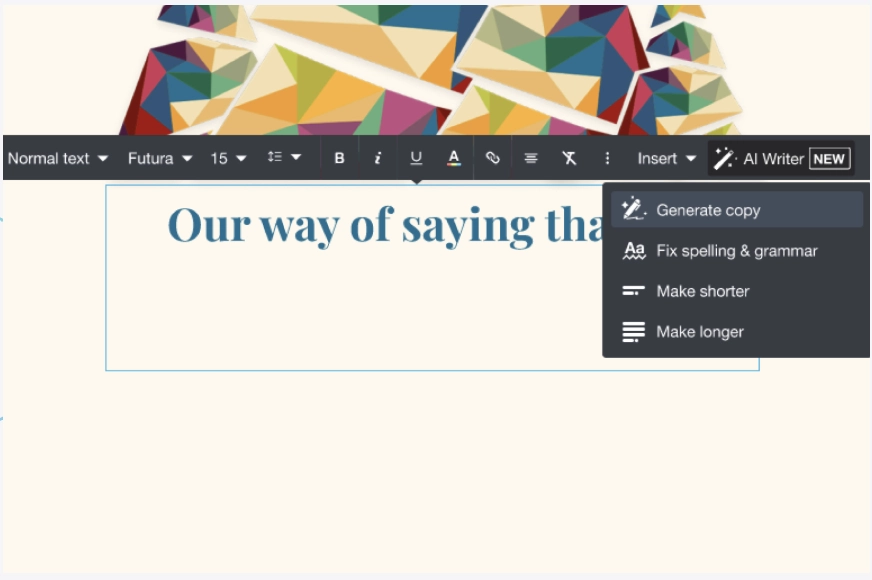
- AI Writer built into the email editor: Creates subject lines, CTAs, and full email copy in your brand voice, reducing drafting time.
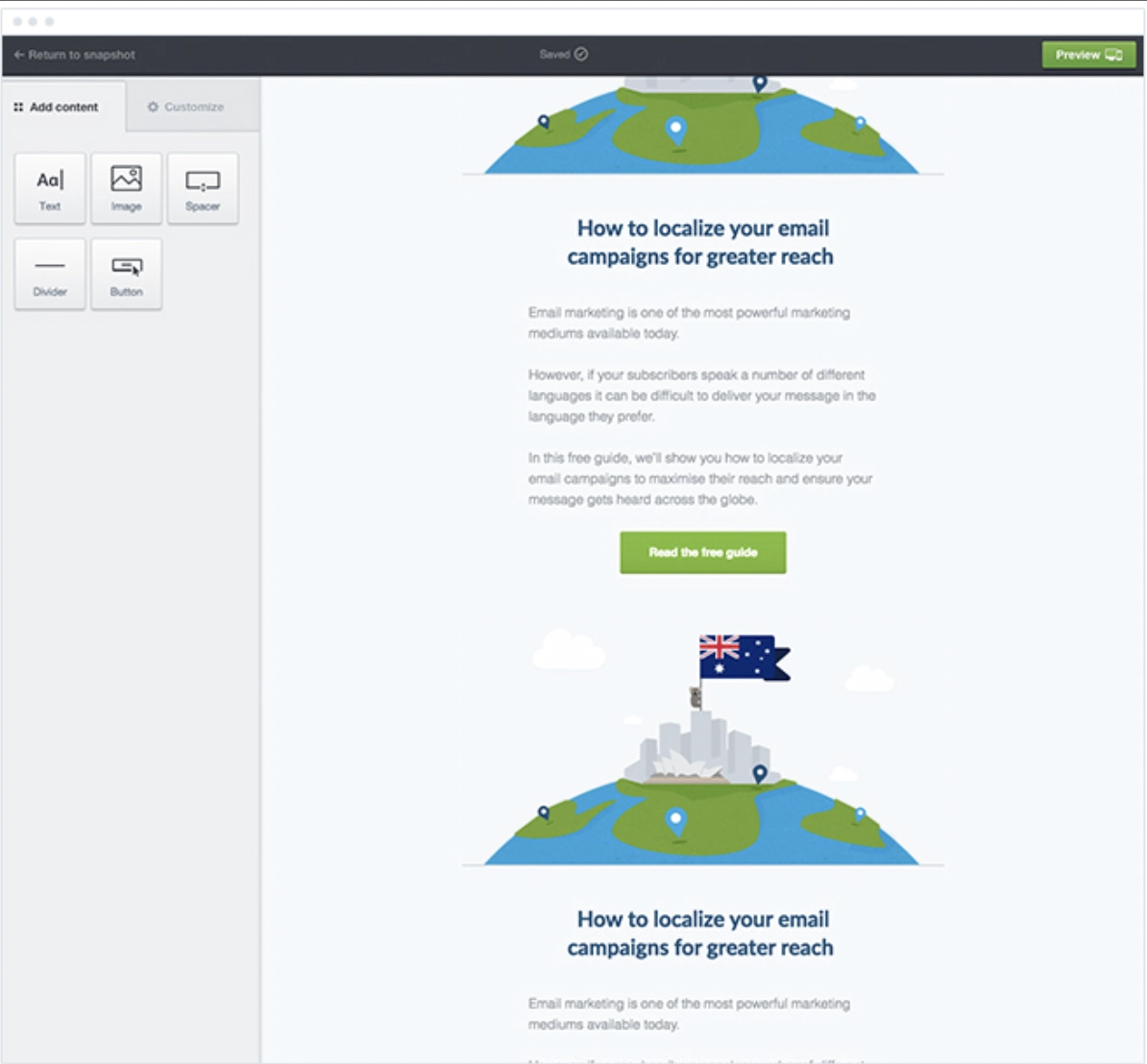
- Dynamic content personalization: Easily swap offers or blocks per audience segment—without building separate emails.
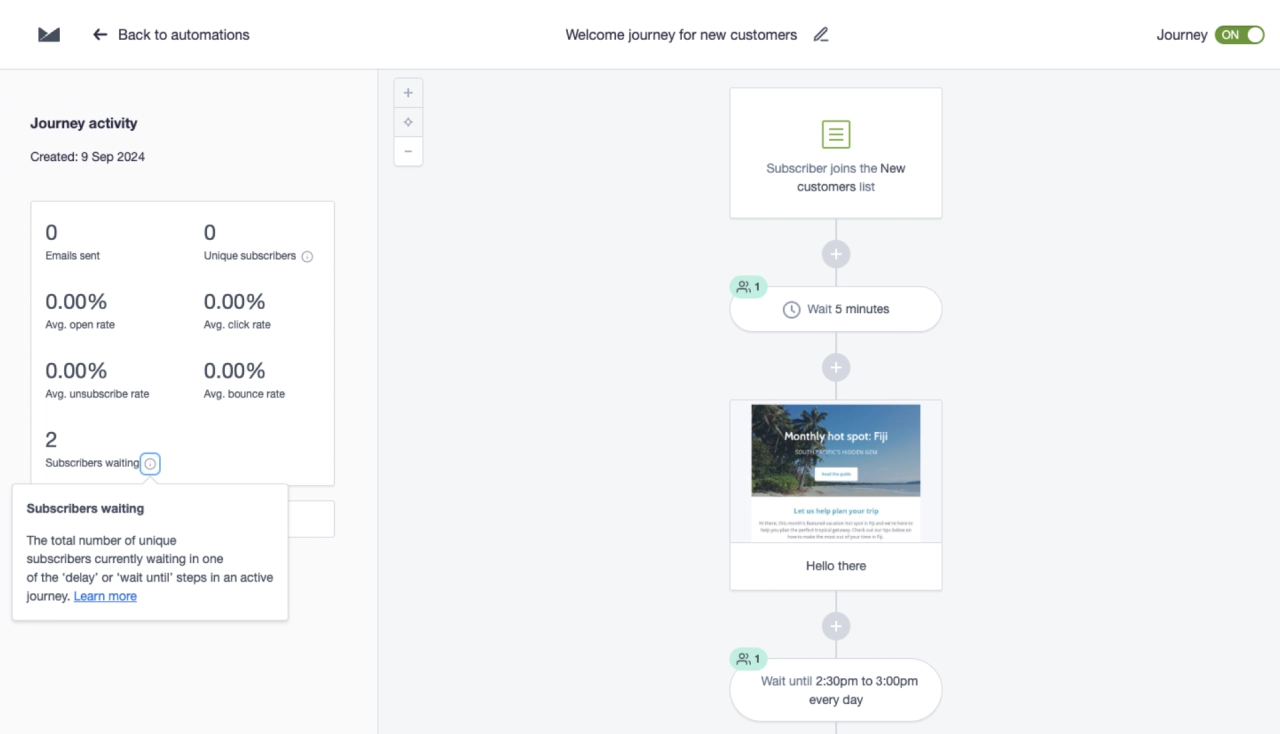
- Automated customer journeys: Trigger personalized welcome flows, re-engagement campaigns, and post-purchase sequences with AI-assisted content.
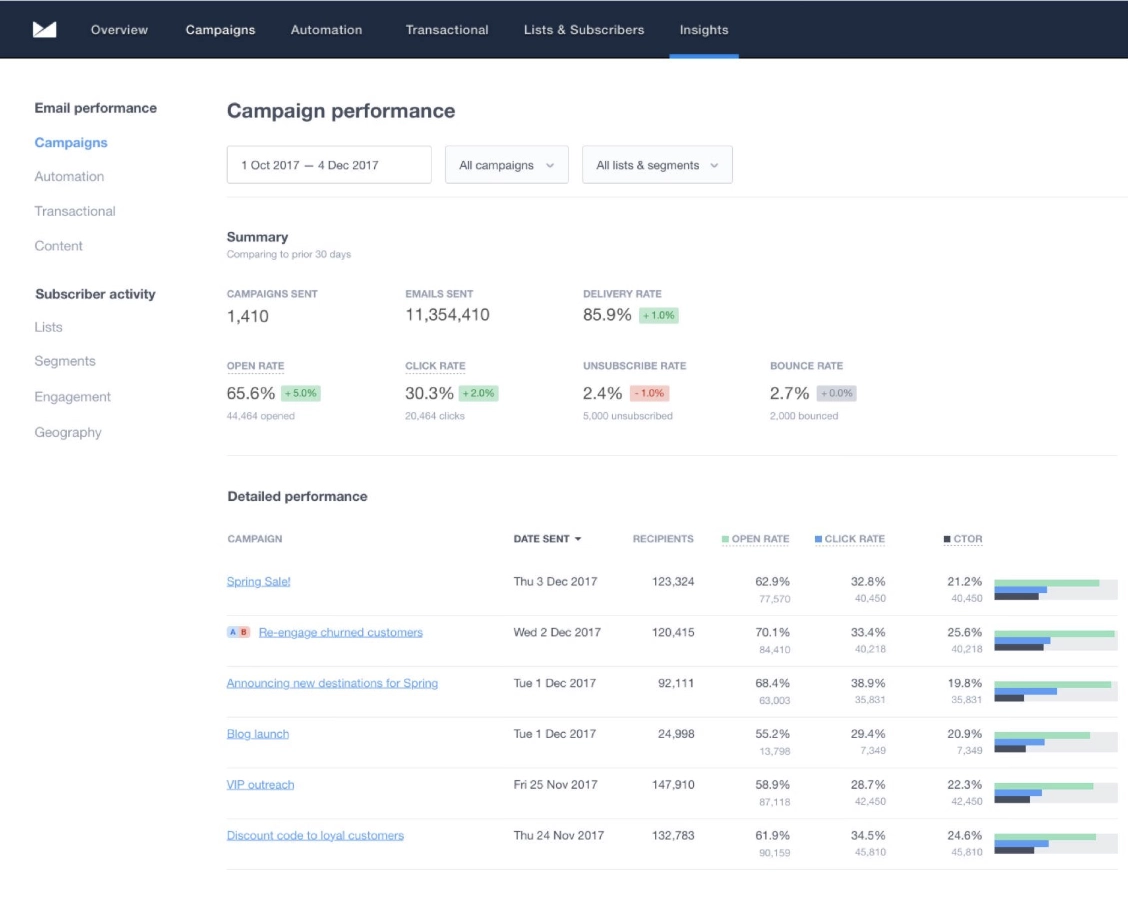
- Clean analytics with bot-click filtering: More accurate performance insights and A/B test results.
In practice
If you’re looking to scale email personalization, Campaign Monitor’s AI features help you produce relevant, on-brand messages in minutes. Instead of creating dozens of versions manually, AI adapts content to each segment—making personalization fast, consistent, and revenue-driven.
Emma — AI email marketing built for multi-location brands
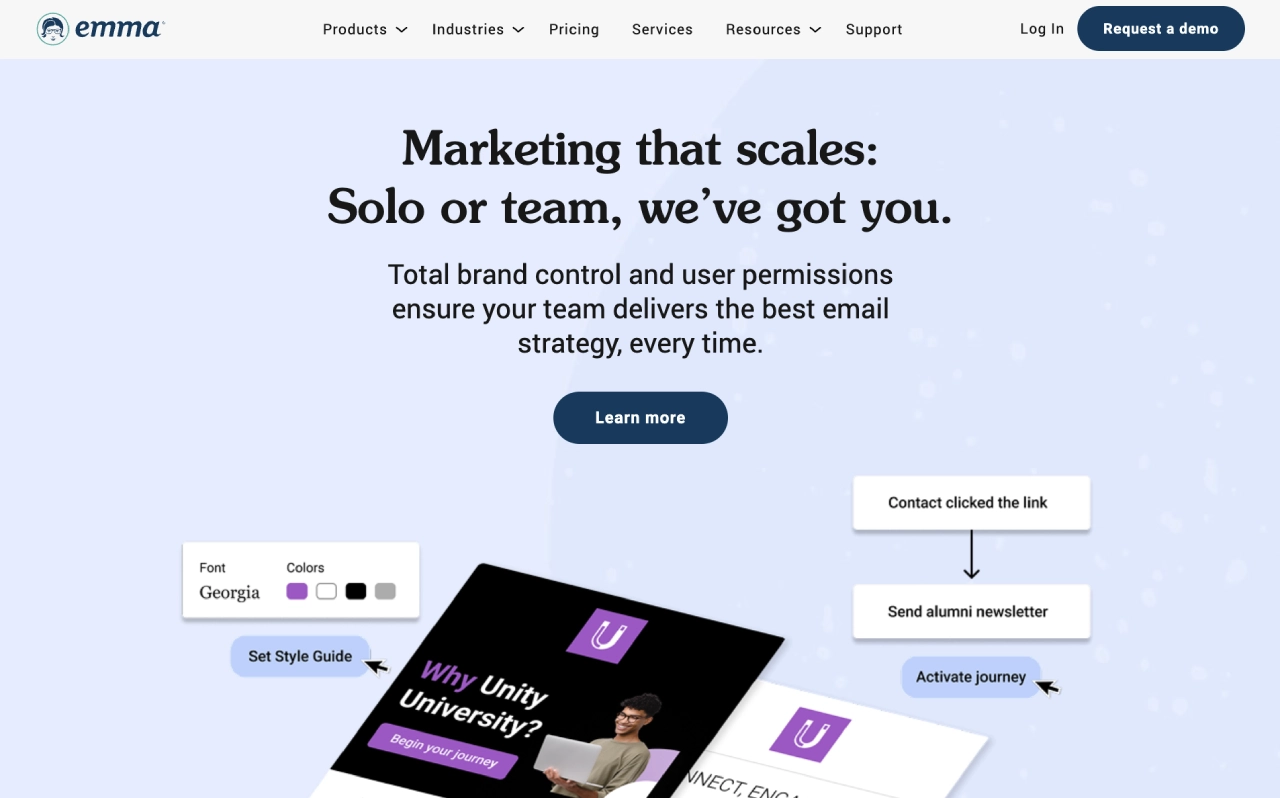
Emma is an AI-powered email platform designed for brands with multiple locations or distributed teams. Its AI copy suggestions, locked templates, and centralized brand controls ensure every message stays consistent—no matter who’s sending it.
Advanced segmentation and automated journeys help local teams personalize at scale without breaking brand standards.
Best for: Franchise networks, universities, and multi-location brands needing strict brand governance and reliable email personalization.
Pricing: Tiered and organization-based; varies by locations, send volume, and customization needs.
2. Content creation & SEO
Jasper — Brand-aligned long-form & campaign copy
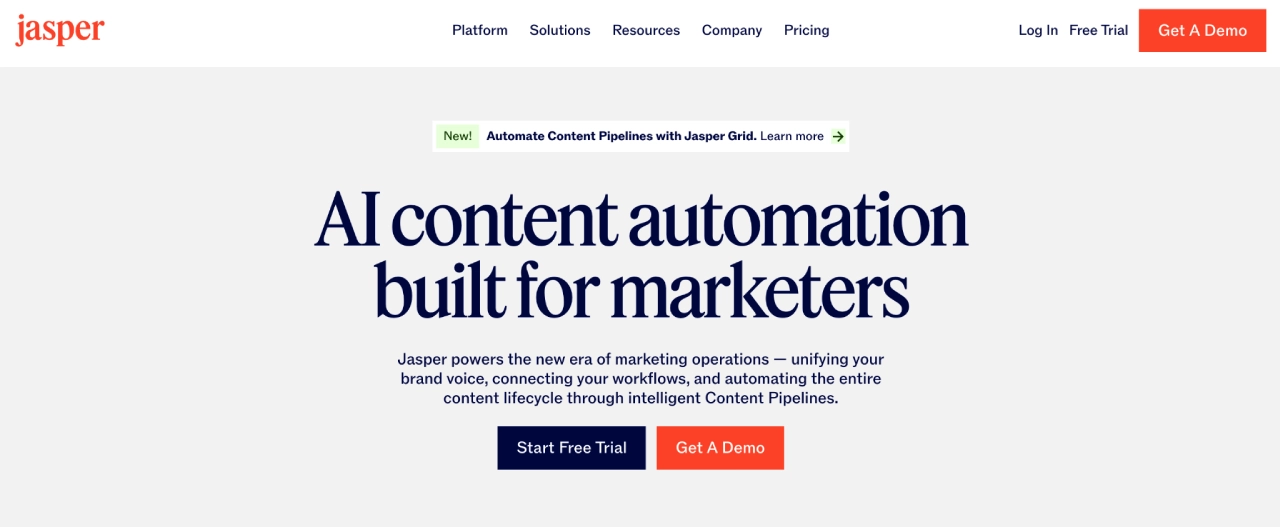
Jasper specializes in high-quality, brand-voice–aligned content. It generates long-form articles, briefs, ad variations, product descriptions, and social captions, while its Brand Voice and knowledge features keep tone and messaging consistent across everything your team produces.
Best for: Content teams and agencies producing high volumes of copy across multiple channels.
Pricing: Creator from $49/seat/month, Pro from $69/seat/month (lower if billed annually), with a 7-day free trial.
Copy.ai — Fast, structured campaign workflows
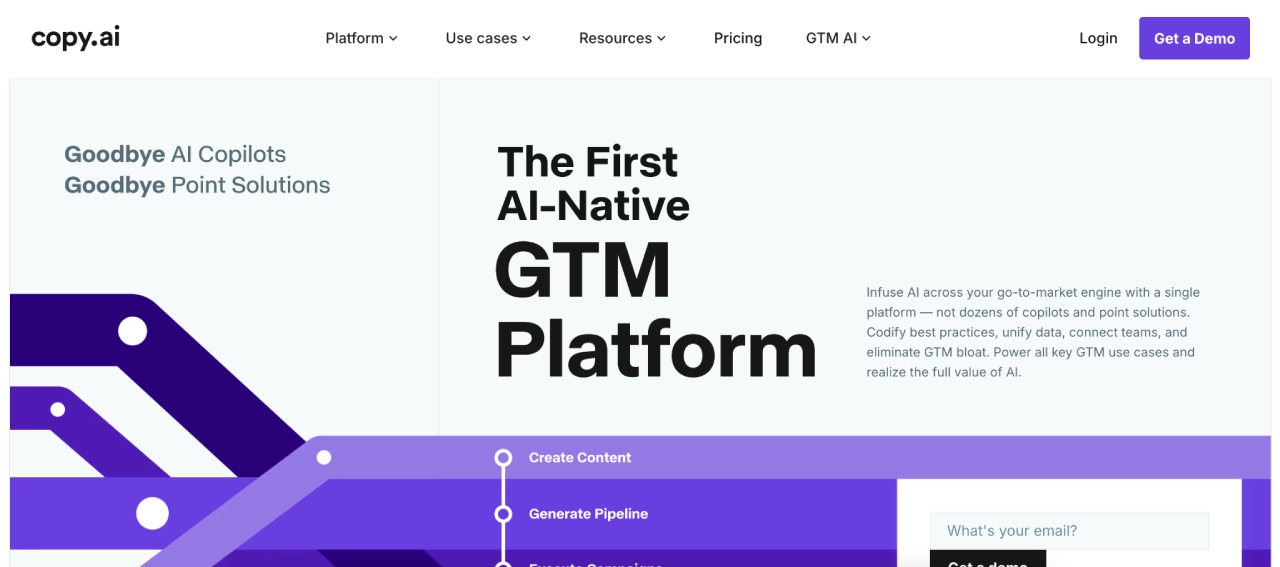
Copy.ai focuses on structured content generation for emails, ads, landing pages, and launches. Its workflows can turn a single brief into a full campaign sequence—outline → email copy → social posts—so teams can ship assets quickly while keeping messaging aligned.
Best for: Teams needing quick turnaround and repeatable, multi-step content workflows.
Pricing: Chat plan from $29/month (up to 5 seats); Agents plan from $249/month (up to 10 seats and workflow credits).
Canva AI — Creative engine for visuals & short-form content
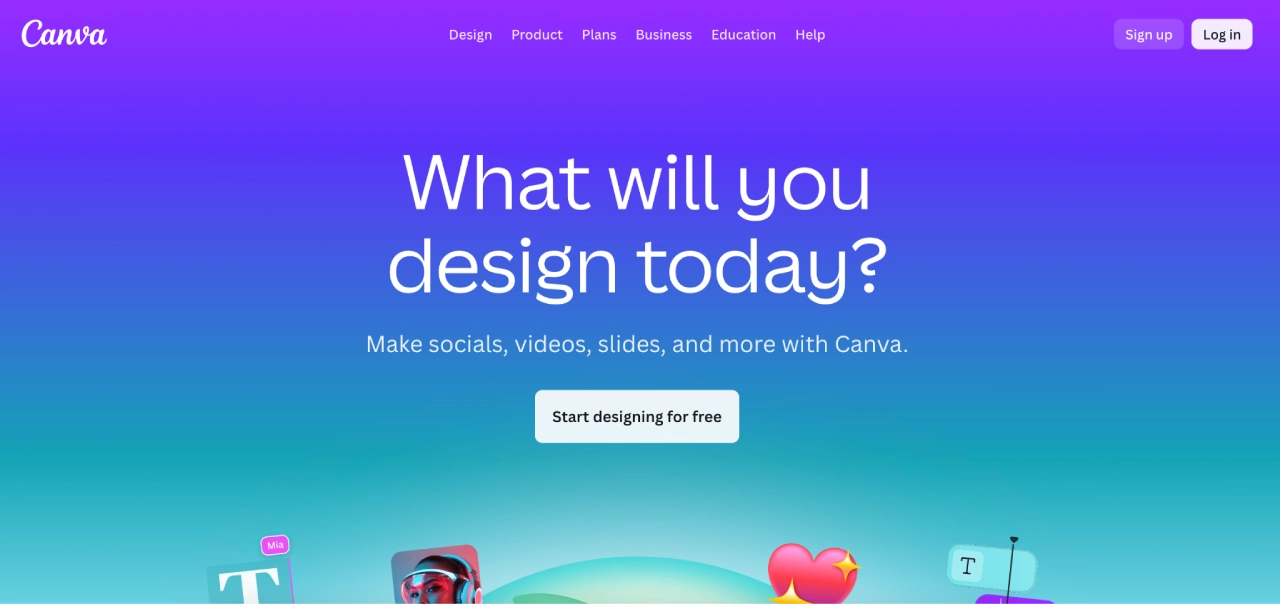
Canva AI powers image and video creation inside Canva’s design suite—helping teams generate social graphics, thumbnails, presentations, and short-form videos from simple prompts. It’s built for speed and accessibility, so non-designers can still produce polished creatives that feel on-brand.
Best for: Social media creators, small teams, and marketers needing fast visuals without a full-time designer.
Pricing: Canva offers a free tier; Canva Pro typically starts around $15/month (pricing varies by region and team size).
3. On-site growth & personalization
Alia Popups — AI onsite popups powered by zero-party data
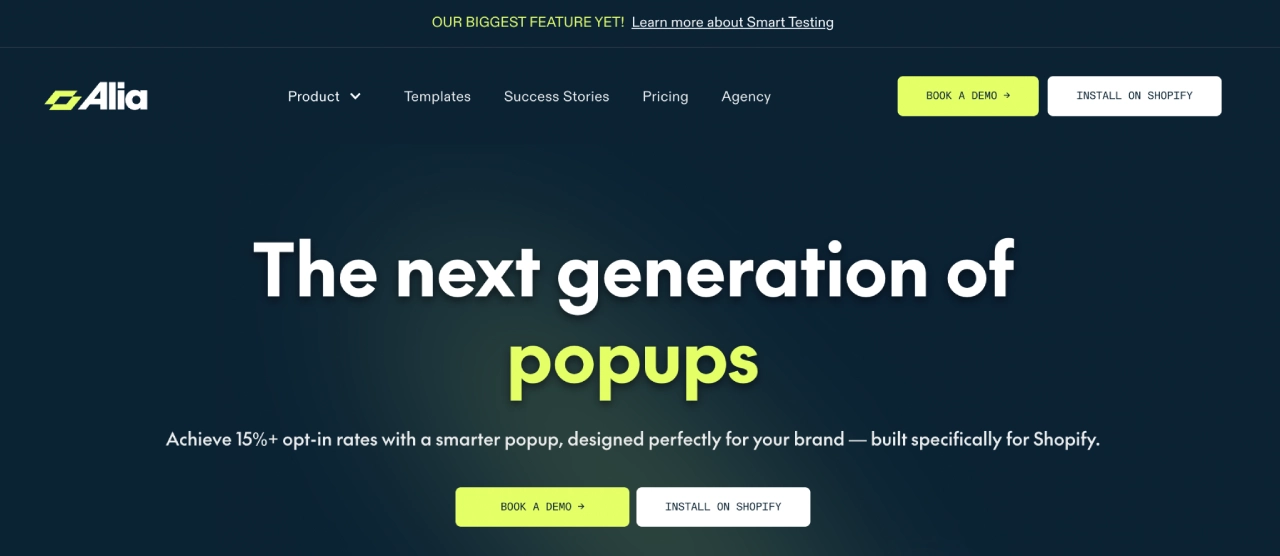
Alia is an AI-powered popup platform built for list growth and personalization. It tailors incentives, collects zero-party data, segments visitors, and syncs that data with your email/SMS tools to fuel lifecycle marketing. AI automatically tests variants and optimizes timing so the right offer appears at the right moment.
Best for: Ecommerce and DTC brands wanting personalized onsite experiences that convert without heavy manual testing.
Pricing: Shopify app tiers typically start around $100/month for up to 20k visitors, with higher tiers (e.g., $200–$400/month) for larger traffic volumes; most plans include a 14-day free trial.
4. SMS: Recovery, support & engagement
TxtCart — Conversational SMS for cart recovery & support
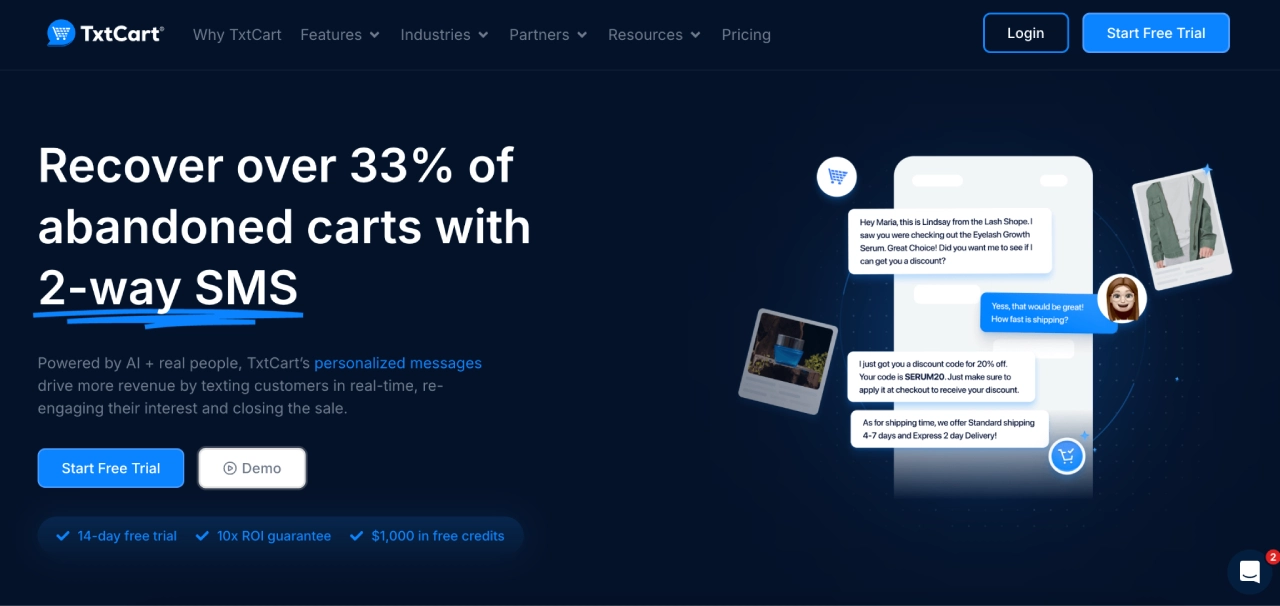
TxtCart offers AI-assisted, 2-way conversational SMS focused on cart recovery, product Q&A, and light support.
Its AI agent acts like a virtual sales rep—answering objections, following up on abandoned carts, and nudging high-intent buyers back to checkout—while giving you a shared inbox and detailed analytics.
Best for: Shopify stores, mobile-heavy brands, and teams that want SMS to function like a human sales associate.
Pricing: TxtCart starts at $29/month (Starter), with higher tiers at $79/month (Growth), $199/month (Pro), and $499/month (Enterprise). All plans include per-message costs ($0.01/SMS and $0.045/MMS) and a 14-day free trial with $1,000 in SMS credits. Some plans also apply performance-based cart-recovery fees, which decrease on higher tiers.
Textline — Business texting for structured support workflows
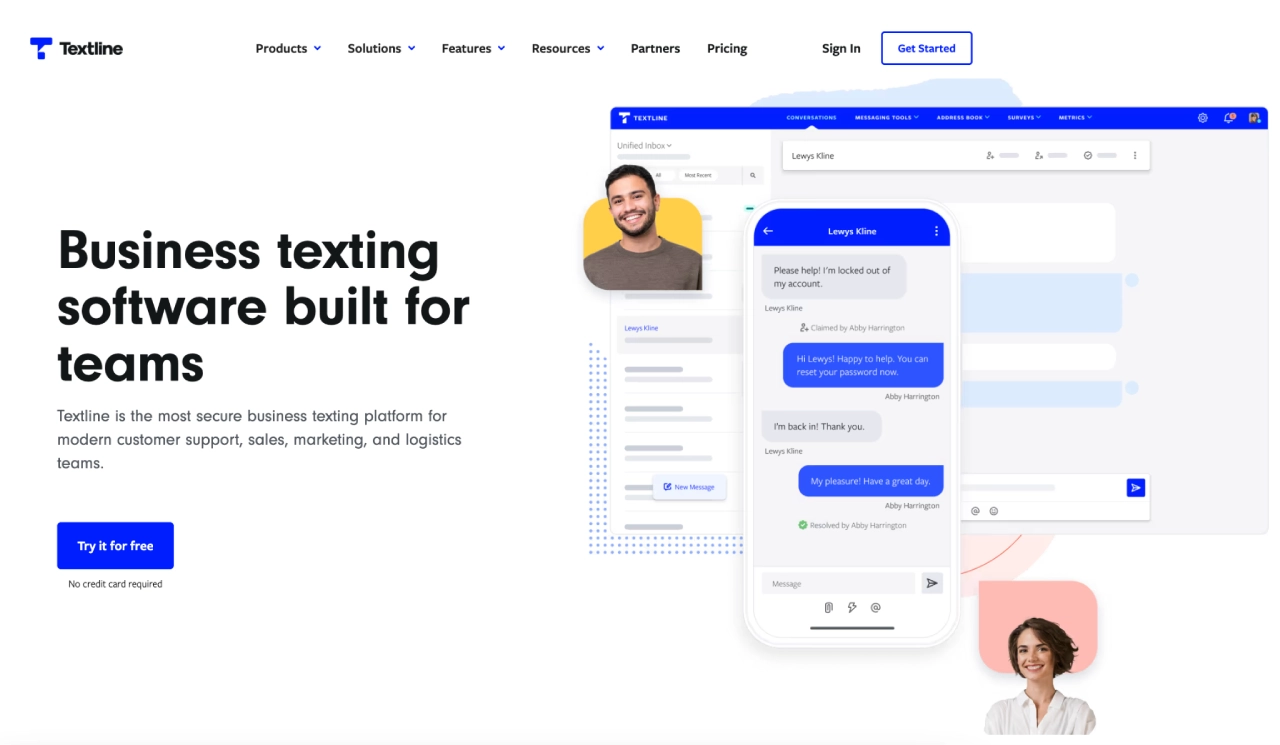
Textline is a business texting platform that centralizes SMS conversations in a shared inbox so teams can collaborate on replies, assign conversations, and track performance.
It supports templates, automations, webchat, and integrations, making it a solid fit for service-heavy use cases rather than pure marketing blasts.
Best for: Customer service and operations teams needing organized, trackable SMS workflows across multiple agents.
Pricing: Standard/Essentials-style plans typically start around $90/month for a few users and a monthly message allowance, with higher-tier Pro/Enterprise options and a free trial available.
5. Automation & workflow orchestration
Zapier — No-code automation & AI orchestration across your stack
Zapier connects thousands of apps so marketers can automate workflows without engineering help—routing leads, syncing CRM and email tools, triggering campaigns, updating sheets, and more. Newer “AI orchestration” features combine Zaps, Tables, Interfaces, and AI actions so you can build more complex, AI-driven flows in one place.
Best for: Growth and ops teams that want reliable, no-code automation and AI workflows spanning multiple tools.
Pricing: Free plan with 100 tasks/month and 2-step Zaps. Paid plans generally start at $19.99/month (Pro, billed annually) for 750 tasks, with Team plans from about $69/month and Enterprise on custom quotes, all with task-based billing.
6. Analytics: UX, attribution & CX
Atlas AI
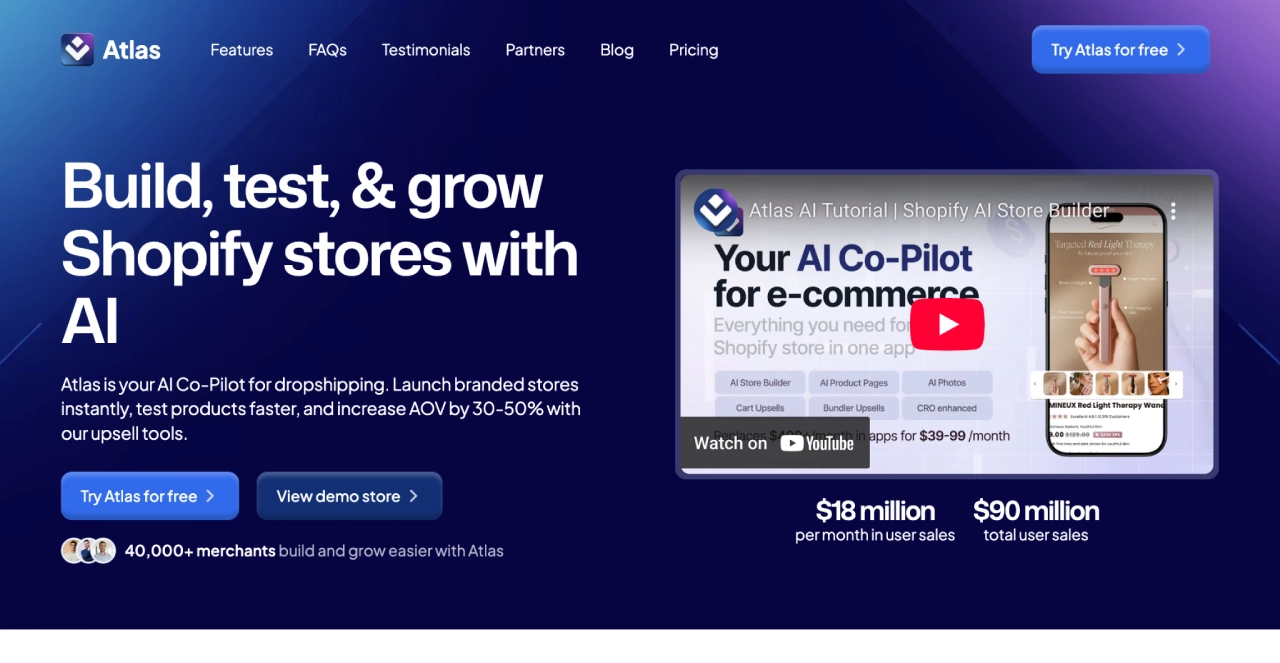
Atlas AI analyzes past campaign performance and recommends new creative angles, audiences, and optimal send times. It fine-tunes ad and email campaigns using real sales data—removing guesswork and helping improve ROAS across channels.
Best for: Brands that want faster campaign launches and smarter, data-backed offer optimization.
Pricing: Starter $39/mo — AI store & product pages, AI photos, upsells (up to $5k added revenue). Growth $99/mo — unlimited revenue. Bolt Theme $249 one-time — includes a theme license plus one AI store and upsells.
Heatmap AI
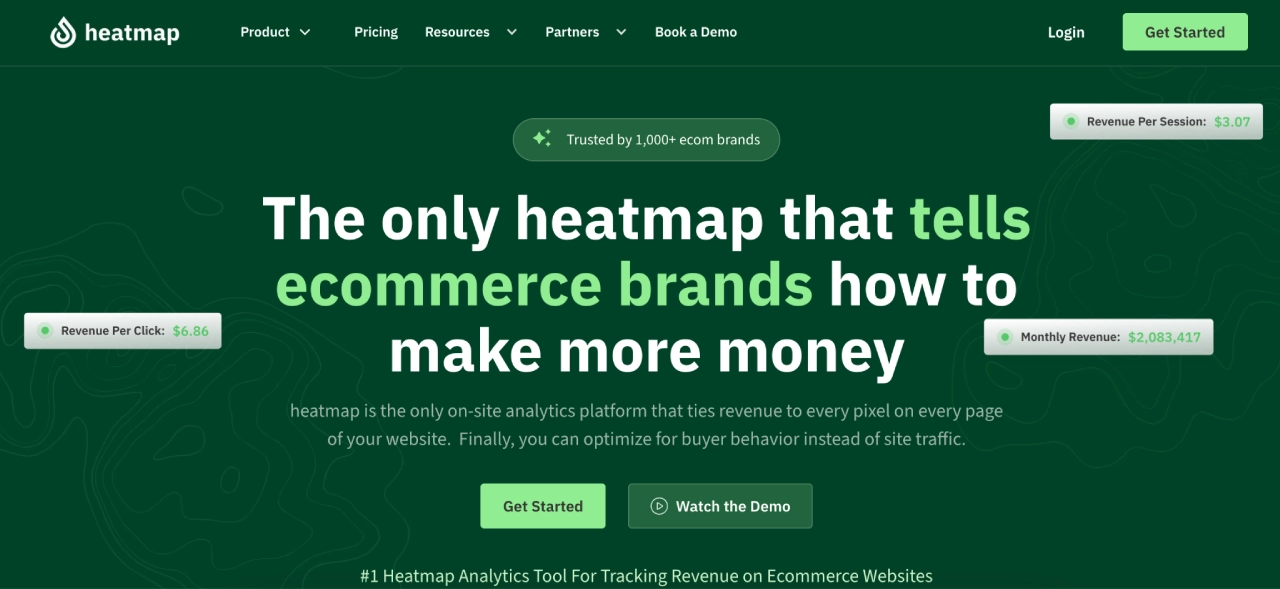
Heatmap.com provides revenue-driven web analytics for ecommerce—combining web analytics, funnel drop-off reports, scroll and click maps, and AI recommendations tied directly to on-site revenue. It’s built so teams can see which sections, buttons, and creatives actually generate sales, then prioritize CRO work accordingly.
Best for: Teams optimizing landing pages, product pages, and funnels with revenue-linked UX insights.
Pricing: Web Analytics from $29/month; Behavioral Suite from $149/month; Behavioral Suite+ is quote-based, all with a free trial available.
7. Small business marketing
ChatGPT
ChatGPT is a general-purpose AI assistant that helps with ideation, drafting, rewriting, research support, and basic data analysis. For marketers, it’s useful for fast first drafts, repurposing content across channels, brainstorming campaigns, and building prompt-based workflows that plug into other tools.
Best for: Small teams and solo marketers who need versatile, high-speed content and strategy support.
Pricing: Free plan for everyday use; Plus at $20/month for more access to advanced models; Pro at $200/month for power users; Business and Enterprise plans are priced per seat with custom terms for larger teams
8. Enterprise marketing
HubSpot AI (Marketing Hub)
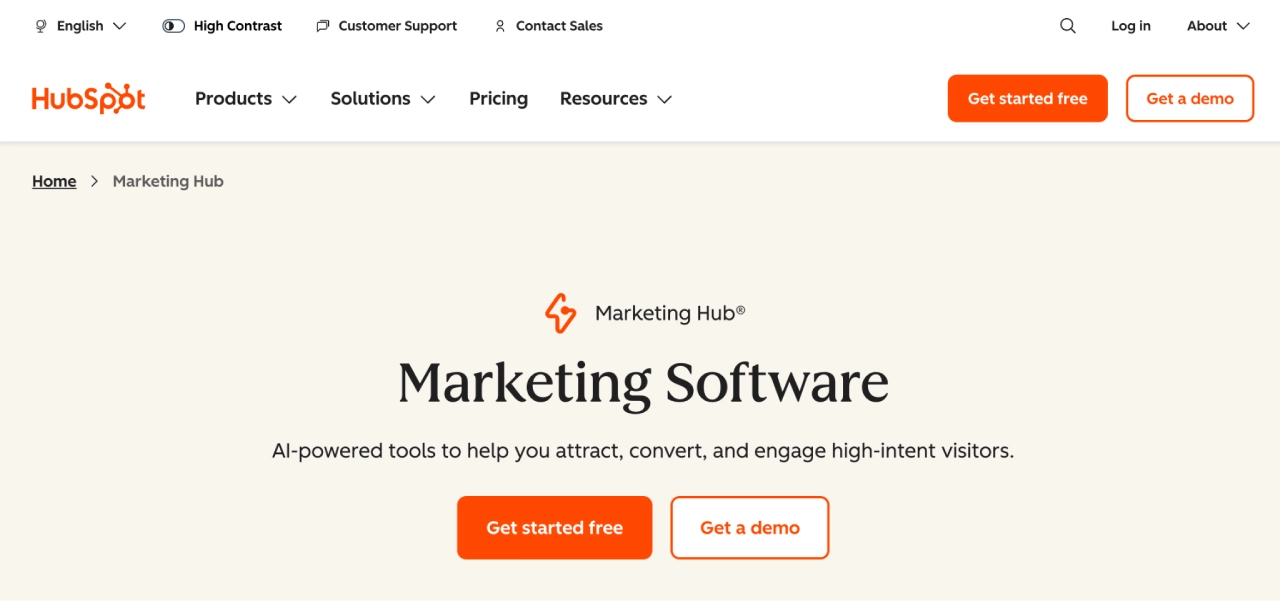
HubSpot’s Marketing Hub layers AI features—like AI email drafting, subject line suggestions, content generation, and smart send-time optimization—on top of its CRM, automation, and analytics stack. This gives marketing and sales teams a single place to manage contacts, build journeys, score leads, and analyze performance with AI assistance.
Best for: Mid-market and enterprise teams that want CRM, automation, and AI-driven marketing tools in one platform.
Pricing: Free tier for basic tools; Starter from about $15/seat/month; Professional from around $890/month; Enterprise significantly higher, with pricing scaling by contacts, seats, and feature set.
Salesforce Einstein
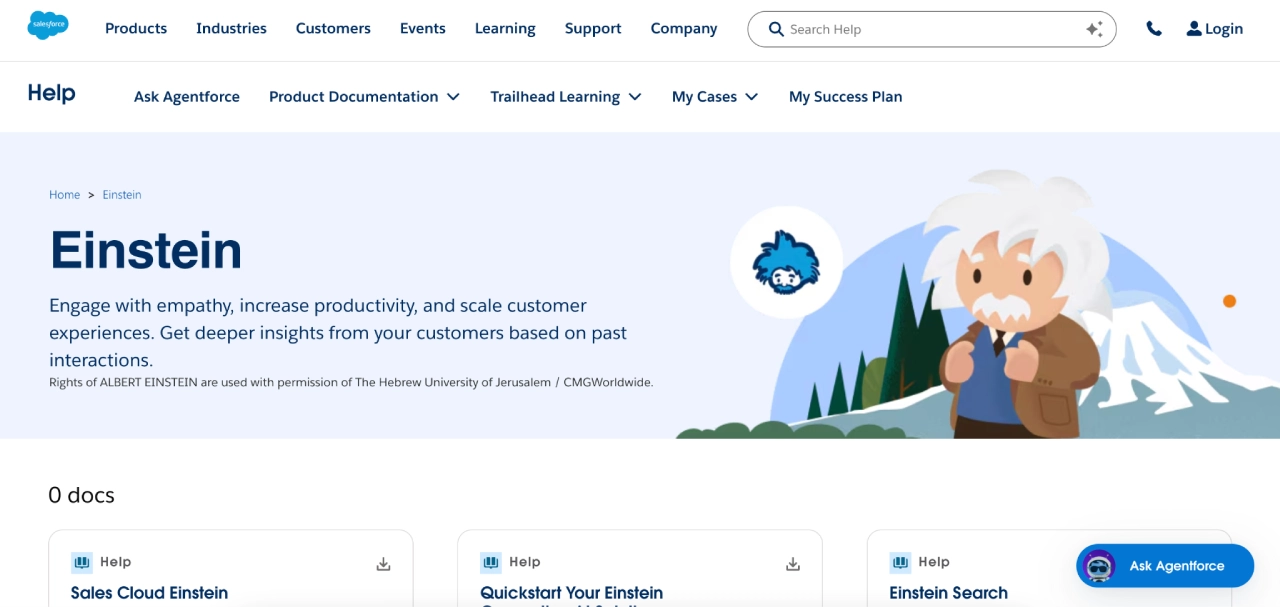
Salesforce Einstein is Salesforce’s AI layer that powers lead and opportunity scoring, predictive analytics, next-best actions, and AI assistance across Sales, Service, and Marketing Cloud. It helps large teams prioritize the right accounts, forecast more accurately, and personalize outreach based on CRM data.
Best for: Enterprise sales and marketing organizations already standardized on Salesforce.
Pricing: Einstein is sold as a set of add-ons on top of core Salesforce licenses, with many Einstein products starting around $50–$125 per user/month, and total per-rep cost often higher once base CRM licenses are included. Exact pricing depends on edition and use case.
Clearscope
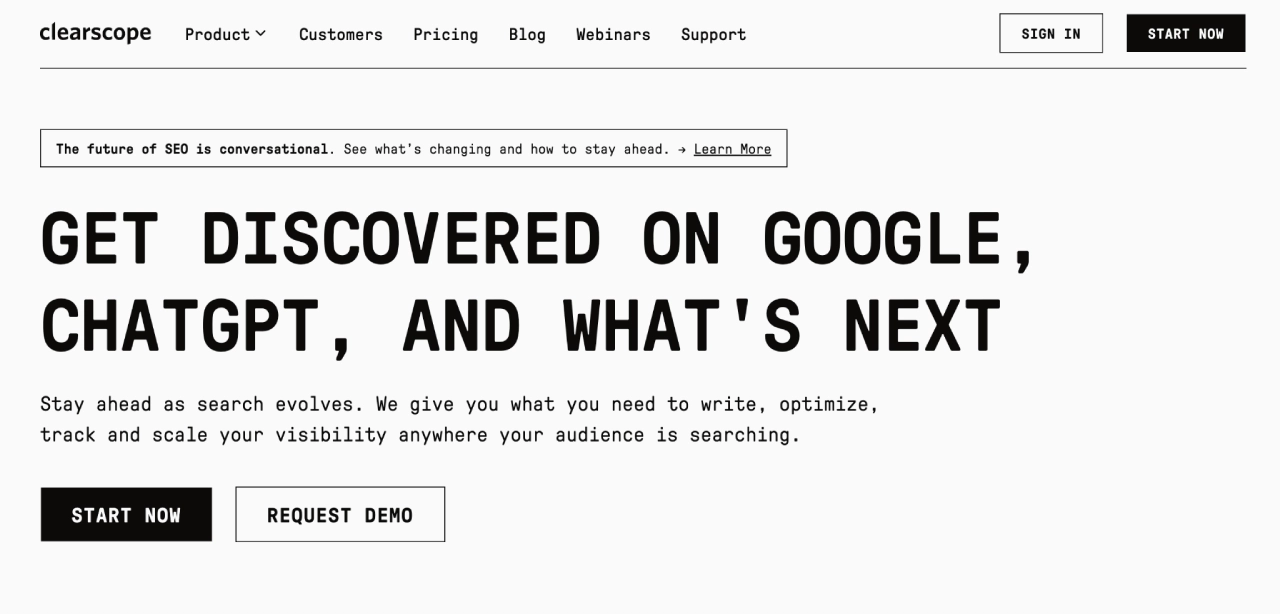
Clearscope is an enterprise SEO and content optimization platform that uses AI to analyze top-ranking pages, identify key topics and terms, and score your drafts for relevance and completeness.
It’s built to help teams standardize high-quality content briefs and keep large content libraries up to date.
Best for: Larger marketing and content teams focused on high-performance SEO content at scale.
Pricing: Essentials plan typically starts around $189/month, with Business and Enterprise plans at higher price points that add more reports, users, and advanced features.
9. Image & video creation
Runway
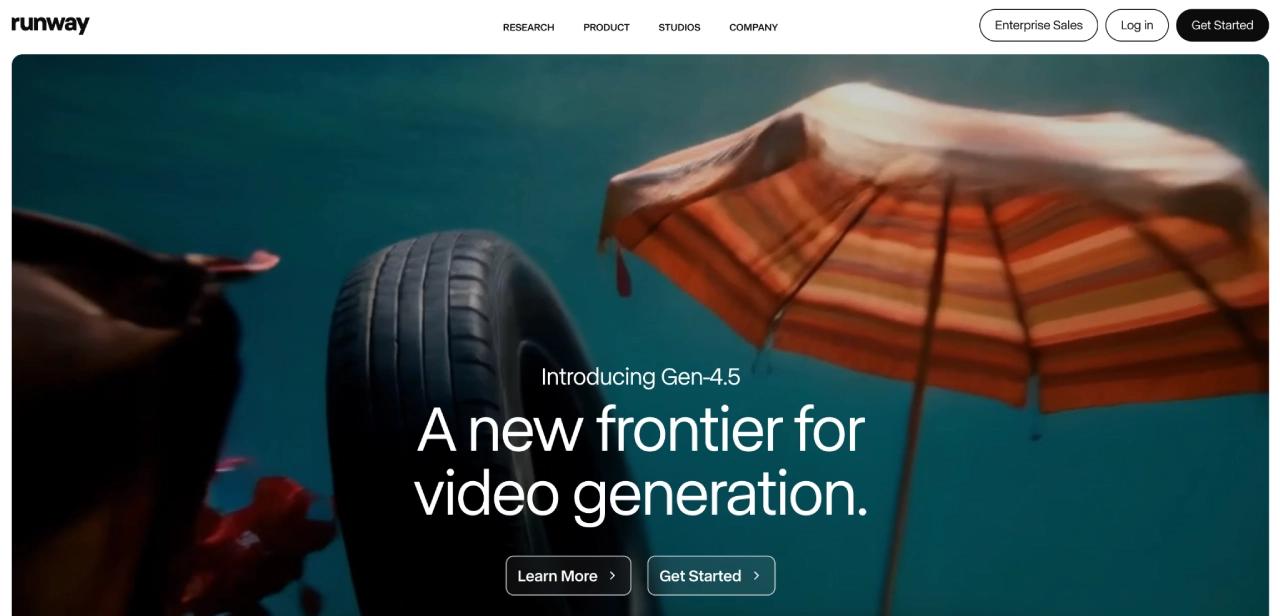
Runway is an advanced AI video and image platform used to generate, edit, and enhance media with tools like Gen-4 video, image-to-video, motion tracking, and green-screen effects.
It’s popular with creative teams who need to quickly prototype ad creatives, UGC-style content, and experimental visuals without a full post-production pipeline.
Best for: Creative and performance teams producing video ads, social content, and experimental visuals at scale.
Pricing: Free tier with limited credits; Standard from $12/user/month billed annually; Pro from $28/user/month; Unlimited from about $76/user/month, with credits and editor limits varying by plan.
Action step: Shortlist one tool per category you’ll actually deploy in the next 30 days. Score each on integration fit, usability, and support.
How to choose the best AI marketing tools
Not all AI marketing tools are built the same. Some accelerate execution; others quietly create more work, confusion, or tech debt.
Use this 7-point selection framework to choose tools that actually improve your marketing.
1. Integration with your stack (CRM, ESP, sms, web, analytics)
Your AI tool should plug into your existing ecosystem with minimal setup. Look for:
- Native integrations with your ESP, CRM, SMS, ecommerce, CMS
- Real-time data sync for segments, events, and behaviors
- Unified reporting (no exporting CSVs just to calculate performance)
Red flag: Tools requiring manual API work, spreadsheets, or disconnected reporting.
2. AI capability & brand alignment
Good AI isn’t generic—it adapts to your data. Prioritize tools that:
- Learn from your brand voice, tone, and creative history
- Adjust based on customer behavior (not random templates)
- Improve over time with usage
Example: Campaign Monitor’s AI Writer adapts to segment, context, and layout—whereas generic AI tools force you to edit heavily.
3. Use case fit (Solve the right problem first)
Match the tool to your biggest marketing bottleneck:
- Slow production? → Jasper, Copy.ai, Canva AI
- Lifecycle automation? → Campaign Monitor, Emma
- On-site conversions? → Alia Popups
- Cart recovery & support? → TxtCart
- Data clarity & attribution? → Heatmap.com, Atlas.io
If you can’t map a tool directly to a business problem, you won’t see ROI.
4. Data quality, privacy & compliance
AI is only as good as the data you feed it. Check for:
- GDPR/CCPA compliance
- SOC 2 for platforms handling sensitive customer data
- Clear permission/consent workflows (especially for SMS)
- Accurate bot filtering & clean analytics
Pro tip: Analytics tools without bot filters inflate results and mislead optimization.
5. Scalability & automation depth
Choose tools that grow with your team, not against it. Evaluate:
- Automation depth (triggers, branching logic, journey testing)
- Speed with larger datasets (no slowdowns at scale)
- Flexible pricing that doesn’t explode as your list grows
If scaling increases your costs faster than your ROI, it’s the wrong tool.
6. Measurement, reporting & ROI tracking
AI tools must prove they work. Look for:
- Real-time dashboards tied to revenue or conversions
- Multi-touch attribution (where relevant)
- Built-in A/B testing or offer optimization
- Transparent performance metrics (not “magic box” AI claims)
If you can’t measure it, you can’t optimize it.
7. Support, enablement & adoption
AI tools don’t drive value if your team can’t use them. Prioritize:
- Clear UI with pre-built templates
- Fast onboarding and documentation
- Responsive support (live chat > ticket queues)
- Role-based access, brand governance, and permissions
Red flag: Tools that require “power users” or specialists just to operate.
Pro tip
Create a simple 1–5 scorecard for every tool across these seven criteria. Tools scoring below 3 on integration or usability almost always create hidden costs—either through manual workarounds or inconsistent execution.
Action step
Shortlist one tool per category you can realistically implement in the next 30 days. Evaluate each using the 7-point framework before committing.
Pros and cons of AI marketing tools
Pros
- Efficiency at scale: produce, personalize, and launch faster
- Data-driven decisions: cleaner analytics, better testing
- Always-on optimization: predictive timing and journey triggers
Cons
- Learning curve and setup debt
- Cost creep across multiple tools/seats
- Occasional inaccuracies; brand voice drift
- Over-reliance risks (autopilot ≠ strategy)
Mitigate the downsides:
- Layer human review for brand and claims
- Start with a pilot (single use case, timeboxed)
- Centralize standards (prompt library, brand voice rules)
- Use bot-click filtering to keep KPIs honest
The 3P model for selecting AI marketing tools
- Purpose: Identify the bottleneck you must solve now (e.g., “We ship emails late” → journey automation; “Our reporting is noisy” → analytics with bot filtering).
- People: Match tool complexity to your team. If you need “set and forget,” pick guided builders and templates over raw APIs.
- Platform Fit: Map your data path. Prioritize tools that sync with your CRM/ecommerce and support your governance (SSO, roles, audit logs).
Try this: Score each vendor 1–5 on each P. Prioritize consistent 4–5s over one impressive 5 with gaps.
Why human oversight still wins
AI can produce fast, but it can also drift—tone, context, and relevance sometimes miss the mark. Campaigns perform better when a human refines the message, adjusts CTAs to match real motivations, cuts repetition, and ensures the content feels grounded and intentional.
The formula is simple: let AI handle the heavy lift, then apply human judgment to review, edit, and test. This blend consistently outperforms AI-only execution.
Still launching campaigns the slow way? Try Campaign Monitor
You now know how to choose and scale AI tools that actually improve performance. The teams winning in 2026 aren’t using AI everywhere — they’re using it where impact compounds: personalization, automation, and data-driven messaging.
What to take with you:
- Start with one high-value journey and prove lift fast.
- Use AI for the heavy lift — drafting, personalizing, and optimizing timing.
- Keep your data clean with bot-click filtering and tagged events.
- Choose tools your team can actually use, not tools that add complexity.
Campaign Monitor delivers measurable impact at scale. It has helped brands like the Australian Red Cross achieve a 75% increase in conversions from one segmented campaign—proof that smarter personalization drives real results.
If you’re ready to move from slow, manual campaigns to smarter, on-brand automation, Campaign Monitor makes it easy with AI Writer, dynamic content, journey automation, send-time optimization, and clean analytics built right in.
Try Campaign Monitor for 30 days and see how much faster you can ship your next campaign.