26 minute read time
Best Email Newsletter Software Compared (2026 Review)
Most “best email newsletter software” lists all blend into one long feature dump, and quietly ignore what actually makes or breaks results: deliverability, support, and how fast you can get from idea to revenue.
We know we have a horse in this race. So we spent hours analyzing features, user reviews, and online sentiment to honestly highlight where we win, and where a competitor might actually be the better choice for your goals.
In this article, we’ll cover:
- What to look for in the best email newsletter software
- Side‑by‑side breakdowns of 9 top email newsletter platforms
- A practical 4P framework to find your best‑fit tool (with real results)
Ready? Let’s go!
TL;DR: Best email newsletter software tools in the market right now
| Tool | Best For | Key Advantage | Starting Price | Reviews |
|---|---|---|---|---|
| Campaign Monitor | Design-led teams and agencies | Pixel-precise email design with strong brand control | Free plan; paid from $12/month | 4.7/5 (1000+ reviews) |
| Mailchimp | Small businesses and eCommerce | All-in-one marketing with built-in CRM | Free (paid from $13/month) | 4.4/5 (5000+ reviews) |
| Brevo | Multichannel and transactional email | Unlimited contacts on free plan | Free plan; paid from $9/month | 4.5/5 (2000+ reviews) |
| ActiveCampaign | Advanced automation and CRM users | Powerful automation workflows with AI features | $15–19/month | 4.5/5 (13,000+ reviews) |
| Beehiiv | Creators and newsletter publishers | Built for audience growth and monetization | Free | 4.6/5 (500+ reviews) |
| MailerLite | Beginners and budget-focused creators | Simple setup with landing pages and sites | Free (paid from $10/month) | 4.6/5 (1000+ reviews) |
| Constant Contact | Nonprofits and local businesses | Event marketing and list management tools | $12/month | 4.1/5 (6000+ reviews) |
| GetResponse | Lead generation and webinars | Built-in funnels and webinar hosting | $15–19/month | 4.3/5 (700+ reviews) |
| AWeber | Small businesses and creators | Easy setup with strong deliverability | $15/month | 4.2/5 (600+ reviews) |
*Pricing is approximate, entry‑level, and may vary by list size, region, and billing cycle. Always check the official pricing page before committing.
What makes a great email newsletter software?
Most tools can “send emails.” The best email newsletter platforms make it easy to send the right email, to the right person, at the right time—and prove it with data.
Here’s what actually matters, with examples of what “good” looks like in 2026.
1. Ease of use
You shouldn’t need an ops team to ship a campaign. Look for:
- Drag‑and‑drop editor that feels like building blocks, not HTML surgery
- Inline mobile previews so you don’t send broken layouts
- Reusable content blocks (headers, footers, legal, banners) to save time
If a platform makes you fight the editor, you’ll ship less, and that costs more than whatever you saved on the license. Mastering the layout is the first step; check out our guide on the 11 elements of an epic email newsletter to see how to structure your blocks for maximum impact.
2. List management & segmentation
You’re not sending newsletters for a “list.” You’re sending to segments: donors vs. volunteers, buyers vs. browsers, members vs. prospects.
Non‑negotiables:
- Custom fields (plan, interests, language, lifecycle stage)
- Behavioral data (opens, clicks, purchases, event attendance)
- Segment builder that handles AND/OR logic without SQL
3. Automation & journeys
Basic autoresponders (welcome email, simple drip) are table stakes. You want visual journeys that can respond to behavior. Look for:
- A canvas with triggers (signup, purchase, tag change)
- Branching logic (if opened, if clicked, if spent > X, if in segment Y)
- Delays by time zone and optimal send windows
- Re‑entry rules (can contacts go through a journey twice?)
Campaign Monitor has a visual journey builder that lets you:
- Start with a template (welcome series, reactivation, post‑purchase)
- Drag in rules like “if language = FR, send French version”
- Layer dynamic blocks so one journey powers multiple segments and languages
That’s how nonprofits like parkrun run multilingual follow‑ups and still hit a 78% open rate. If you need inspiration on what to build, look at these 9 inspiring examples of marketing automation to see how brands use these journeys to drive revenue.
4. Template quality & customization
Good templates do two things:
- Keep your design on‑brand without a designer on every send
- Load fast and render correctly in every major client
What to check:
- Library of modern, mobile‑optimized templates for newsletters, events, appeals, sales, etc.
- Ability to lock brand elements (logo, font, colors) for team consistency (see our ultimate newsletter design guide for tips on keeping layouts clean).
- Support for personalized sections and localization
P.S., browse our full gallery of responsive newsletter templates to see how your brand can look across any device.
5. Deliverability & analytics
Beautiful campaigns that never hit the inbox don’t matter. To understand the technical side, review the anatomy of a high-performing email newsletter to see how code affects deliverability.
Deliverability signals:
- Proper handling of SPF, DKIM, DMARC (ideally guided setup)
- Dedicated IPs or high‑reputation shared pools
- Tools to filter bot clicks, spam traps, and bounces
Analytics that matter:
- Device + client breakdown
- Link‑level performance (with bot filtering)
- Conversion and revenue attribution (For a full breakdown of what to track, read about the 17 email marketing metrics every email marketer needs to know).
6. Integrations (your stack, not theirs)
Great email campaign tools plug into:
- Ecommerce: Shopify, WooCommerce, BigCommerce, Magento
- CRM: Salesforce, HubSpot, Pipedrive, Zoho
- Forms & landing pages: Typeform, Unbounce, Webflow, WordPress
- Donation, booking, or event systems (for nonprofits and local orgs)
Campaign Monitor’s 250+ integrations are a good benchmark. If a platform can’t sync your core data sources, you’ll end up with CSV hell and stale segments.
7. Pricing flexibility
For pricing, you’ll want:
- A free plan or trial to validate fit
- Clear tiers (by contacts or sends)
- Reasonable overages and upgrade paths
Also, pay attention to:
- Whether you’re charged by contacts vs. emails sent
- Feature gating (automation, multichannel, and support often hide behind higher tiers)
- Nonprofit and agency discounts
8. Support & onboarding
When things break, you don’t want to be stuck in a forum thread. Strong support looks like:
- Fast response SLAs (ideally within hours, not days)
- Live chat or phone for higher tiers
- Migration help and done‑with‑you onboarding
- Deliverability and strategy resources
For agencies managing dozens of clients, that responsiveness becomes a real part of the “product.”
1) Campaign Monitor – Best for on-brand newsletter templates, deliverability, and control
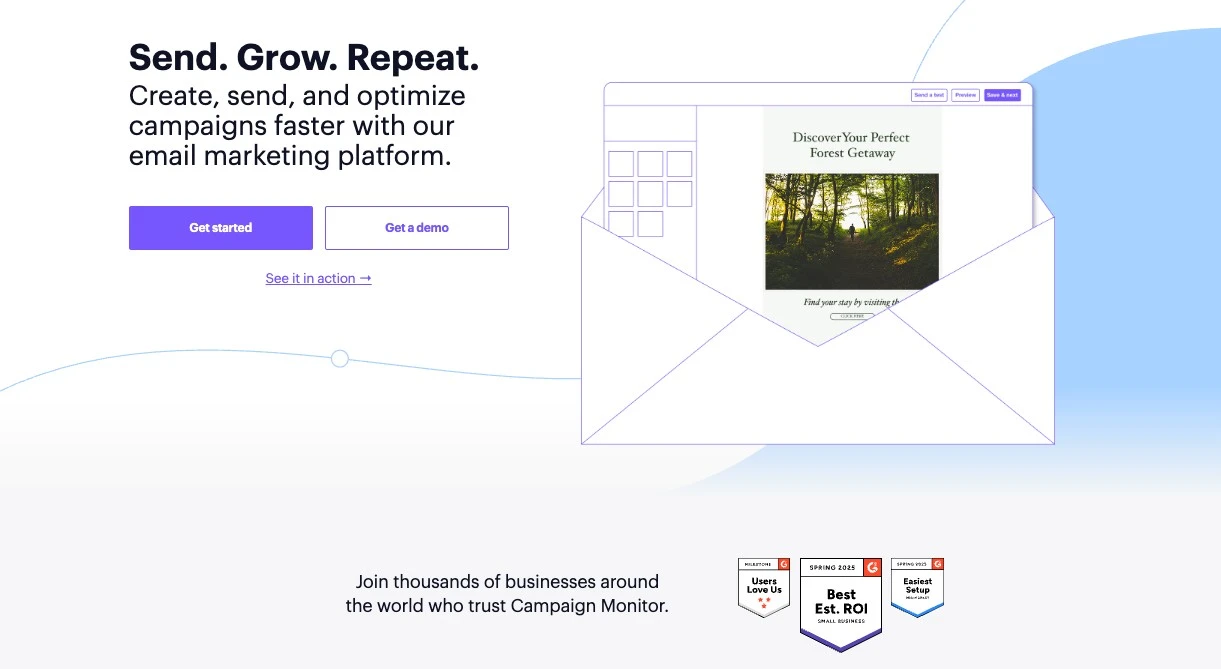
Campaign Monitor focuses on stunning, on-brand email newsletters with powerful yet approachable automation. It’s built for marketers, agencies, nonprofits, and growing businesses that care about both performance and polish.
Best for: Agencies, nonprofits, and design‑driven teams who want beautiful, high‑performing campaigns without enterprise‑level complexity.
Why it’s the choice for beautiful and professional newsletters
- The zero-design workflow: Paste your website URL to instantly generate a suite of custom templates. This saves you hours of setup and guarantees every send is on-brand without touching a line of code.
- Bulletproof team editing: Give your team creative freedom while “freezing” headers and legal footers. You can now delegate content creation safely, knowing they can’t accidentally break the layout.
- Predictive send-time optimization: Identify when subscribers are most likely to engage and deliver mail at that exact moment. You’ll stop guessing “best send times” and hit the top of the inbox when your reader is actually active.
- Visual subscriber journeys: Map out onboarding sequences on a clear drag-and-drop canvas—a “set-it-and-forget-it” system that nurtures new signups into loyal fans automatically.
- Dynamic content modules: Swap articles or buttons inside a single email based on recipient data. Send one newsletter that shows a “Give” button to donors and “Sign Up” to volunteers, making every message feel 1-to-1.
- Bot-proof analytics: Integrated filters automatically strip out “fake” opens triggered by privacy software. You get an honest view of engagement rather than making decisions based on inflated, noisy metrics.
- Agency-first management: Control dozens of client brands from one master dashboard. Scale from one brand to fifty without the security risks or headaches of managing multiple logins. (If you need the platform to fully adopt your own branding, check out our list of the best white-label email marketing platforms).
Cases where brands are using Campaign Monitor for their email newsletter
- Nonprofits (Australian Red Cross): Saw a 201% increase in clicks and 75% increase in conversions by personalizing journeys based on donor behavior.
- Media (The GIST): Achieved 2x industry open rates for their email newsletter and cut segmentation time by 75%.
- Retail (On Running): Attributes 20% of total ecommerce revenue to campaigns powered by CM’s automation.
Read more: 15 of the BEST email newsletter examples we’ve ever seen (and why they work)
Quick pricing guide
- Lite: Starts at ~$11/mo. Ideal for regular newsletters with core automation.
- Essentials: Starts at ~$28/mo. Includes unlimited sends and send-time optimization.
- Premier: Best for high-volume senders needing advanced segmentation and phone support.
- Note: Nonprofits receive a 15% discount.
When to choose Campaign Monitor
Pick Campaign Monitor if you:
- Need beautiful, on‑brand newsletters that non‑designers can build
- Want advanced segmentation and dynamic content without an enterprise learning curve
- Manage multiple brands/clients and need clean separation plus reporting
- Care about support and deliverability as much as features
It’s a particularly strong contender for agencies (see our guide on Email Marketing Software for Agencies), nonprofits, and design‑led teams that want best‑in‑class emails rather than a noisy all‑in‑one suite.
2) Mailchimp – Good for all-in-one marketing, integrated CRM, and broad integrations
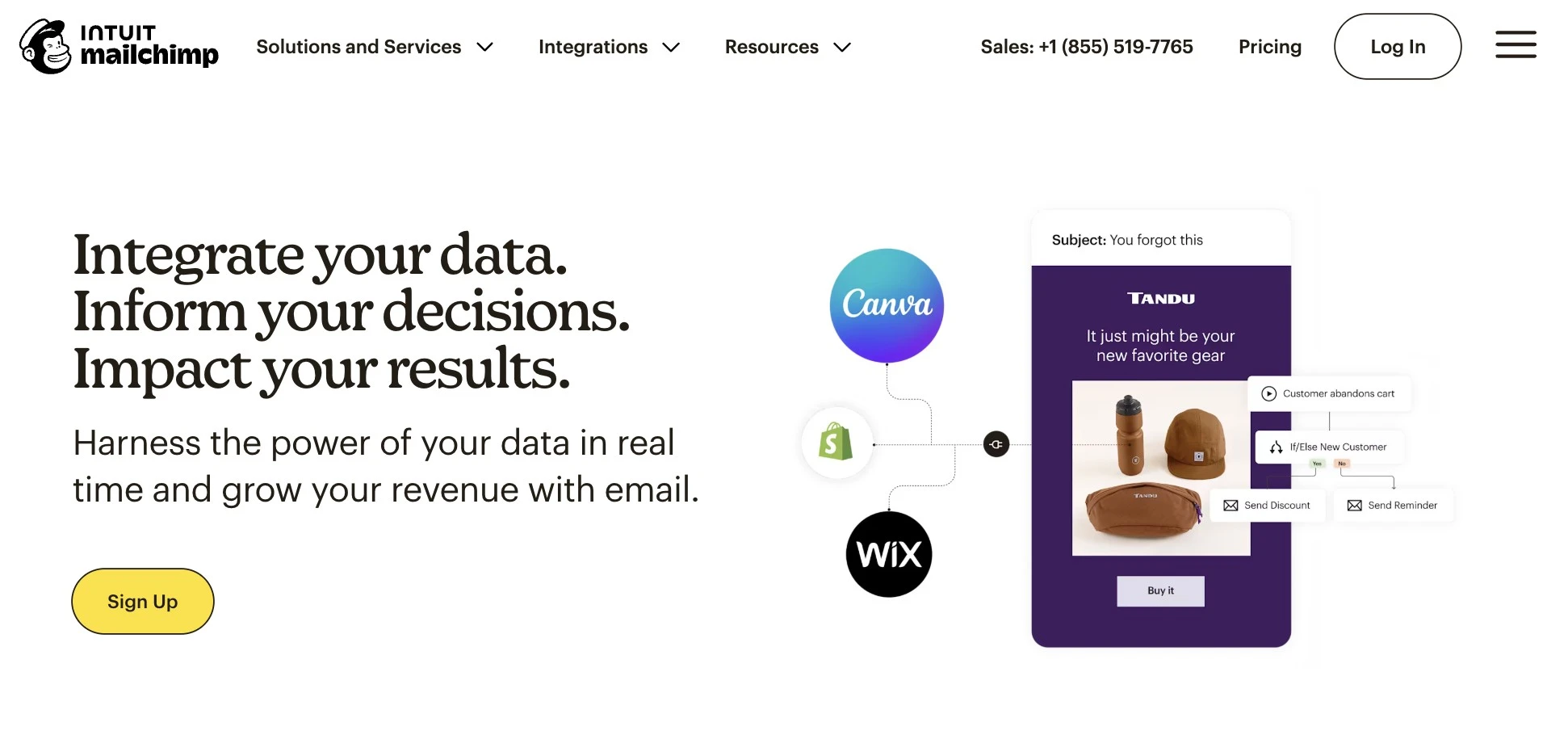
Mailchimp is one of the most recognized email newsletter platforms, combining an intuitive editor, built‑in CRM, and templates into a single, beginner‑friendly toolkit. It earns its place among the best because it’s an accessible “everything in one login” option for teams getting serious about email.
Best for: Small businesses and ecommerce teams that want an all‑in‑one platform with email, basic CRM, and simple automation.
Key features
- Drag‑and‑drop email editor with 250+ templates
- Marketing CRM for managing contacts and simple pipelines
- Automation journeys (welcome, abandoned cart, product follow‑ups)
- AI tools for subject lines and content suggestions
- Landing pages and simple websites
- Extensive integration ecosystem (ecommerce, ads, forms, CRM)
- Basic reporting and comparative campaign insights
Pricing: Free with a limit of 250 contacts, then ~$13/month, with a limited free plan (around 500 contacts and capped monthly sends).
| Pros | Cons |
|---|---|
|
|
If the rising pricing or rigid templates are holding you back, check out these Mailchimp alternatives for a better fit.
3) Brevo (formerly Sendinblue) – Solid pick for multichannel campaigns and transactional email on a budget
Brevo earns a spot among the best newsletter tools by offering powerful multichannel capabilities at aggressive price points.
Its focus on volume‑based pricing and transactional email makes it especially attractive for businesses that send across channels and don’t want to be penalized for list size.
Best for: Budget‑conscious teams that need multichannel communication—email, SMS, and WhatsApp—plus transactional email in a single platform.
Key features
- Email, SMS, and WhatsApp campaign management
- Built‑in CRM and contact management
- Automation workflows with behavior‑based triggers
- Transactional email support (order confirmations, password resets, etc.)
- Basic signup forms and list management
- Reporting for sends, opens, clicks, and device usage
- Integrations with major ecommerce and CRM platforms
Pricing: ~$9/month (Starter), plus a free plan with large contact limits and daily send caps.
| Pros | Cons |
|---|---|
|
|
If you find the interface somewhat basic or lacking in polish, consider exploring Brevo alternatives to find a platform with a stronger focus on design.
4) ActiveCampaign – A complete ecosystem for landing pages, SMS, and end-to-end subscriber journeys
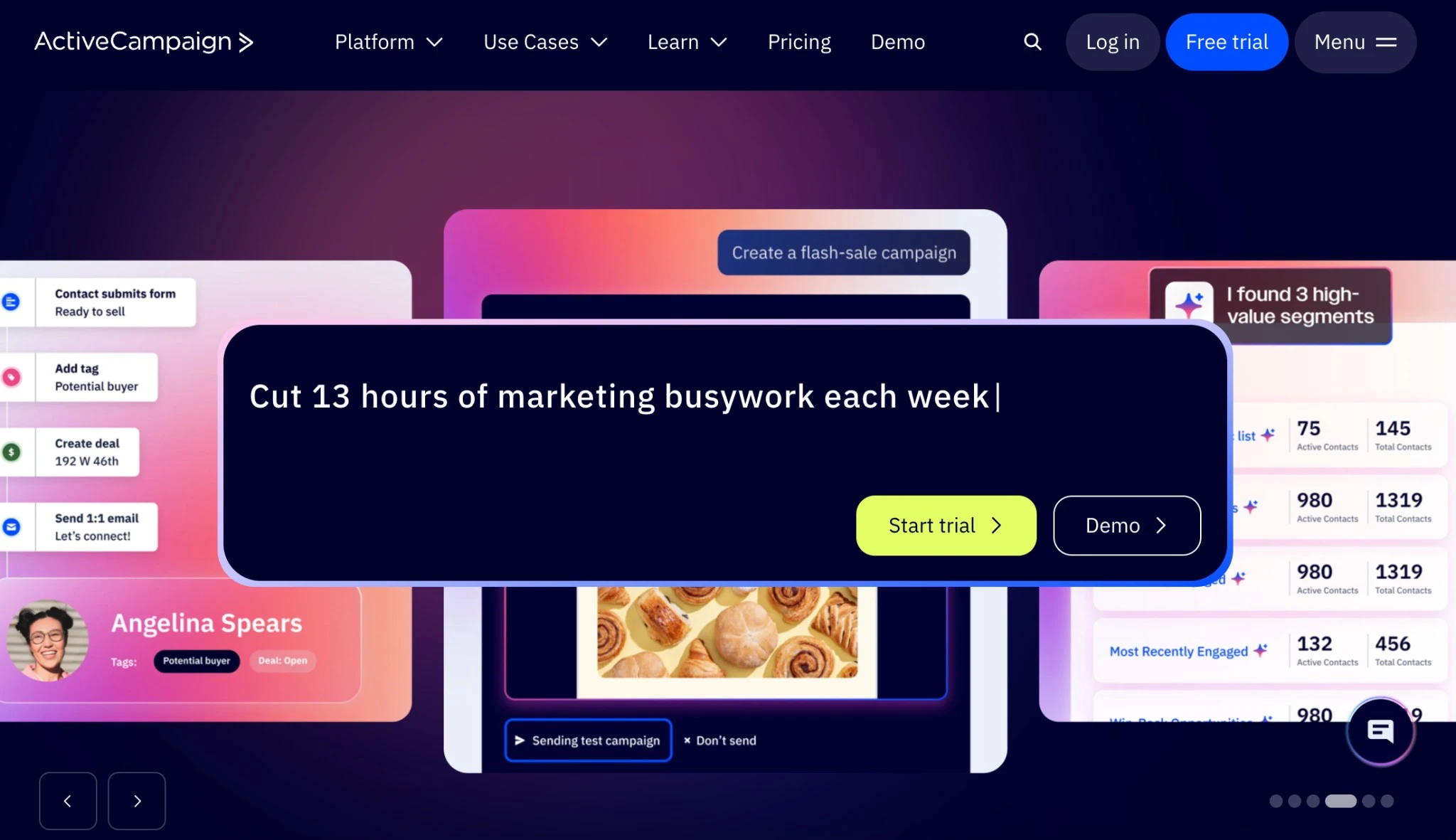
ActiveCampaign is widely regarded as one of the best email marketing platforms for advanced users because of its powerful automation and built‑in CRM. It’s designed for teams who want to orchestrate complex, personalized customer journeys rather than just send newsletters.
Best for: Scaling B2B, SaaS, and ecommerce brands that need deep, behavior‑driven automation and integrated CRM capabilities.
Key features:
- Visual automation builder with sophisticated if/then branching
- Native CRM with deals, pipelines, and lead scoring
- Predictive sending and predictive content options
- Advanced segmentation based on behavior, events, and attributes
- Site and event tracking to trigger campaigns
- Multichannel messaging (email, in‑app/site messaging, SMS on higher tiers)
- Detailed reporting and attribution tools
Pricing: Roughly $15–19/month for entry‑level plans, scaling with contacts and feature needs.
| Pros | Cons |
|---|---|
|
|
If the steep learning curve feels like overkill for your team, review these ActiveCampaign alternatives that offer power without the headache.
5) Beehiiv – Perfect for creator monetization, paid subscriptions, and built-in referral tools
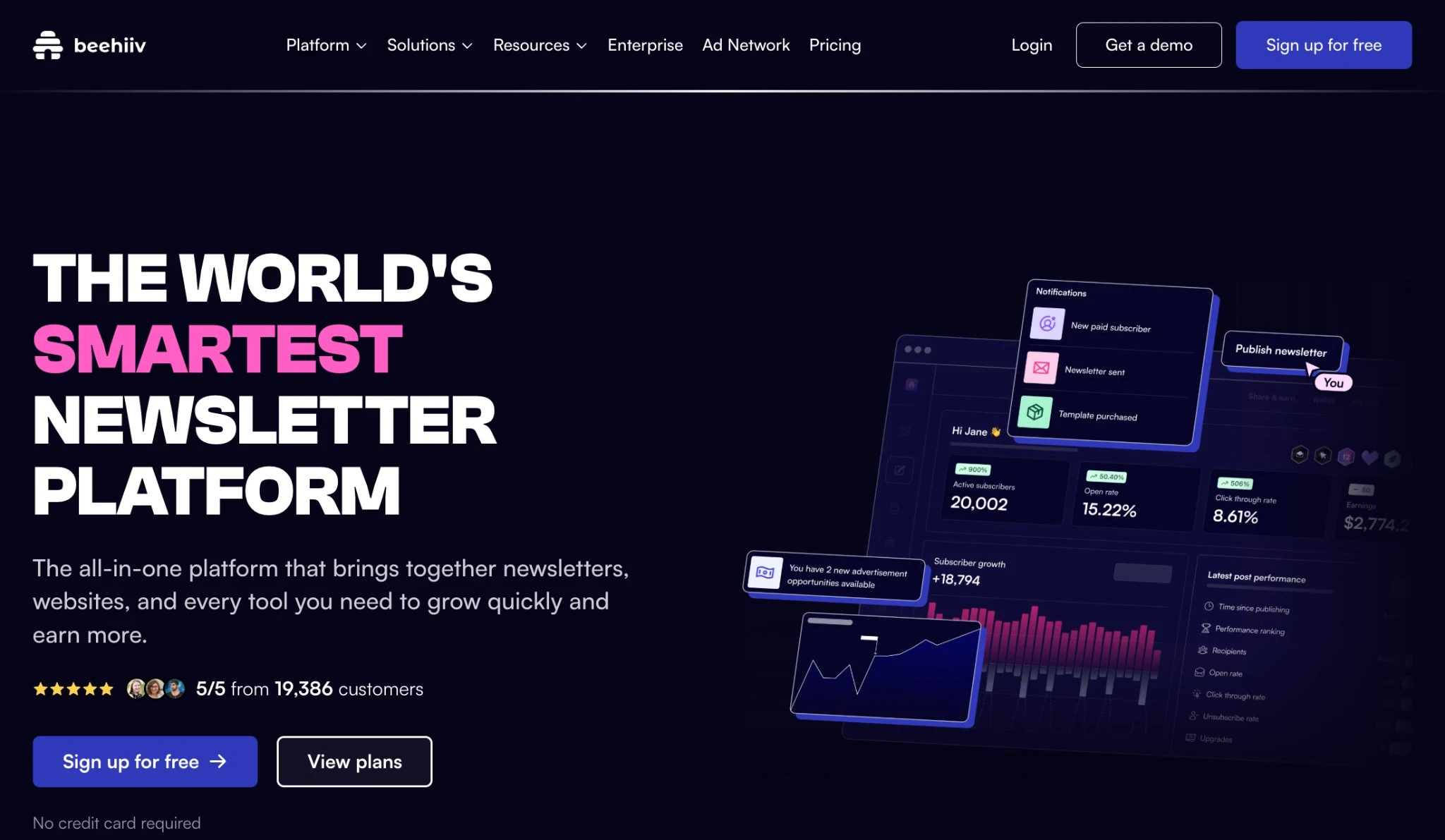
Beehiiv is purpose‑built for content creators, making it one of the best email newsletter platforms if your newsletter is the product. It combines publishing, list growth, and monetization tools so you can grow an audience and turn it into a revenue stream from one dashboard.
Best for: Creators, writers, and media brands building newsletter‑first businesses with built‑in growth and monetization features. If you are exploring this model, it’s worth understanding newsletter revenue and affiliate marketing potentials before choosing your tool.
Key features:
- Newsletter, blog, and simple website in a single platform
- Built‑in referral programs and recommendation network for growth
- Monetization options including paid subscriptions and sponsorship marketplace
- Basic segmentation and automation (welcome sequences, simple flows)
- Audience analytics focused on growth and engagement
- Simple editor optimized for fast publishing rather than heavy design
Pricing: $0 on a generous free plan, with paid plans (e.g., Scale) starting around $49/month.
| Pros | Cons |
|---|---|
|
|
If the opinionated editor or lack of deep integrations is a dealbreaker, check out these Beehiiv alternatives to find a more flexible platform.
list growth
industry open rates
less time on segmentation
6) MailerLite – Great value for simplicity, affordable scaling, and beginner-friendly design
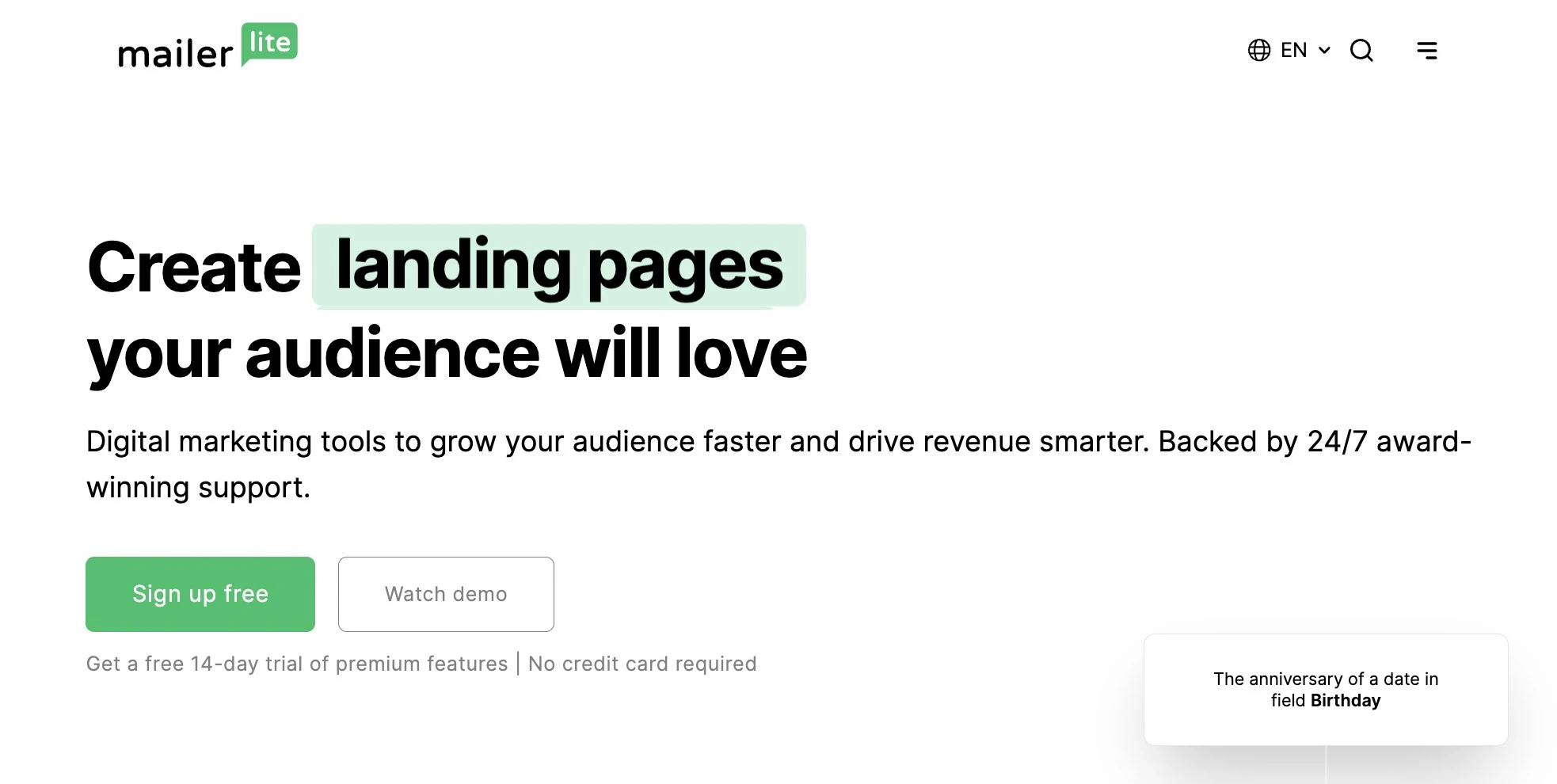
MailerLite is consistently ranked among the best newsletter software for small business thanks to its simple UI, modern templates, and low pricing. It’s ideal if you want to build and send good‑looking campaigns without getting bogged down in complexity.
Best for: Beginners, freelancers, and small businesses that want a clean, affordable email tool with just enough automation and landing‑page power.
Key features:
- Intuitive drag‑and‑drop email editor
- Landing pages, simple websites, and signup forms
- Pop‑ups and embedded forms for list growth
- Basic automation (welcome series, simple drips, date‑based flows)
- Segmentation and tagging based on behavior and fields
- Solid analytics for opens, clicks, and devices
- EU‑friendly hosting and GDPR‑conscious setup options
Pricing: Around $9–10/month, with a generous free plan for small lists (limits on sends and features).
| Pros | Cons |
|---|---|
|
|
If you are hitting the ceiling on automation or support, these MailerLite alternatives offer more room to scale.
7) Constant Contact – Reliable choice for event promotion and local community management
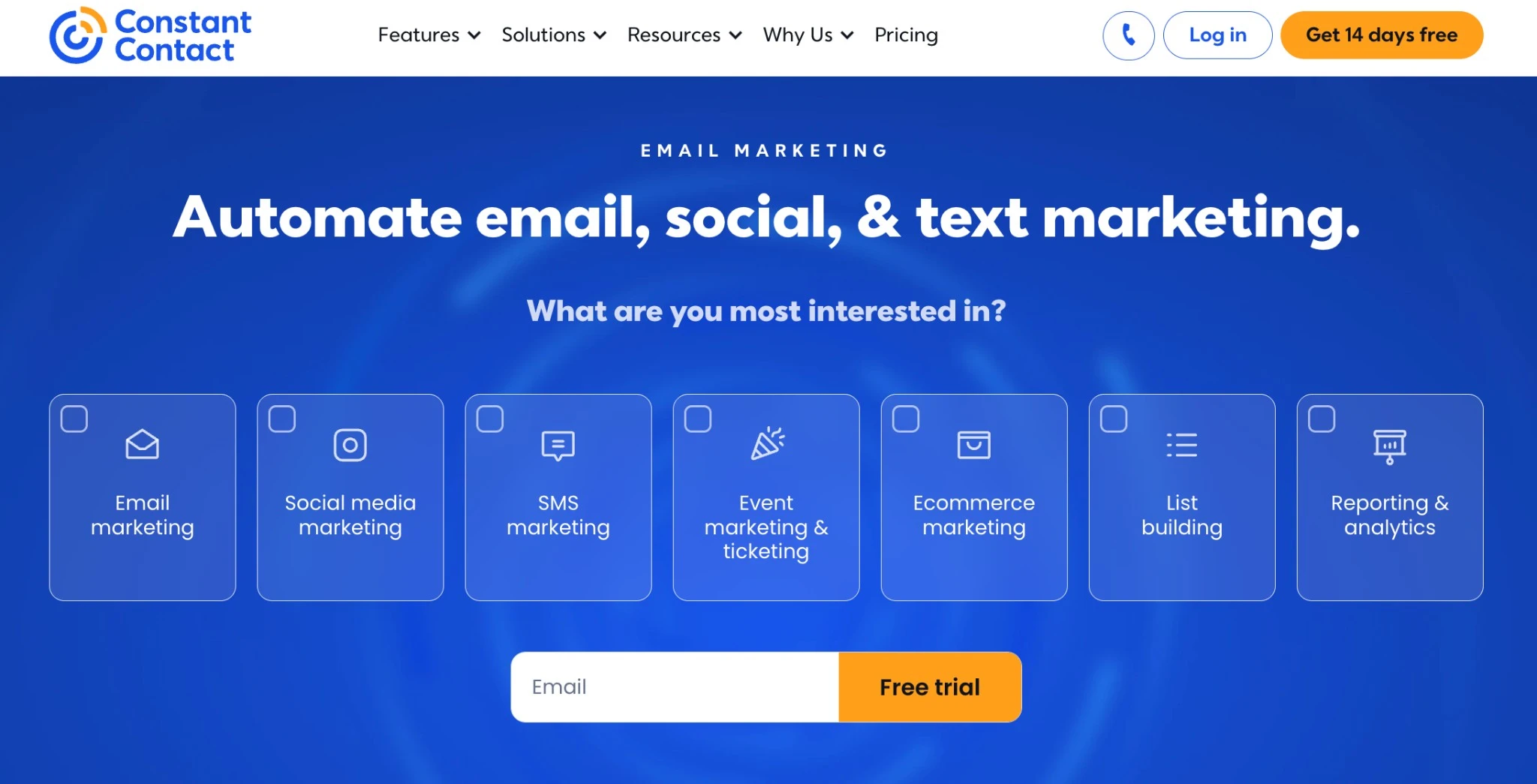
Constant Contact remains one of the best email newsletter services for organizations that pair email with frequent events and community engagement. Its emphasis on event tools and social promotion makes it especially useful for nonprofits and local SMBs.
Best for: Nonprofits, associations, and local businesses that rely heavily on events, local campaigns, and simple, consistent newsletters.
Key features:
- Drag‑and‑drop email editor with pre‑built templates
- Event promotion tools, RSVPs, and basic event management workflows
- Polls, surveys, and feedback collection
- Social media posting and basic ads tools from within the platform
- AI‑assisted subject lines and copy suggestions
- Basic automation for welcome and simple follow‑ups
- Reporting on opens, clicks, and engagement trends
Pricing: Around $12/month (Lite), with a free trial and more advanced features on Standard and Premium plans.
| Pros | Cons |
|---|---|
|
|
If the existing templates seem outdated or the expense is too high, consider comparing these Constant Contact alternatives to discover options with better value.
8) GetResponse – Complete solution for sales funnels, webinar hosting, and lead generation
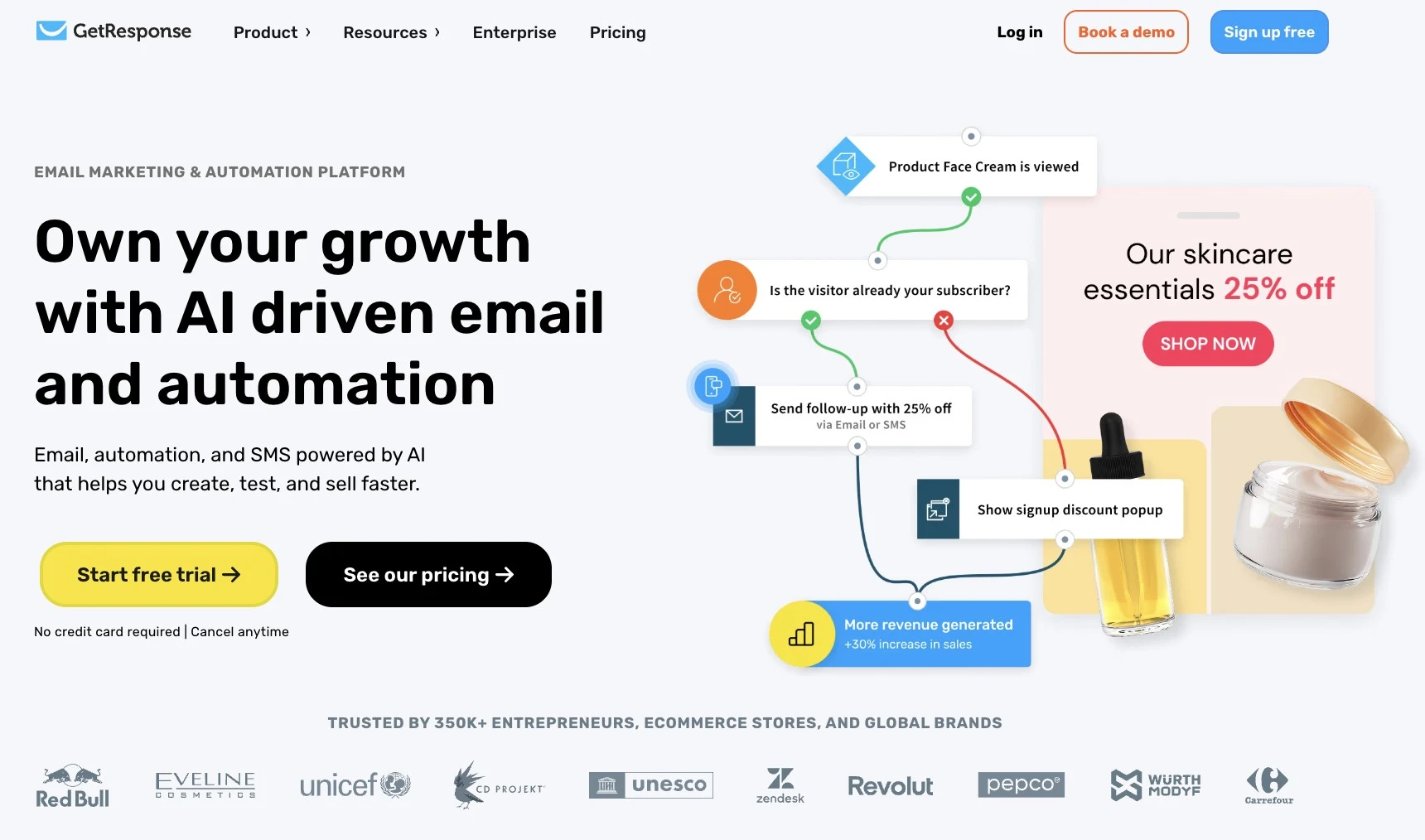
GetResponse is one of the best email campaign tools for businesses running full marketing funnels. It bundles email, landing pages, automation, and webinar hosting so you can move leads from opt‑in to purchase without stitching together multiple products.
Best for: Conversion‑focused marketers who need email, funnels, webinars, and landing pages in one tightly integrated system.
Key features:
- Drag‑and‑drop email builder with AI‑assisted copy and templates
- Advanced automation workflows with tagging and scoring
- Landing page and website builder for opt‑ins and sales pages
- Pre‑built conversion funnels (lead magnets, sales, webinar funnels)
- Built‑in webinar hosting and registration flows
- Ecommerce integrations and transactional email options
- Reporting on funnels, revenue, and campaign performance
Pricing: Roughly $15–19/month, with a limited free plan for very small lists and basic use.
| Pros | Cons |
|---|---|
|
|
Should you find yourself hindered by a complicated user interface or a steep learning curve, consider these GetResponse alternatives to access a more straightforward and intuitive system.
9) AWeber – Dependable for personal support and simple digital product sales
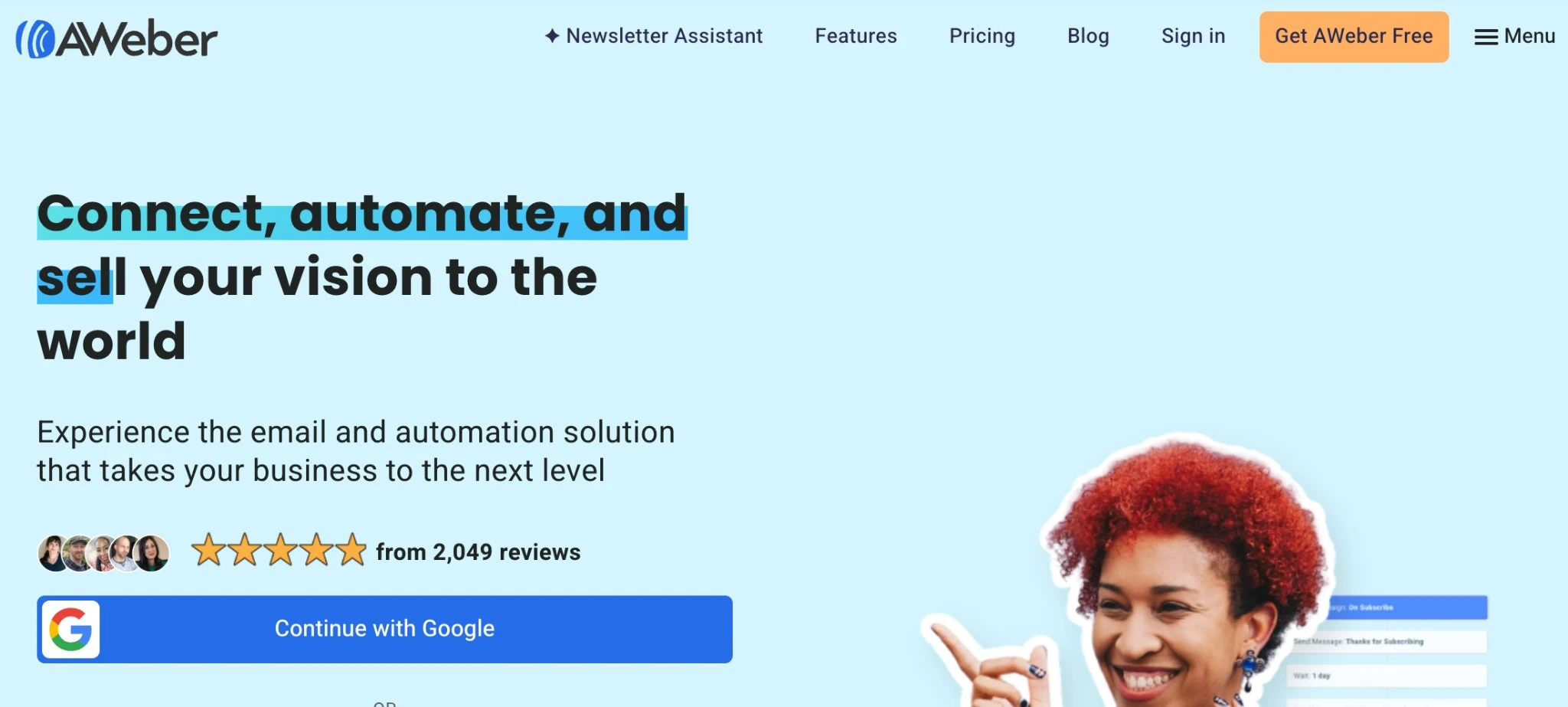
AWeber is a long‑standing player in the email space and remains one of the best email newsletter platforms for people who value dependability over bleeding‑edge features. It focuses on doing core email well and backing it up with human support.
Best for: Creators, solopreneurs, and small businesses that want a reliable, straightforward email tool with strong support and easy onboarding.
Key features:
- Classic autoresponders and broadcast campaigns
- Drag‑and‑drop email builder with pre‑built templates
- Landing pages and signup forms
- AWeber AI writing assistant for subject lines and copy
- Web push notifications for on‑site re‑engagement
- Basic ecommerce tools for selling digital products or simple stores
- Well‑regarded support and onboarding resources
Pricing: Around $15/month, with a free plan (up to ~500 subscribers) that includes core features but adds AWeber branding and some limits.
| Pros | Cons |
|---|---|
|
|
For advanced automation needs that go beyond basic autoresponders, consider modernizing your platform by exploring these AWeber alternatives.
What most comparisons miss
Most “best newsletter software” posts stop at features and price. That’s like judging a car only by horsepower and color. Here’s the 4P Fit Framework to choose newsletter software that actually sticks.
The 4P fit for newsletter software
| Pillar | What to look for | Why it matters |
|---|---|---|
| Personalization | Beyond “First Name” tags. Look for dynamic content blocks and behavioral tagging. | High relevance emails see up to 3× the conversion rate of generic blast newsletters. |
| Performance | Real time analytics that filter out bot clicks and provide clear revenue attribution. | In 2026, privacy changes make open rates unreliable; click and conversion data matter far more. |
| Platform | Native integrations with your stack such as Shopify or Salesforce, plus a clean API. | You want a single source of truth, not a mess of manual CSV uploads. |
| Partnership | Access to human support, migration experts, and deliverability consultants. | When an IP gets blacklisted or a template breaks, self service alone is not enough. |
Use it as a checklist during trials: if a tool fails 2 out of 4, don’t force a fit.
How to choose your best-fit newsletter platform
Finding the right tool is a process of elimination based on your specific goals and scale. Follow this 5-step framework to find your fit.
1. Identify your primary driver
Different tools are optimized for different outcomes. Choose based on your “North Star” metric:
- Growth & monetization: If your newsletter is the product, prioritize tools with referral programs and ad networks (Beehiiv, MailerLite).
- Sales & revenue: If email drives ecommerce or B2B leads, prioritize deep CRM integrations and behavioral automation (Campaign Monitor, ActiveCampaign, Brevo).
- Community & education: For nonprofits and media entities, prioritize high-end design and deliverability (Campaign Monitor, Mailchimp).
2. Map your scale and complexity
Choose a tier that matches your current list size and growth trajectory:
- The entry tier (<2,500 subs): Focus on cost and ease of use (Campaign Monitor, MailerLite, Beehiiv).
- The growth tier (2,500–25k subs): Focus on segmentation and brand consistency. (Campaign Monitor, Mailchimp). If you are stuck in this phase, read our tips on how to increase your newsletter subscribers.
- The scale tier (25k+ or multi-brand): Focus on automation depth, dedicated deliverability, and sub-account management (Campaign Monitor, ActiveCampaign).
3. Separate “must-haves” from “nice-to-haves”
Don’t get distracted by feature bloat. Build your checklist around these essentials:
- Non-negotiables: An editor your team actually likes, behavior-based segmentation, and native integration with your existing stack (Shopify, Salesforce, etc.).
- Strategic extras: If you need to keep employees engaged, look for tools that handle internal comms well. (See: 4 tips for creating an internal newsletter that isn’t boring).
4. Audit the “safety net” (Support & onboarding)
The software is only as good as the help you get when a template breaks or deliverability dips.
- The test: Open a support ticket during your trial. Is the response human and fast?
- The value-add: Look for platforms that offer migration assistance and deliverability consulting—these often pay for themselves in saved time.
5. Run a “mini-pilot”
Before migrating your entire list, run a 14-day test with 500–1,000 contacts:
- Speed to send: How long does it take to move from an idea to a finished, branded campaign?
- Journey check: Build one automated “Welcome Journey” and test the branching logic.
- Data clarity: Can you clearly see which links were clicked and identify “real” vs. “bot” engagement?
Ready to build a newsletter that actually performs?
The “best” software isn’t the one with the most features – it’s the one that fits your specific goal for 2026.
- Pick Campaign Monitor if you manage multiple brands or need strict design control, or if you’re an agency, nonprofit, or ecommerce team. This is because of its master dashboard for client management, granular permission settings, and ability to attribute revenue directly to specific clicks.
- Pick Beehiiv or MailerLite if you want built-in growth tools, or if you’re a creator, publisher, or media brand. This is because of their native referral engines and “recommendation” networks that turn your content into a viral growth loop.
- Pick Brevo if you need to combine marketing newsletters with transactional messages (like password resets), or if you’re a budget-conscious business. This is because of its unique pricing model—which charges by email volume rather than contact count—and its built-in SMS capabilities.
- Pick ActiveCampaign if your newsletter is part of a complex sales cycle, or if you’re a SaaS company or automation power-user. This is because of its advanced lead scoring and deep CRM logic that helps transition subscribers into high-value customers through multi-stage funnels.
- Pick Constant Contact if your strategy relies heavily on in-person engagement, or if you’re a local business or community organization. This is because of its dedicated event management features (RSVPs, tickets) and social posting tools that keep your online and offline marketing under one roof.
- Pick Mailchimp if you want a reliable “Swiss Army Knife,” or if you’re a standard SMB or retailer. This is because of its massive integration ecosystem and all-in-one approach that bundles email with social ads and basic CRM, so you don’t have to piece together a complex stack.
Frequently asked questions
Which email newsletter tool has the best deliverability?
No single tool can guarantee 100% inbox placement, as email deliverability depends heavily on your sender reputation and list hygiene. Deliverability depends on list quality and setup, but Campaign Monitor, ActiveCampaign, and Mailchimp are consistently cited for strong inbox placement.
Campaign Monitor pairs this with expert support and clear analytics, making it a reliable choice if deliverability is your top criterion and you want help optimizing it further.
How do I migrate my list from another platform?
To migrate, export your contacts from your current provider as a CSV or Excel file, ensuring you include custom fields like “Join Date” and “Tags.” Clean your list using a tool like NeverBounce to remove stale addresses, then import it into your new platform.
Most major services provide migration wizards or support teams to help you map your existing segments so you don’t lose your audience data. Platforms like Campaign Monitor offer migration guides and support to preserve segmentation and engagement history where possible.
What support is available for agencies or nonprofits?
Agencies and nonprofits should prioritize email newsletter platforms that offer fast support, migration help, and multi‑account management.
For agencies: look for multi‑client dashboards, permission management, and template libraries. For nonprofits: ask about discounts, migration assistance, and fundraising/appeal templates.
How do I measure campaign ROI beyond opens and clicks?
To measure email marketing ROI beyond opens and clicks, connect your email platform to ecommerce, CRM, and analytics tools. Track revenue, donations, or sign‑ups attributed to campaigns. Tools like Campaign Monitor integrate with Google Analytics and ecommerce platforms to reveal real revenue impact.
This helps you understand why email newsletters need to be part of your digital marketing strategy, because they drive measurable revenue, not just vanity metrics.